Browse
AI Directory Open Source AI News 🏆 AI Challenge AI Statistics
Browse by profession
Accounting, Bookkeeping & TaxCompliance, Audit & GRCConstructionCustomer SupportData ScienceMedical All 38 professions →
Company
About Advertise Submit a tool Get the free AI guide

Compared & scored by Zekai

Canva alternatives:
9 better options compared

Every tool here sits in the same category as Canva and is scored independently on ease of use, accuracy, time saved and value for money. Ranked by score, with what actually separates each one.

Figma leads our list of 9 tested marketing & content creation alternatives with a Zekai score of 9.4 out of 10, followed by Picsart and Pixlr. Each was scored independently on ease of use, accuracy, time saved and value for money.

9Alternatives compared
9.4Top score
9With a free tier
2026Last reviewed

First — what Canva is good at

Create stunning visuals in minutes — no design experience needed

Best for: Marketers and content creators needing to produce visual assets quickly.

9.0Zekai score

Best Canva alternative overall

Looking for the best canva alternatives in 2026? We tested 9 real competitors to canva on the same job — chat, writing, research and code — and scored each one independently on ease of use, accuracy, time saved and value for money. Figma comes out on top at 9.4 out of 10, and 9 of the 9 canva alternatives include a usable free plan, so if budget is the deciding factor the free canva alternatives below are the ones to try first. Whether you are comparing canva alternatives for daily work or specifically hunting for free canva alternatives before you pay for anything, the table and free-tier list below cover both with real pricing.

Figma

Best for: Digital product design teams

Real-time, all-in-one collaboration from design to dev handoff.

9.4Zekai score

Free Canva alternatives

9 of the 9 alternatives compared here publish a real free tier (not just a trial).

The 9 alternatives at a glance

Scores are ours. Pricing comes from each vendor's public pricing page.

ToolScorePricingBest forWhat makes it different
Figma 9.4 Free · free tier Digital product design teams Real-time, all-in-one collaboration from design to dev handoff.
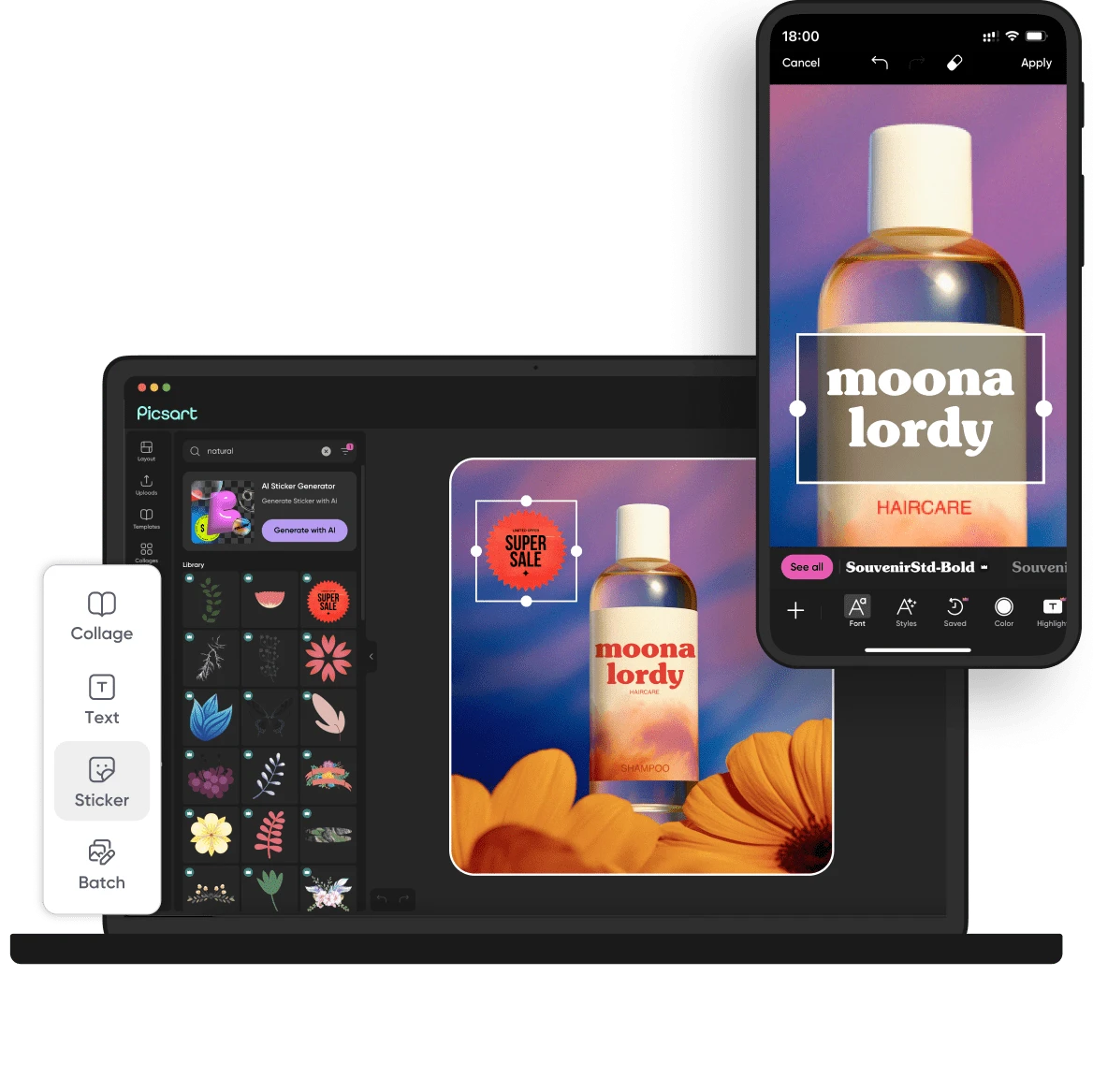
Picsart 9.4 ₺83.25/mo · free tier Consolidating AI generation and editing tools Access to many leading AI models in one subscription
Pixlr 9.2 $1.99/mo · free tier Fast, browser-based image editing and AI generation Combines a Photoshop-like editor with a full suite of generative AI tools in one free, browser-based platform.
PosterMyWall 9.2 $0 (Free plan available) · free tier Rapidly creating social media, event, and email marketing assets. All-in-one platform with 3M+ templates, AI tools, social scheduling, and email marketing.
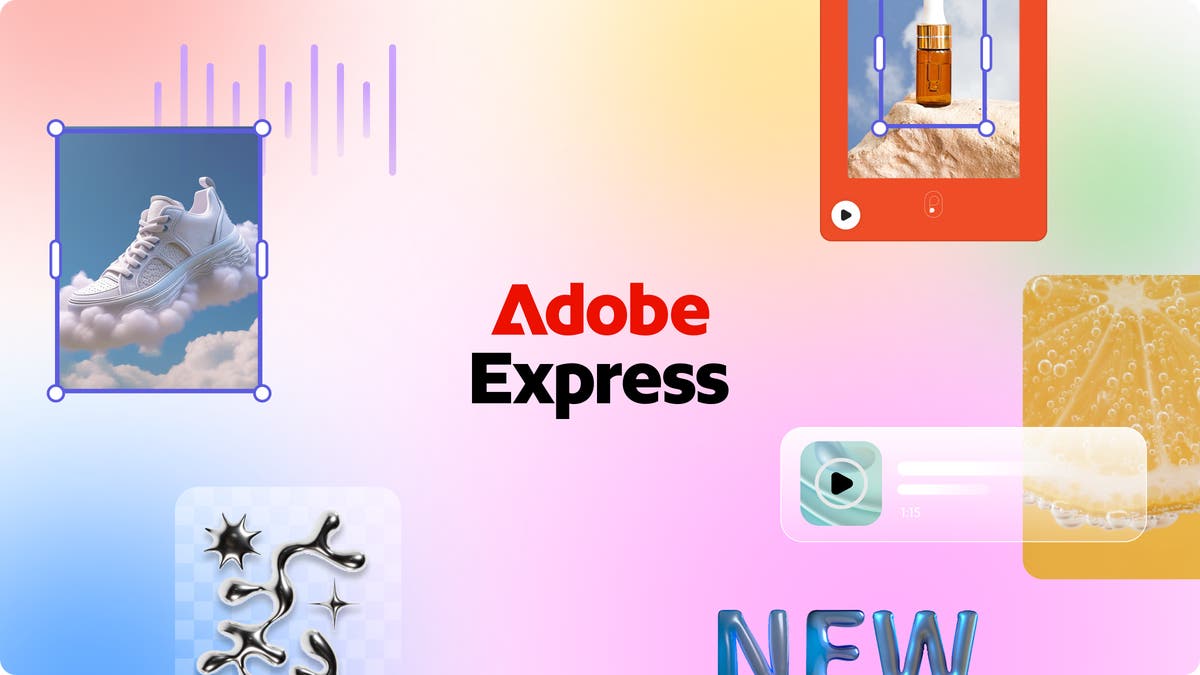
Adobe Express 9.1 Free plan available · free tier Rapidly creating on-brand social and marketing content. Deep integration with Creative Cloud and 'commercially safe' AI.
Kittl 9.1 $0 · free tier Branding, merchandise, and social media graphics Integrates AI generation with a full vector editor and asset library
Visme 9.1 $29/mo · free tier Teams needing to create diverse, branded visual content at scale. Combines AI design, data visualization, and interactivity in one platform.
Photoroom 9.1 Free plan available · free tier E-commerce product image automation Batch processing of thousands of images with direct Shopify/marketplace integration.
Piktochart 9.0 Free plan available · free tier Rapidly creating on-brand infographics and reports AI generator turns text prompts into complex visuals like infographics.

Why you would switch to each one

Ranked by Zekai score. Where an alternative scores lower than Canva, we say so.

1
9.4Zekai score
PricingFree · free tier
Best forDigital product design teams
Learning curveIntermediate

The difference: Real-time, all-in-one collaboration from design to dev handoff. It scores 9.4 against Canva's 9.0.

Best for design teams building digital products who need a unified platform for real-time collaboration, prototyping, and maintaining scalable design systems.

2
9.4Zekai score
Pricing₺83.25/mo · free tier
Best forConsolidating AI generation and editing tools
Learning curveBeginner-friendly

The difference: Access to many leading AI models in one subscription It scores 9.4 against Canva's 9.0.

Best for graphic designers who need to quickly generate and edit a high volume of images and videos using multiple AI models without managing separate subscriptions.

3
9.2Zekai score
Pricing$1.99/mo · free tier
Best forFast, browser-based image editing and AI generation
Learning curveBeginner-Friendly

The difference: Combines a Photoshop-like editor with a full suite of generative AI tools in one free, browser-based platform. It scores 9.2 against Canva's 9.0.

Best for graphic designers who need a fast, browser-based tool for combining traditional photo editing with AI-powered generation and enhancement.

4
9.2Zekai score
Pricing$0 (Free plan available) · free tier
Best forRapidly creating social media, event, and email marketing assets.
Learning curveBeginner-Friendly

The difference: All-in-one platform with 3M+ templates, AI tools, social scheduling, and email marketing. It scores 9.2 against Canva's 9.0.

Rapidly creating a high volume of promotional materials like social media posts, event flyers, and email newsletters using an extensive template library and integrated AI tools.

5
9.1Zekai score
PricingFree plan available · free tier
Best forRapidly creating on-brand social and marketing content.
Learning curveBeginner-friendly

The difference: Deep integration with Creative Cloud and 'commercially safe' AI. It scores 9.1 against Canva's 9.0.

Best for graphic designers who need to quickly create and adapt high-volume, on-brand marketing and social media assets using AI-powered templates and one-click tools.
6
9.1Zekai score
Pricing$0 · free tier
Best forBranding, merchandise, and social media graphics
Learning curveBeginner-Friendly

The difference: Integrates AI generation with a full vector editor and asset library It scores 9.1 against Canva's 9.0.

Best for designers who need to rapidly create and iterate on commercial-ready visuals like logos, t-shirts, and social media graphics using a blend of AI and traditional vector tools.

7
9.1Zekai score
Pricing$29/mo · free tier
Best forTeams needing to create diverse, branded visual content at scale.
Learning curveIntermediate

The difference: Combines AI design, data visualization, and interactivity in one platform. It scores 9.1 against Canva's 9.0.

Best for graphic designers and marketing teams needing a single platform to create, manage, and scale diverse branded content from presentations to social media graphics.

8
9.1Zekai score
PricingFree plan available · free tier
Best forE-commerce product image automation
Learning curveEasy

The difference: Batch processing of thousands of images with direct Shopify/marketplace integration. It scores 9.1 against Canva's 9.0.

Automating the creation of on-brand, high-quality product photos for marketplaces and DTC stores at any scale.

9
9.0Zekai score
PricingFree plan available · free tier
Best forRapidly creating on-brand infographics and reports
Learning curveBeginner-friendly

The difference: AI generator turns text prompts into complex visuals like infographics. It scores 9.0, level with Canva.

Best for designers and teams who need to rapidly produce data-driven visuals like infographics, reports, and presentations without starting from scratch.

Comparing more than one tool?

See the full scored list for Marketing & Content Creation, updated as new tools are tested.

best AI tools for marketing & content creation →

Scores are Zekai's own, produced with the method described in how we score. Pricing is taken from each vendor's public pricing page and can change. Links marked ↗ may earn Zekai a commission; that never affects a score.

Frequently asked

Short answers, drawn from the same scored data as the table above.

What is the best alternative to Canva?

Figma is the highest-scoring alternative at 9.4 out of 10, ahead of the other 8 marketing & content creation tools we compared against Canva. Its edge: Real-time, all-in-one collaboration from design to dev handoff. Pricing: Free · free tier. Every score is Zekai's own, based on ease of use, accuracy, time saved and value for money.

Are there free Canva alternatives?

Yes. 9 of the 9 alternatives offer a free tier, including Figma, Picsart and Pixlr. Figma is the highest-scoring of them at 9.4 out of 10, so it is the one to try first if budget is the deciding factor. Free tiers usually limit usage rather than features.

What is the cheapest paid alternative to Canva?

Pixlr is the lowest published paid price at $1.99/mo, and it scores 9.2 out of 10. It is aimed at fast, browser-based image editing and AI generation. Cheapest is not automatically best value: our value-for-money sub-score weighs price against what the tool actually delivers, and that is already folded into the score shown.

Is Canva still worth using?

Canva scores 9.0 out of 10 in our index. It is best for marketers and content creators needing to produce visual assets quickly. Create stunning visuals in minutes — no design experience needed. Switching only makes sense if one of the alternatives above matches your specific use case more closely.

How does Zekai score these tools?

Every tool is scored out of 10 on four criteria: ease of use, accuracy, time saved and value for money. Scores are editorial and independent, they are never sold or influenced by vendors, and affiliate links do not affect them. The full method is published on our scoring page.

See Zekai first in Google