AI Video Editing & ProductionThe best video editing AI tools, ranked
We track 107 AI tools for video editors and rank them by score, so you can pick the right one in minutes. 63 have a free plan you can use today.
The 10 best AI tools for video editors in 2026
Ranked by Zekai score, out of 107 tools. Scores weigh accuracy, ease of use, value and time saved for video editors, and we check prices against each vendor's site.
- 01
AI-powered video editor to create trending social content and professional marketing materials with one-click tools and templates.
The fastest, most capable social video editor available, offering industry-leading auto-captions and background removal with practically zero learning curve.
- 02
Automatically edit multi-camera video podcasts and shows directly inside Adobe Premiere Pro.
Unmatched in multi-camera podcast editing inside Premiere and Resolve, reliably saving dozens of hours by automating camera switching based on isolated mic feeds.
- 03
Turn one long video into ten viral short clips, 10x faster. Designed for video editors to automate content repurposing.
Transforms long-form videos into engaging, captioned social clips with XML export to professional NLEs. Clip selection occasionally grabs uninteresting moments, but it eliminates hours of tedious manual scrubb…
- 04
Automate post-production for screen recordings. KlipKap Pro adds auto-zooms, smooth cursor motion, and AI subtitles the moment you stop recording.
Automates screen tutorial production with cursor smoothing, auto-zoom, and offline AI subtitles for a single $25.49 purchase across Windows, Mac, and Linux. It delivers Screen Studio-level polish with cross-pl…
- 05
The definitive AI-powered audio repair toolkit for video editors to rescue unusable dialogue and clean up noisy production audio.
The undisputed post-production benchmark for dialogue restoration, isolating speech and eliminating hums with surgical spectrogram precision. The advanced tier is costly and demands audio knowledge, but it rou…
- 06
The all-in-one solution for professional 8K editing, color correction, visual effects, and audio post-production used on Hollywood blockbusters.
The undisputed benchmark for professional post-production, offering Hollywood-grade color, Fairlight audio, and AI neural engines in an unbelievable free package. Its dense learning curve is a small trade-off …
- 07
Create polished, pro-quality videos on Mac and iPad with intelligence features, magnetic timeline, and advanced motion graphics.
- 08
Generate animated video captions locally on Windows with a one-time payment and zero cloud uploads.
- 09
Automatically remove silence, filler words, and bad takes from video with waveform precision, cutting your rough cut time by up to 5.5x.
Waveform-based silence detection cuts far cleaner than transcript-based tools, processes locally for total privacy, and features an attractive lifetime pricing option.
- 10
Instantly dub and localize your video content for global audiences using production-grade AI voice and translation.
The platform delivers genuine real-time multi-speaker dubbing tested at scale by NASCAR and IMAX, backed by an accessible freemium tier. Credit consumption calculations can be tricky, but the immediate time sa…
All 107 AI tools for video editors
Showing 24 of 107
AI-powered video editor to create trending social content and professional marketing materials with one-click tools and templates.
Free plan AutoPod9.4
Automatically edit multi-camera video podcasts and shows directly inside Adobe Premiere Pro.
Free plan OpusClip9.3
Turn one long video into ten viral short clips, 10x faster. Designed for video editors to automate content repurposing.
Free plan KlipKap Pro9.2
Automate post-production for screen recordings. KlipKap Pro adds auto-zooms, smooth cursor motion, and AI subtitles the moment you stop recording.
Free planIZiZotope RX9.2The definitive AI-powered audio repair toolkit for video editors to rescue unusable dialogue and clean up noisy production audio.
$399DADaVinci Resolve9.2The all-in-one solution for professional 8K editing, color correction, visual effects, and audio post-production used on Hollywood blockbusters.
Free planFIFinal Cut Pro9.1Create polished, pro-quality videos on Mac and iPad with intelligence features, magnetic timeline, and advanced motion graphics.
Free planUIUIDCaption9.1Generate animated video captions locally on Windows with a one-time payment and zero cloud uploads.
$39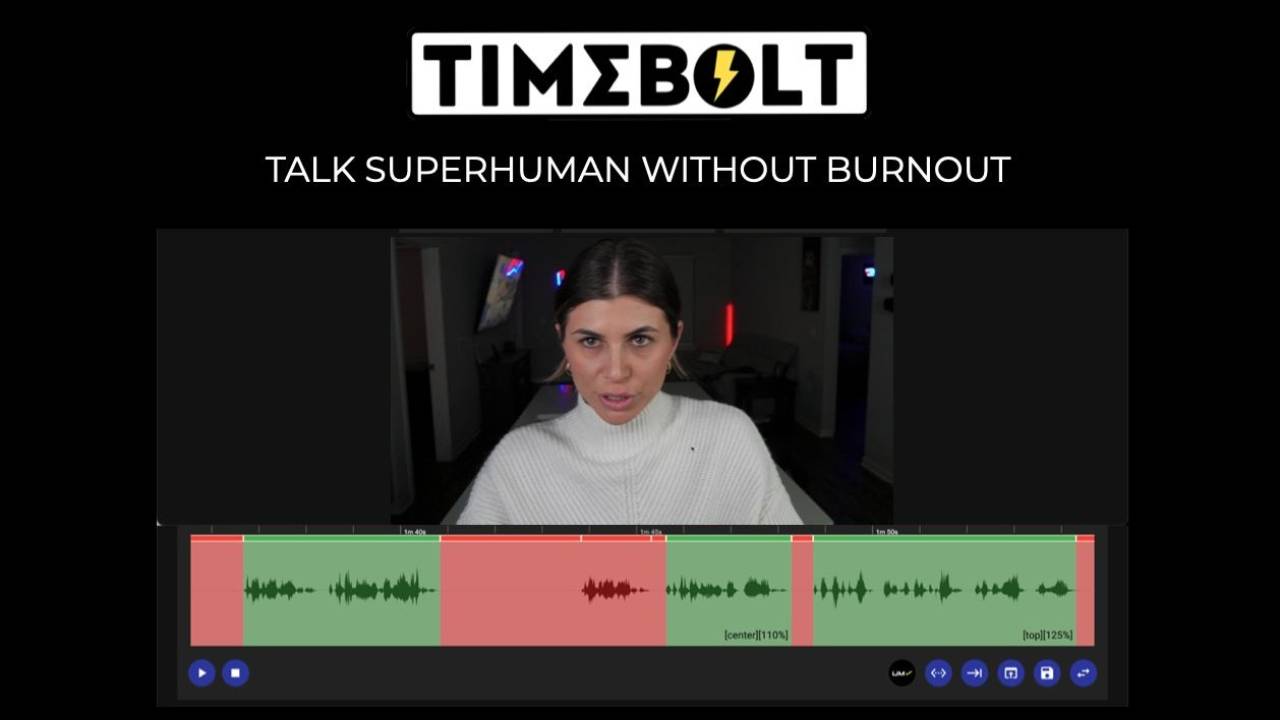 TimeBolt9.1
Automatically remove silence, filler words, and bad takes from video with waveform precision, cutting your rough cut time by up to 5.5x.
Free plan CAMB.AI9.1
Instantly dub and localize your video content for global audiences using production-grade AI voice and translation.
Free planTOTopaz Video AI9.0Enhance video with AI models for enhancement and frame interpolation.
Paid Captions.ai8.9
Use AI to edit video like a professional editor, skipping the entire post-production process for short-form content.
Free plan SceneNote8.8
Get timestamped video feedback with AI-transcribed voice notes, directly in your NLE timeline. No accounts, no sign-ups, no cost.
Free planHAHappy Scribe8.8Instantly transcribe, subtitle, and translate video files in 150+ languages, with optional human-level accuracy for perfect results.
Free plan Gling8.8
AI-powered rough cut editor that automatically removes silences, bad takes, and filler words from your footage.
Free plan Submagic8.8
Edit short-form video 10x faster with AI-powered captions, B-roll, and automated cuts.
$19/member/moRERepurpose.io8.7Automate video distribution across all social platforms. Publish once, and Repurpose.io handles the rest, watermark-free and natively formatted.
Free planPIPixVerse R28.6A real-time world AI model built for persistent, interactive video generation and digital environments.
FreemiumFIFilmora8.6AI-powered video editor to streamline your workflow and deliver professional results faster, without the steep learning curve.
Free planFRFreyaVideo Seedance 2.58.5Create and edit multimodal AI video with Seedance 2.5 through a browser-based workflow.
PaidARArsaze8.5An AI video editor for humans and agents, featuring a real multi-track timeline, text-based editing, and code-to-video rendering.
Free plan Guidde8.5
Automate how-to video production with AI. Capture workflows and instantly generate polished tutorials with voiceover, saving hours of editing.
Free planADAdobe Podcast Enhance8.5Clean up noisy voice tracks and make dialogue sound professionally recorded with a single click.
Free planVIVizard8.5Turn long-form footage into 30+ social-ready clips with one click, powered by AI.
Free planAll 107 tools A–Z
Start free today: 63 tools with a free plan
No card needed to try these. The best-scored free options for video editors.
AI-powered video editor to create trending social content and professional marketing materials with one-click…
Free plan · 9.5/10AutoPodAutomatically edit multi-camera video podcasts and shows directly inside Adobe Premiere Pro.
Free plan · 9.4/10OpusClipTurn one long video into ten viral short clips, 10x faster. Designed for video editors to automate content re…
Free plan · 9.3/10KlipKap ProAutomate post-production for screen recordings. KlipKap Pro adds auto-zooms, smooth cursor motion, and AI sub…
Free plan · 9.2/10DADaVinci ResolveThe all-in-one solution for professional 8K editing, color correction, visual effects, and audio post-product…
Free plan · 9.2/10FIFinal Cut ProCreate polished, pro-quality videos on Mac and iPad with intelligence features, magnetic timeline, and advanc…
Free plan · 9.1/10TimeBoltAutomatically remove silence, filler words, and bad takes from video with waveform precision, cutting your ro…
Free plan · 9.1/10CAMB.AIInstantly dub and localize your video content for global audiences using production-grade AI voice and transl…
Free plan · 9.1/10Get paid for what you know as a video editor
AI companies pay video editors by the hour to check and improve their AI. Remote, on your own hours. Applying through Zekai is free.
Learn AI for video editors. 5 minutes a day.
A free 30-day challenge built around real work for video editors. One short drill each morning in the AI assistant you already use.
- 1Sign upDay 1 arrives right away, then one email each morning.
- 25 minutes a dayRun the drill on your own work. Miss a day? Nothing breaks.
- 3Finish strongComplete 30 drills and claim your Zekai certificate.
Done. Check your inbox to confirm.
ChatGPT prompts for video editors
Copy, paste and fill in the brackets. Works in ChatGPT, Claude, Gemini or Copilot.
Universal Dialogue Cleanup
Isolate all human speech from the background. Remove wind noise, microphone hum, and room echo. Normalize all speakers to a target loudness of -14 LUFS and a true peak of -1.5 dB.
Filler Word and Silence Removal
Transcribe the audio track. Identify and create an edit list of all instances of the words 'um,' 'uh,' 'like,' 'you know,' and 'so.' Also identify all silent segments longer than 0.7 seconds. Do not delete them; present the list for review.
De-Mix Production Audio
Separate the source audio into three distinct stems: one for dialogue, one for background music, and one for ambient sound effects. Export each as a 24-bit WAV file.
Fix Plosives and Sibilance
Analyze the dialogue track for harsh 'p' and 'b' sounds (plosives) and sharp 's' sounds (sibilance). Apply a de-esser and a dynamic EQ to reduce these artifacts without making the speaker sound lispy or muffled.
Assemble a Paper Edit from Transcript
Using the provided transcript, create a new video sequence that only includes the sentences marked with '[[KEEP]]'. Ignore all other text.
Create a Jump Cut Sequence from a Single Take
Analyze this long take of a speaker. Create a new sequence that removes all silences and repeated phrases, resulting in a tight, energetic jump-cut edit.
Will AI replace video editors?
Partly. AI cuts, captions and even generates footage, so editors move towards story, pacing and creative direction.
What AI already does
- Cuts long footage into clips and removes silences
- Adds captions, translations and voice-overs
- Generates b-roll and simple shots
What stays human
- Story, pacing and emotion
- Creative direction and taste
- Working with clients on what they really want
- Use AI for rough cuts and captions
- Sell storytelling, not just editing hours
The problems AI is fixing for video editors
Tedious Rough Cuts
Scrubbing through hours of raw footage just to remove silences and bad takes is soul-crushing work.
AI text-based video editing automatically removes filler words and silences instantly.Manual Subtitling
Transcribing and perfectly syncing subtitles to a video frame-by-frame takes hours of meticulous work.
AI auto-generates highly accurate subtitles and dynamic text animations in one click.Bad Audio Quality
Background wind, echo, or street noise can ruin an otherwise perfect video shoot.
AI audio enhancement tools isolate the human voice and remove background noise flawlessly.Complex VFX
Masking objects, rotoscoping, and replacing backgrounds require advanced skills and days of effort.
AI tools can auto-mask subjects, remove objects, and generate green-screen effects without a green screen.Guides for video editors
Best AI Video Generation Platforms in 2026
Discover the best AI video generation platform options for professional editors in 2026. Compare OpusClip, Descript, Topaz Video AI, and Ti…
27 Sep 2026The 12 Best AI Tools for Video Editors in 2026 (Tested & Ranked)
We tested the top 12 AI tools for professional video editors on NLE integration, output quality, and price.
24 Sep 2026AI in Video Production: The 2026 Guide for Editors
The complete guide to AI in video production for professional editors. We cover tools, NLE workflows, AI video generation, and the 2026 com…
22 Sep 2026AI for Storyboarding: How to Automate the Process (2026)
A step-by-step guide to using AI for storyboarding. We tested and ranked the best AI storyboard generators for speed, quality, and workflow…
21 Sep 2026AI for Social Media Managers: A Practical Starter Guide
A no-hype guide to the best AI tools for social media managers in 2026. We cover video repurposing, content creation, and the new AI disclo…
21 Sep 2026AI for YouTubers: 10+ Tools to Grow Faster in 2026
We tested the top AI tools for YouTubers. Get our verdict on AI video editors, scriptwriters, and audio tools that actually save time.
19 Sep 2026New this month
Questions about AI for video editors
What are the best AI tools for video editors in 2026?
Are there free AI tools for video editors?
Can video editors get paid to train AI?
Will AI replace video editors?
Who owns AI-generated video footage?
How much do AI video editing tools cost?
Does AI actually speed up video editing?
Is AI-generated video good enough for client work?
What should a solo video editor adopt first?
AI for other professions
Stay ahead with AI for video editors
The best new tools, price drops and paid roles for video editors. One short email a week.
Done. Check your inbox to confirm.