AI for Consultants & Small BusinessThe best AI for small business tools, ranked
We track 104 AI tools for consultants and rank them by score, so you can pick the right one in minutes. 55 have a free plan you can use today.
The 10 best AI tools for consultants in 2026
Ranked by Zekai score, out of 104 tools. Scores weigh accuracy, ease of use, value and time saved for consultants, and we check prices against each vendor's site.
- 01
Eliminate back-and-forth emails and streamline client bookings with an open-source, highly customizable scheduling platform.
Category-defining open-source scheduler with white-label control, enterprise compliance, and a generous free tier that outclasses proprietary rivals.
- 02
Get 50 ready-to-use AI workflows designed for French freelancers and small businesses.
- 03
AI research company providing the Claude assistant, models, and development tools for professional and enterprise workflows.
- 04
Govern AI use across your firm and automate client workflows by connecting any AI model to your existing 9,000+ business apps.
Leveraging Zapier's 9,000+ app ecosystem turns AI from a toy into an enterprise automation powerhouse with robust compliance.
- 05
The AI that knows your projects, clients, and workflows, acting as a 24/7 super-agent to keep your firm productive.
At just $7/user/month, this delivers exceptional value by grounding multi-model AI directly inside active projects, docs, and tasks.
- 06
The AI notepad for professional services pros in back-to-back meetings. Capture every detail without a meeting bot.
Bot-free local audio capture avoids awkward client-meeting intrusions, producing clean, structured notes and action items with virtually zero friction.
- 07
Run 53 open-weight AI models locally on your phone with zero accounts, no subscriptions, and total data privacy.
- 08
Automate client reporting for marketing agencies and professional services firms with AI-powered insights.
The definitive reporting standard for marketing agencies, offering transparent per-client pricing, 85+ integrations, and dependable automated delivery.
- 09
Automate customer security reviews and RFPs to unblock sales, accelerate deals, and build client trust with AI.
Solves the painful security questionnaire bottleneck with verified sources and a public trust center, directly accelerating sales cycles.
- 10
Win more government contracts by automating bid/no-bid analysis, proposal writing, and compliance checks with a secure, FedRAMP-authorized AI.
FedRAMP Moderate authorization and deep RFP shredding for GovCon justify enterprise pricing with massive measurable time savings.
All 104 AI tools for consultants
Showing 24 of 104
 Cal.com9.5
Eliminate back-and-forth emails and streamline client bookings with an open-source, highly customizable scheduling platform.
Free planAIAICONIK9.4Get 50 ready-to-use AI workflows designed for French freelancers and small businesses.
Free planANAnthropic9.1AI research company providing the Claude assistant, models, and development tools for professional and enterprise workflows.
Free plan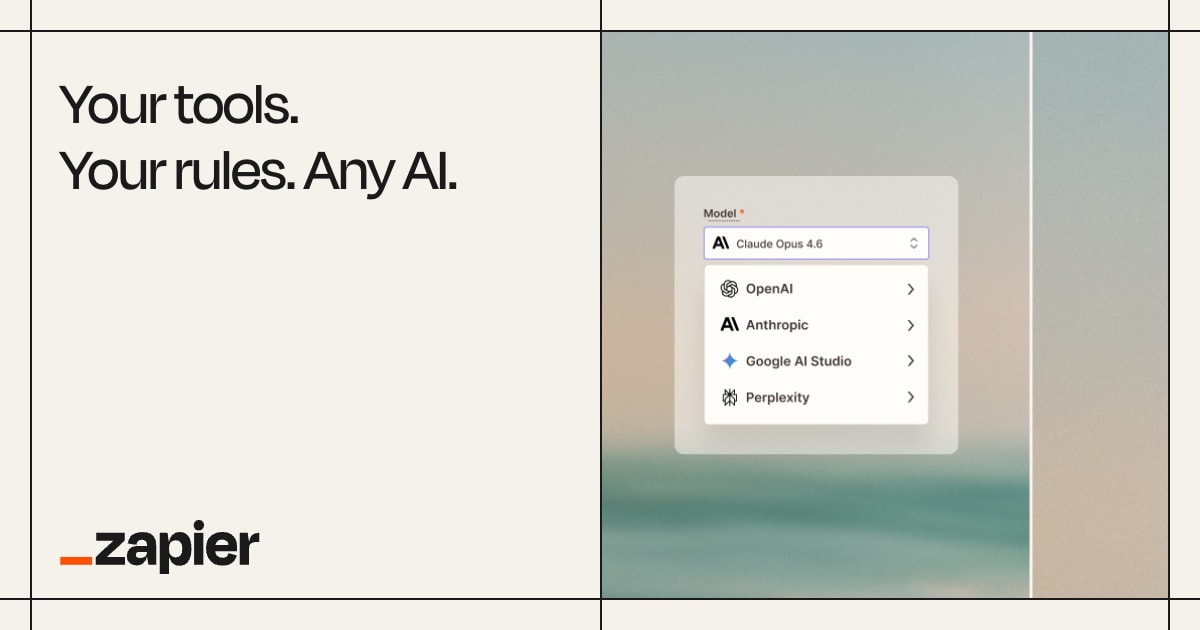 Zapier Central9.1
Govern AI use across your firm and automate client workflows by connecting any AI model to your existing 9,000+ business apps.
Free plan ClickUp Brain9.0
The AI that knows your projects, clients, and workflows, acting as a 24/7 super-agent to keep your firm productive.
Free plan Granola8.9
The AI notepad for professional services pros in back-to-back meetings. Capture every detail without a meeting bot.
Free planKEKernelAI8.8Run 53 open-weight AI models locally on your phone with zero accounts, no subscriptions, and total data privacy.
Free plan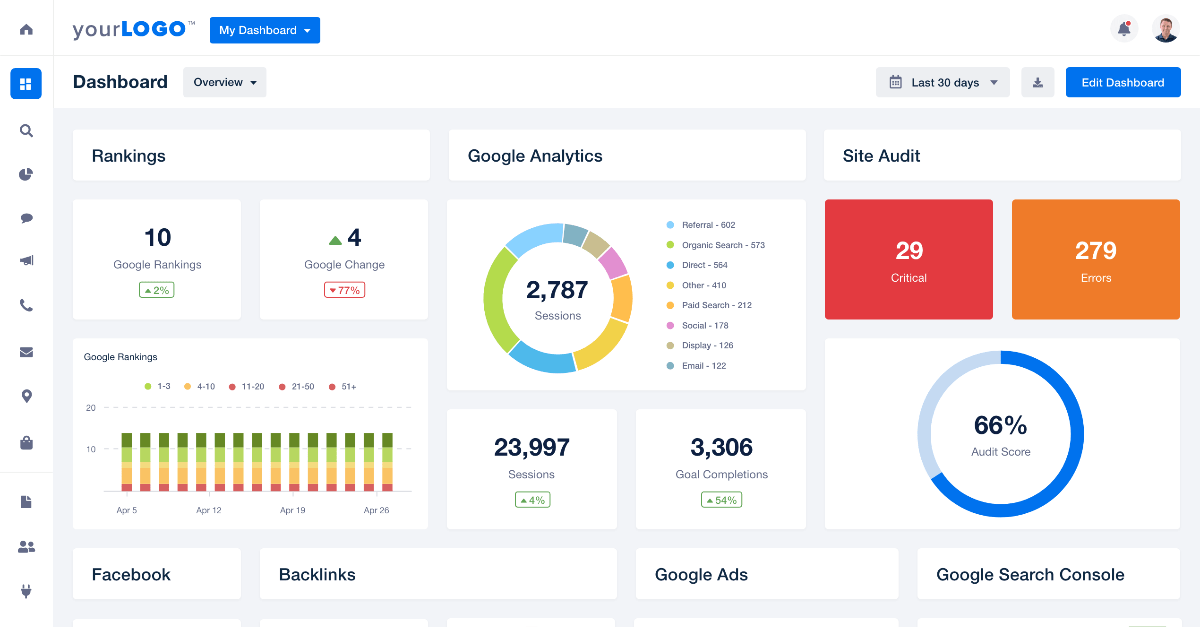 AgencyAnalytics8.8
Automate client reporting for marketing agencies and professional services firms with AI-powered insights.
Free plan Conveyor8.7
Automate customer security reviews and RFPs to unblock sales, accelerate deals, and build client trust with AI.
Free plan Procurement Sciences8.7
Win more government contracts by automating bid/no-bid analysis, proposal writing, and compliance checks with a secure, FedRAMP-authorized AI.
Contact for PricingDODocuSign AI8.6Analyze agreements with AI, sign documents electronically, and automate workflows with Intelligent Agreement Management.
$11 TimeCamp8.6
Automate time tracking and project profitability analysis for your professional services firm.
Free plan Timely8.6
Automate timesheets with AI to capture every billable hour and boost profitability for your professional services firm.
$11 usd/moDEDescribe Image8.5Understand images with AI-generated descriptions, OCR, and accessibility-focused analysis.
Free plan Lago8.5
Automate complex billing for professional services, from retainers and project fees to usage-based consulting hours.
Free plan Memtime8.5
Automatically capture every billable minute without manual timers. Memtime records your activity offline for total privacy and accurate timesheets.
$12/monthSOSonaopus8.4Tell Sonaopus your situation once so your AI writes documents tailored to your exact context without repeated prompts.
Free planVRVresk8.4Access multiple open AI models in a single workspace with flat-rate pricing.
Free planDEDecktly8.4Edit HTML presentation decks like PowerPoint slides directly on your machine.
Free planMEmeetergo8.4Replace 5+ tools with one GDPR-compliant platform for scheduling, e-signatures, payments, and AI assistance.
Free plan Brightwave8.4
Deploy autonomous AI agents to handle entire projects, from research across your full data warehouse to delivering enterprise-grade reports.
Pricing on request Storydoc8.4
Create interactive proposals, reports, and client presentations that close deals faster, without needing a designer.
Free plan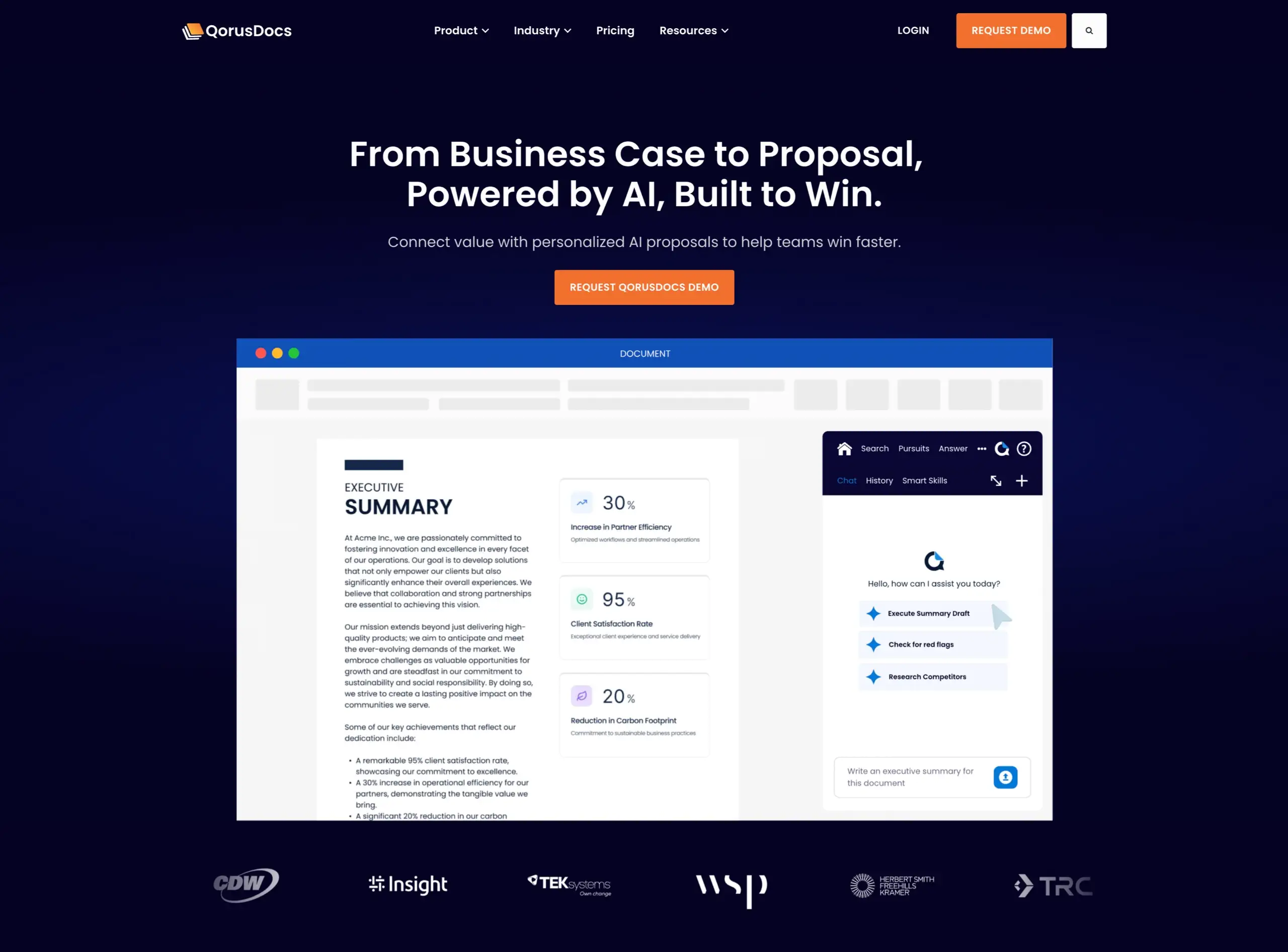 QorusDocs8.3
Create winning proposals, pitches, and RFP responses faster, directly within your firm's Microsoft 365 environment.
Contact for Pricing Graiph AI8.3
Standardize geological drill core descriptions using AI, increasing logging output.
Pricing on requestAll 104 tools A–Z
Start free today: 55 tools with a free plan
No card needed to try these. The best-scored free options for consultants.
Cal.comEliminate back-and-forth emails and streamline client bookings with an open-source, highly customizable sched…
Free plan · 9.5/10AIAICONIKGet 50 ready-to-use AI workflows designed for French freelancers and small businesses.
Free plan · 9.4/10ANAnthropicAI research company providing the Claude assistant, models, and development tools for professional and enterp…
Free plan · 9.1/10Zapier CentralGovern AI use across your firm and automate client workflows by connecting any AI model to your existing 9,00…
Free plan · 9.1/10ClickUp BrainThe AI that knows your projects, clients, and workflows, acting as a 24/7 super-agent to keep your firm produ…
Free plan · 9.0/10GranolaThe AI notepad for professional services pros in back-to-back meetings. Capture every detail without a meetin…
Free plan · 8.9/10KEKernelAIRun 53 open-weight AI models locally on your phone with zero accounts, no subscriptions, and total data priva…
Free plan · 8.8/10AgencyAnalyticsAutomate client reporting for marketing agencies and professional services firms with AI-powered insights.
Free plan · 8.8/10Get paid for what you know as a consultant
AI companies pay consultants by the hour to check and improve their AI. Remote, on your own hours. Applying through Zekai is free.
One short email each morning with new roles open in your country. Free. Unsubscribe any time.
Learn AI for consultants. 5 minutes a day.
A free 30-day challenge built around real work for consultants. One short drill each morning in the AI assistant you already use.
- 1Sign upDay 1 arrives right away, then one email each morning.
- 25 minutes a dayRun the drill on your own work. Miss a day? Nothing breaks.
- 3Finish strongComplete 30 drills and claim your Zekai certificate.
Done. Check your inbox to confirm.
ChatGPT prompts for consultants
Copy, paste and fill in the brackets. Works in ChatGPT, Claude, Gemini or Copilot.
Prompt: Draft a Project Scope Section
Act as a management consultant drafting a scope of work for a client proposal. The client, [[Client Name]], wants to improve their employee onboarding process. Based on our discovery call, the key pain points are high administrative overhead and inconsistent training.
Draft the "Scope of Work" section of the proposal. Include three distinct phases:
1.  Phase 1: Diagnostic & Process Mapping: Detail the activities, like stakeholder interviews and current-state documentation.
2.  Phase 2: Solution Design & Playbook Creation: Describe the development of a new onboarding playbook and technology recommendations.
3.  Phase 3: Implementation Support & Handoff: Outline how we will support the pilot program and train their HR team.
For each phase, list 2-3 key deliverables. Explicitly state that [list 1-2 things, e.g., "recruiting new HR staff" or "managing vendor procurement"] are out of scope.
Client Feedback Synthesis
[Paste a collection of raw client feedback from emails, surveys, call notes, etc.]
• Email 1: "The new dashboard is too confusing. I can't find the report I need."
• Survey Response: "I love the new feature, but it's slow to load."
• Call Note: "Client mentioned they wish the tool integrated with Slack.
Client Discovery Analysis Prompt (for Claude/GPT-4)
Act as a management consultant. I've uploaded the transcripts from three discovery calls with a new client, [[Client Name]]. The client is a [[describe industry and size]] facing challenges with [[e.g., customer churn, inefficient operations]].
Review these transcripts and provide the following:
1.  Problem Statement: A single paragraph summarizing the client's primary business problem, using their own words where possible.
2.  Key Stakeholders: A list of all individuals mentioned, their roles, and their stated priorities or concerns.
3.  Contradictions & Tensions: Identify any areas where stakeholders seem to disagree or where stated goals conflict with stated problems.
4.  Direct Quotes: Extract the 5 most insightful direct quotes that capture the core of the client's pain points.
5.  Initial Hypotheses: Based only on this information, generate three distinct, testable hypotheses for …
Prompt: Create a Meeting Summary for an Executive
You are a senior analyst. Review the following meeting transcript. Generate a summary for an executive who missed the call. Structure your response in three parts:
1.  BLUF (Bottom Line Up Front): A single sentence covering the most critical outcome.
2.  Key Decisions Made: A bulleted list of 3-5 specific decisions that were finalized. Include the owner for each if mentioned.
3.  Open Action Items: A bulleted list of all unresolved action items, with the assigned owner and any stated deadlines.
Do not include general discussion or topics without a clear decision or action. The tone should be concise and professional.
Transcript:
[[Paste meeting transcript here]]
Prompt for Client Data Discovery
Act as a management consultant. I have uploaded a CSV file containing my client's sales data for the last 24 months. The columns are: 'Date', 'ProductID', 'ProductName', 'Category', 'UnitsSold', 'UnitPrice', and 'Region'.
Your task is to perform an initial discovery analysis. Please provide:
1.  A summary of the key dimensions of the dataset (timeframe, number of products, regions).
2.  A chart showing total monthly sales over the 24-month period. Identify any significant trends or seasonality.
3.  A bar chart of the top 5 products by total revenue.
4.  A bar chart showing total revenue by region.
5.  A brief, bulleted list of three initial observations or potential areas for deeper investigation based on this data.
AI Prompt for Proposal Executive Summary
Act as a proposal strategist. You are drafting an executive summary for a client proposal to [[Client Company Name]]. Our company, [[Your Company Name]], is proposing to solve [[Client's Core Problem]] with our [[Product/Service Name]].
The client's key stated goals are:
1. [[Goal 1]]
2. [[Goal 2]]
3. [[Goal 3]]
Our solution's key differentiators are:
1. [[Differentiator 1]]
2. [[Differentiator 2]]
Based on the information above, write a compelling, 150-word executive summary. The tone should be confident and client-centric. Start by acknowledging the client's problem, briefly introduce our solution, and connect our differentiators directly to their stated goals. End with a clear statement of the primary business outcome they can expect.
Will AI replace consultants?
No. AI does the research, slides and first drafts, while insight, relationships and accountability stay with the professional.
What AI already does
- Researches markets, competitors and documents fast
- Drafts proposals, decks and reports
- Takes meeting notes and writes follow-ups
What stays human
- Understanding the client and their politics
- Insight that is not in the data
- Trust, relationships and owning the advice
- Use AI for research and drafts, keep the thinking
- Show clients the time AI saves them
The problems AI is fixing for consultants
Tedious Research
Lawyers and consultants spend countless unbillable hours digging through case law, reports, and regulations.
AI instantly retrieves and summarizes highly specific information from massive databases.Endless Admin Work
Writing meeting summaries, drafting emails, and tracking time drains energy from actual client work.
AI assistants transcribe meetings, extract action items, and auto-draft follow-up emails.Contract Review Bottlenecks
Manually reviewing lengthy contracts for risks and anomalies is slow and highly prone to human error.
AI scans contracts in seconds, highlighting risky clauses and missing terms.Inaccurate Forecasting
Professional service firms struggle to predict cash flow and allocate staff efficiently for upcoming projects.
AI predictive analytics forecasts project demands to optimize resource allocation.Guides for consultants
What Is AI Security: Protecting Systems in 2026
Discover what AI security is in 2026. Learn how to protect enterprise systems from prompt injection, secure coding agents, and automate com…
29 Oct 2026What Is Open AI in 2026: Definitions and Ecosystem Guide
Learn what open AI means for consultants in 2026. Compare open-source vs proprietary models, API gateways, private local workspaces, and pr…
29 Oct 2026What Is The Future Of AI in 2026: Trends & Tools
Discover what the future of AI holds for consultants in 2026. Explore autonomous agents, enterprise governance, and top tools to transform …
29 Oct 2026Best AI for Small Businesses in 2026
Discover the best AI for small businesses. Compare top software for accounting, project management, and automated workflows to boost produc…
18 Oct 2026How to Use Gemini Agent for Enterprise Workflows in 2026
Learn how to use gemini agent for enterprise workflows through secure integrations, automated tasks, governance frameworks, and practical p…
16 Oct 2026How to Use OpenAI Dots Agent in 2026: Practical Guide
Learn how to use OpenAI Dots Agent for automated task tracking, data integration, and project workflows in professional consulting practice…
30 Sep 2026New this month
Questions about AI for consultants
What are the best AI tools for consultants in 2026?
Are there free AI tools for consultants?
Can consultants get paid to train AI?
Will AI replace consultants?
Is it acceptable to put client information into AI tools?
How much do AI tools for professional services cost?
Does AI actually save professional services firms time?
How often does AI get things wrong in professional work?
What should a small firm or solo practitioner adopt first?
AI for other professions
Stay ahead with AI for consultants
The best new tools, price drops and paid roles for consultants. One short email a week.
Done. Check your inbox to confirm.