Browse
AI Directory Open Source AI News AI Statistics
Browse by profession
Accounting, Bookkeeping & TaxCompliance, Audit & GRCConstructionCustomer SupportData ScienceMedical All 30 professions →
Company
About Advertise Submit a tool Get the free Graphic Design AI guide
Overview How It Works Before & After Reviews Why This Tool FAQ Pricing Top 10 Get Alerts News
VEED

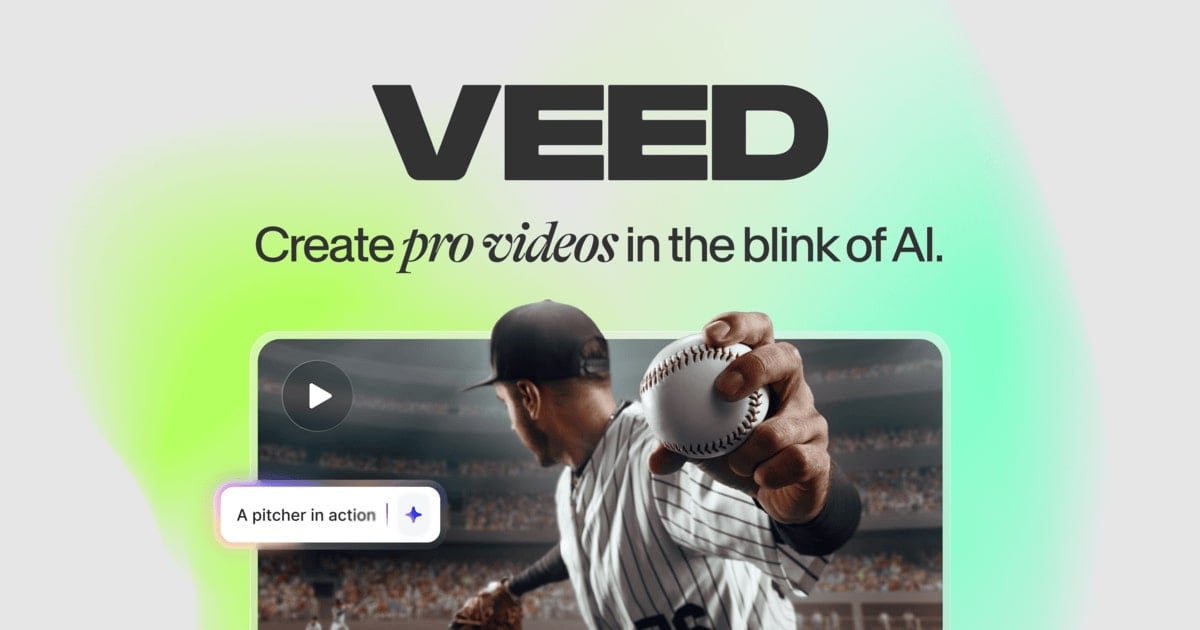
VEED is an AI video creation platform that enables graphic designers to quickly produce social media content, product demos, and promotional videos....

Turn your static designs and ideas into engaging social videos in minutes. No complex video software required.

Generate, subtitle, and brand videos using an intuitive AI-powered platform designed for speed.
Try VEED Free
Free Plan Pro fromPricing on request
AI GenerationSubtitlesBrandingScreen RecorderCollaboration
8.9 Zekai
Fastest Social Video Creation
Generative AI for Graphic Designers & Creative Arts
Ease of Use
9.6
Accuracy
8.6
Value
8.2
Time Saving
9.4
Millions+Users
8.9/10Zekai Score
🏷 Is this your tool? Claim this listing →
⚡ Quick answer

For graphic designers needing to produce video content, VEED is a top choice. Its strength lies in transforming ideas or static designs into branded, subtitled videos in minutes, without the steep learning curve of professional video editing software. Features like one-click brand kits and AI-powered text-to-video make it exceptionally efficient for social media.

CategoryAI Video Generator
Best ForGraphic designers creating branded social videos.
Price FromFree plan available
FreeYes
DifferentiatorCombines extreme ease of use with powerful AI features like text-to-video, subtitling, and instant branding.
ProofA user reported getting over 40,000 impressions on LinkedIn with their first four videos made with VEED.
Rating4.5/5
📖 About VEED
How It Works

Your workflow, automated

1
Generate or Upload
Start with a text prompt to generate a new video, upload an image or existing video clip, or record your screen directly within VEED.
2
Edit & Brand
Use the simple timeline editor to trim clips, add AI-generated subtitles, remove background noise, and apply your saved brand kit (logos, colors, fonts) with one click.
3
Export & Share
Render your video and download it in the correct format for any social media platform, ready to post.
Ready to automate your workflow with VEED?
Try VEED Free →
Real Impact

Before & After

❌ Before

Struggling with complex video software to meet demands for social media content.

Hours per video
✅ After

Creating professional, branded, and subtitled videos in minutes from design assets or text prompts.

Minutes per video
Social Proof

Trusted by Millions+

Millions+ professionals using this tool
Ease of Use
9.6
Accuracy
8.6
Value
8.2
Time Saving
9.4

"The first four videos I created with VEED got over 40,000 impressions on LinkedIn."

Travis T., Senior Content Producer · June 2026

"With VEED I didn't need 15 tutorials - I jumped straight in and started editing."

Gwenne W., Founder · May 2026

"It's incredibly fast for social clips, but for longer projects, I find the timeline a bit too simplistic and miss the granular controls of a dedicated NLE."

Alex C., Creative Director · April 2026

"You can go beyond just chopping things. VEED actually makes my videos look great."

Michael G., Demand Gen Manager · March 2026
Millions++ professionals are already using this tool.
Start Free Today →
Who It's For

Why Graphic Designers & Creative Arts choose this tool

🎯
Built for
Best for graphic designers tasked with creating branded social media videos, explainers, and ads quickly and efficiently.
In-Depth Overview
For graphic designers increasingly tasked with creating video content, VEED removes the friction of complex software. Instead of spending weeks learning professional video editors, VEED lets you 'jump straight in and start editing,' as one user notes. It's built for the design workflow: you can start with a text prompt, an existing image, or a screen recording and the AI helps generate the video content. The critical advantage for designers is the branding feature. VEED allows you to save your brand's colors, fonts, and logos to be 'applied instantly, every time,' ensuring all video output is consistent with your brand guidelines. This eliminates tedious manual adjustments on every project. Add to this powerful tools like the 'best subtitles on the internet,' AI eye contact correction, and background noise removal, and you have a complete toolkit for producing polished, feed-ready videos that get results — one user even reported over 40,000 impressions from their first four videos. It bridges the gap between static design and professional video.

Key Use Cases

🎨
Animate client assets into a social media promo
Freelance Graphic Designer
Use the AI Image to Video feature to turn a static ad design into an animated video, add dynamic subtitles, and export for Instagram Reels in minutes.
Video delivered same-day
🏢
Create a branded product demo video for a new feature
In-House Designer
Use the screen recorder to capture the workflow, then let VEED automatically add subtitles, remove background noise, and apply the company's brand kit.
Reduced production time by 80%
📈
Generate a batch of subtitled social ads for A/B testing
Brand Strategist
Use a single text prompt to generate multiple video variations, apply the brand kit, and let the AI create subtitles to maximize watch time on muted feeds.
Launch test campaigns in hours, not days
✓ Pros
Extremely intuitive interface allows for immediate editing without tutorials.
AI-powered features drastically reduce video creation and editing time.
Instantly applies brand kits for perfectly consistent video output.
Generates high-quality, customizable subtitles to boost engagement.
All-in-one platform to record, edit, subtitle, and brand.
· Cons
Lacks the granular timeline control of professional video editing software.
AI-generated video quality can be variable for highly complex prompts.
Free plan is limited; core AI and branding features require a paid subscription.
Specific pricing for paid tiers is not publicly listed on the website.
⚡ Editorial Verdict

VEED is a powerful asset for any graphic designer needing to expand into video. Its user-friendly interface and strong branding features make it incredibly fast for social content. The main trade-off is a lack of deep, granular control found in professional NLEs like Premiere Pro, making it less suitable for complex, cinematic editing.

Questions & Answers

Frequently asked questions

What is the best AI video tool for a graphic designer? +
For graphic designers, VEED is a top choice for AI video creation. Its strength is turning ideas or static designs into branded, subtitled videos in minutes, bypassing the steep learning curve of professional video software. Features like one-click brand kits and text-to-video are exceptionally efficient for social media workflows.
How can I create social media videos without video editing skills? +
VEED is designed for this exact purpose. Its interface is highly intuitive, allowing you to 'jump straight in.' You can use AI to generate videos from text, automatically add engaging subtitles, use pre-made templates, and apply your brand, all without prior video editing experience.
Can I apply my brand's specific fonts and colors? +
Yes. VEED features a 'Brand' function where you can save your brand's colors, fonts, and logos. This allows you to apply your brand identity to any video instantly, ensuring all your content remains consistent.
Is VEED good for beginners? +
Absolutely. VEED is built for beginners and non-video professionals. Many users, like one who stated 'I didn't need 15 tutorials,' find they can start creating high-quality videos immediately thanks to its simple and intuitive design.
Which tool is best for adding animated subtitles to videos? +
VEED is excellent for this, claiming to have 'the best subtitles on the internet.' It can automatically generate subtitles from your video's audio and offers a wide range of animation styles and customization options to make your videos unskippable on social feeds.
Does VEED use my uploaded content to train its AI models? +
VEED provides a Privacy Policy and Trust Center on its website. While most services aim to protect user data, the specific policies on AI training can change. We recommend you review their latest Privacy Policy to confirm how your content is handled.

Last reviewed: Reviewed June 2026 — Assessed AI video generation, branding features, and ease of use for social media workflows.

Plans & Pricing

Start today

Enterprise
Pricing on request
Tailored for teams and large organisations.
Contact Sales
Graphic Designers & Creative Arts

Top 10 AI tools in this category

Get VEED deal alerts

Be the first to know when VEED drops a new discount, adds features, or changes pricing.

Exclusive VEED discount codes
New feature announcements
Best alternative picks when pricing changes
Zero spam — unsubscribe anytime
🎉
You're subscribed!
We'll notify you when VEED has a new deal.
Zekai Blog

Latest AI news

AI Directory

About VEED

Full Description

VEED is an AI video creation platform that enables graphic designers to quickly produce social media content, product demos, and promotional videos. It simplifies the entire video workflow from idea to finished product with AI generation, automatic subtitling, and one-click branding tools.

Editorial Verdict

VEED is a powerful asset for any graphic designer needing to expand into video. Its user-friendly interface and strong branding features make it incredibly fast for social content. The main trade-off is a lack of deep, granular control found in professional NLEs like Premiere Pro, making it less suitable for complex, cinematic editing.

Last reviewed: Reviewed June 2026 — Assessed AI video generation, branding features, and ease of use for social media workflows.
Previous Tool Colormind Next Tool VEED
All AI Tools A–Z →
This site is registered on wpml.org as a development site. Switch to a production site key to remove this banner.