




You came from an AI answer. These are today's Lensa alternative prices and free limits. See the table →Get price alerts
AI tools, scored for your job
Get paid to train AI
Updated 13 Nov 2026 · prices read on vendor pages

13 best Lensa alternatives in 2027

Mehmet ElmicenniReviewed by Mehmet Elmicenni, founder of Zekai•Prices checked •How we check

The short answer

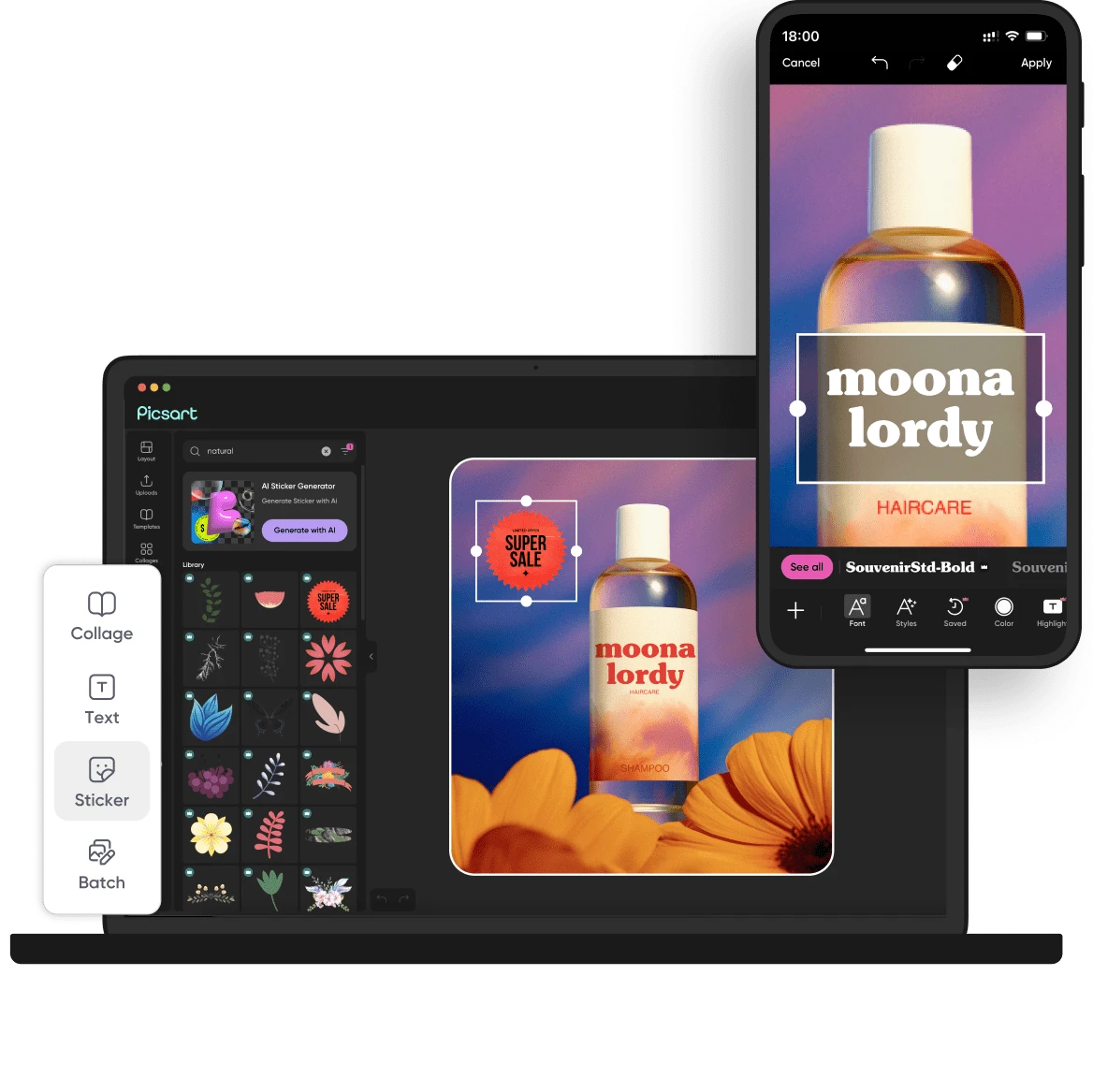
The best Lensa alternatives in 2027 are Picsart (best overall, $15/mo), GIMP (best open source, GPL-3.0) and Pixlr (cheaper, $2.49/mo). Lensa: No price published on lensa.app. Zekai checked these prices on vendor pages on 13 Nov 2026; 10 more are compared below, including 4 open source.

13alternatives compared
0with a free plan
5open source
$2.49/mocheapest paid · Pixlr
No price published on lensa.app.Lensa starts at
01 · Zekai Price Ledger

Which Lensa alternatives are worth it in 2027?

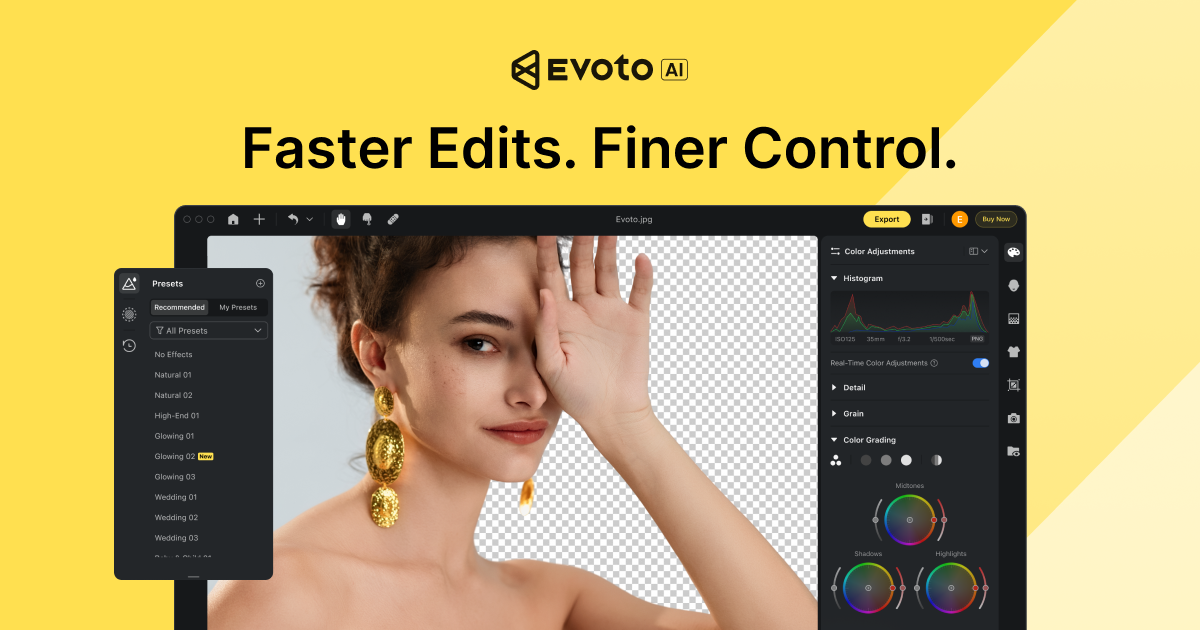
The strongest Lensa alternatives are Picsart for a full editor with templates and bulk edits, Pixlr from $2.49 a month, Evoto for portrait batches, and Polarr Next for RAW editing. GIMP and PhotoDemon are open-source options that cost nothing, though neither includes Lensa-style one-tap effects.

ToolTypeStarting priceFree plan limitBest forCost for your teamChecked
Lensa logo
LensaThe tool you are replacing
You are here
No price published on lensa.app.
No free plan One-tap trend effects and photo enhancement — 13 Nov 2026 Pricing ↗
Picsart logo
Picsart Zekai score 8.2Best overall
$15/moPro, $15 billed monthly or $10.50/mo billed yearly; Ultra $75 monthly or $60/mo yearly
No free plan Full photo and video editor with AI agents — 12 Nov 2026 Pricing ↗
Pixlr logo
Pixlr Zekai score 7.0Cheapest paid
$2.49/moPlus, $2.49 billed monthly or $1.99/mo billed yearly (80 AI credits a month); Premium $9.99 monthly or $7.99 yearly
No free plan Cheapest browser photo editor with AI credits — 12 Nov 2026 Pricing ↗
Evoto logo
Evoto Zekai score 7.8
$6.67/moStarter, $80 billed yearly (720+80 credits) or $11.99/mo billed monthly (60 credits)
No free plan Batch portrait retouching for photographers — 12 Nov 2026 Pricing ↗
Polarr Next logo
Polarr Next Zekai score 7.4
$12/moPro, $12/mo billed annually or $18 billed monthly
No free plan RAW editing with AI culling — 12 Nov 2026 Pricing ↗
FaceApp logo
FaceApp Zekai score 8.1
Not checked
No free plan Face filters and portrait retouching — 14 Nov 2026
Luminar Neo logo
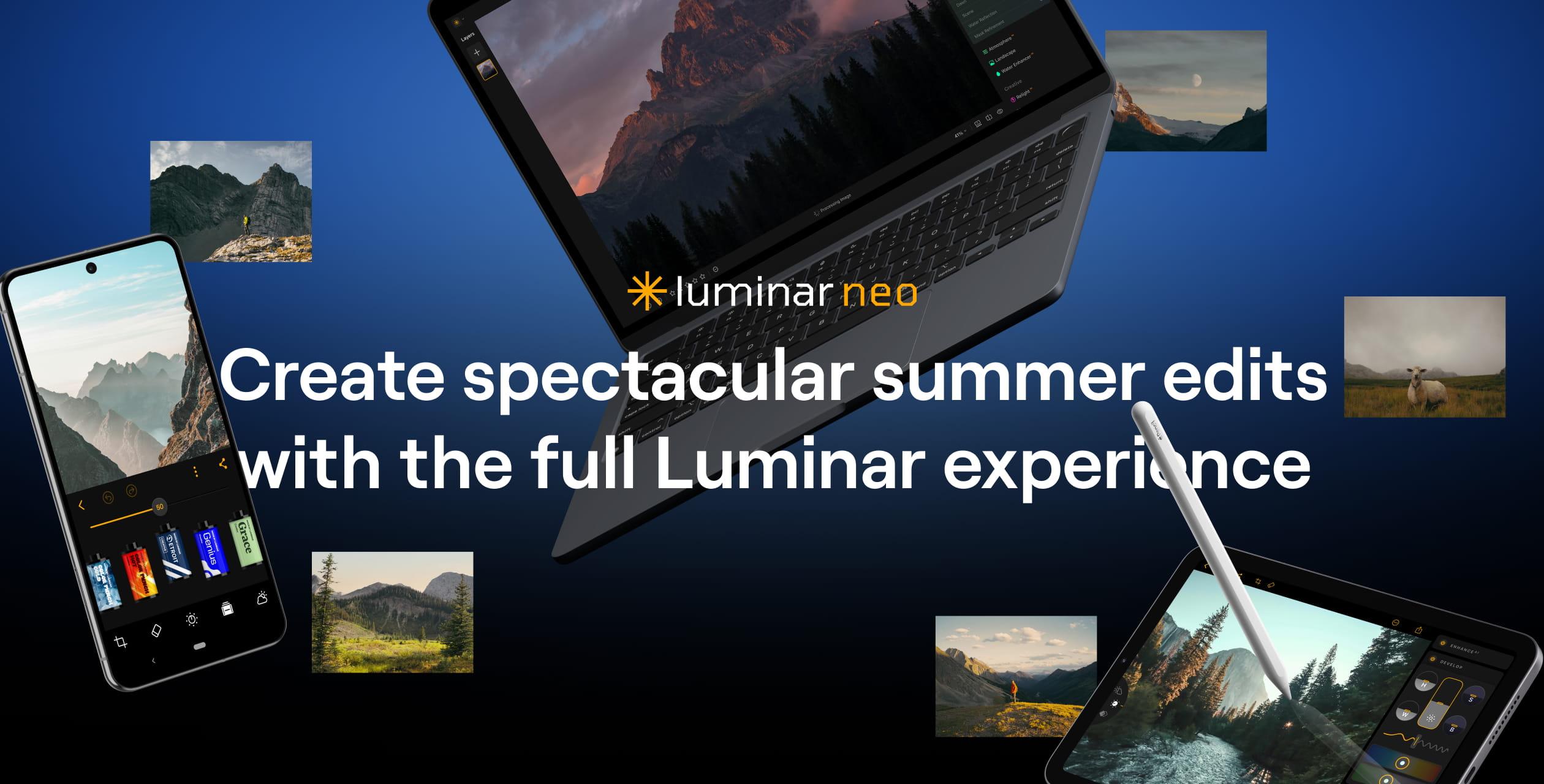
Luminar Neo Zekai score 8.7
Not checked
No free plan Desktop AI photo editing with sky and light tools — 14 Nov 2026
Adobe Photoshop logo
Adobe Photoshop Zekai score 7.6
Not checked
No free plan Professional layered photo editing — 14 Nov 2026
Facetune logo
Facetune Zekai score 8.1
Not checked
No free plan Selfie retouching on mobile — 14 Nov 2026
GIMP Zekai score 7.8Best open source
Open source
Free (self-hosted)
No limit, self-hosted (GPL-3.0) Free layered desktop editor $0 13 Nov 2026 Code ↗
PhotoDemon logo
PhotoDemon Zekai score 6.3
Open source
Free (self-hosted)
No limit, self-hosted (BSD-2-Clause) Portable Windows photo editor $0 13 Nov 2026 Code ↗
darktable logo
darktable Zekai score 8.0
Open source
Free (self-hosted)
No limit, self-hosted (GPL-3.0) Raw photo development and retouching $0 13 Nov 2026 Code ↗
RawTherapee logo
RawTherapee Zekai score 7.8
Open source
Free (self-hosted)
No limit, self-hosted (GPL-3.0) Fine control over raw development $0 13 Nov 2026 Code ↗
Upscayl logo
Upscayl Zekai score 7.6
Open source
Free (self-hosted)
No limit, self-hosted (AGPL-3.0) Local AI photo upscaling $0 13 Nov 2026 Code ↗

Every price was read on the vendor's own pricing page on the date shown. The Cost Finder assumes one entry plan per person, so it multiplies by your team size; yearly prices are shown per month, and team or business plans can cost more per seat. "Not checked" means we could not confirm a public price.

Price alert

Know first when Lensa or an alternative changes price

One email when a price or free plan on this page changes, plus The AI Briefing. Unsubscribe any time.

Alternatives Spotlight

Your tool here

One labelled card beside this table, outside the ranking.

Advertise here
For vendors

Is one of these tools yours?

Claim your listing to correct prices and free-plan limits.

Claim your tool
02 · Free plan

Is there a free version of Lensa?

Lensa's own site shows no prices or free limits. Its terms say some subscriptions include a free or reduced-price trial that converts to a paid plan unless cancelled, and that billing can be weekly, monthly or yearly. Prices appear only in the app stores.

Source: Lensa pricing page, read 13 Nov 2026.

FreeNone

No free plan on the pricing page

Paid fromNo price published on lensa.app.

03 · Open source

What are the best open-source Lensa alternatives?

Open-source photo editors replace Lensa's manual tools, not its one-tap AI effects. GIMP (GPL-3.0), darktable and RawTherapee (GPL-3.0) run on Windows, macOS and Linux, PhotoDemon (BSD-2-Clause) is portable for Windows, and Upscayl (AGPL-3.0) enlarges images on a Vulkan GPU. All run locally without accounts or uploads.

GIMP

GPL-3.0★ 310 GitHub stars · 13 Nov 2026
To self-host: Install the desktop program on Windows, macOS or Linux; no account or API key. AI features come from add-on plug-ins rather than built-in presets.
Commercial use
Yes; GPL-3.0 means shared changes stay open if you distribute the software.
Runs on
Desktop app for Windows, macOS and Linux.
Setup
Easy · Download and run the installer; no account or API key.
Last commit
13 Nov 2026
Last release 3 Nov 2026
PhotoDemon logo

PhotoDemon

BSD-2-Clause★ 2.4k GitHub stars · 13 Nov 2026
To self-host: Portable Windows app per its repo: download the 22 MB zip and run it, even from a USB stick. No API key, account or install is needed.
Commercial use
Yes (BSD-2-Clause).
Runs on
Windows PC (XP to 11); 22 MB portable download.
Setup
Easy · Unzip and run; no installation needed.
Last commit
9 Nov 2026
darktable logo

darktable

GPL-3.0★ 13.4k GitHub stars · 13 Nov 2026
To self-host: Install darktable from a release package on Windows, macOS or Linux. The README recommends 8 GB RAM and an OpenCL GPU; optional AI features are off by default.
Commercial use
Yes; GPL-3.0 means shared changes stay open if you distribute the software.
Runs on
8 GB RAM recommended; a GPU with OpenCL is advised.
Setup
Easy · Install a release package; optional AI features are off by default.
Last commit
13 Nov 2026
Last release 4 Oct 2026
RawTherapee logo

RawTherapee

GPL-3.0★ 4.3k GitHub stars · 13 Nov 2026
To self-host: Install the cross-platform desktop program from rawtherapee.com; it runs locally with no account, server or API key.
Commercial use
Yes; GPL-3.0 means shared changes stay open if you distribute the software.
Runs on
Desktop app for Windows, macOS and Linux.
Setup
Easy · Download an installer or package from rawtherapee.com.
Last commit
9 Nov 2026
Last release 26 Jul 2026
Upscayl logo

Upscayl

AGPL-3.0★ 52.5k GitHub stars · 13 Nov 2026
To self-host: Install the desktop app on Linux, macOS 12 or later, or Windows; the README says you need a Vulkan-compatible GPU and that many integrated GPUs will not work.
Commercial use
Yes; AGPL-3.0 means sharing changes if you run it as a service.
Runs on
A Vulkan-compatible GPU; many integrated GPUs do not work.
Setup
Easy · Install the app for Linux, macOS 12+ or Windows; needs a Vulkan GPU.
Last commit
27 Mar 2026
Last release 17 Jan 2025
04 · Side by side

How does Lensa compare with each alternative?

Lensa is a phone editor with trend effects, beauty tools, an eraser, an enhancer and hair try-on. Picsart and Pixlr add templates and browser editors, Evoto and Polarr Next serve photographers, and GIMP and PhotoDemon are free desktop programs.

01
Picsart logo

Lensa vs Picsart

Best overall$15/mo · checked 12 Nov 20268.2
The differencePro adds a 1-tap image enhancer, bulk edit of up to 50 images, 100 GB cloud storage and Getty stock, beyond Lensa's effects, eraser and hair try-on.
Switch to Picsart ifyou edit photos and video for social accounts and want templates, stock and bulk edits in one subscription
Stay with Lensa ifyou want one-tap trend looks and portrait beauty tools in a simple phone editor
Pros
  • Single subscription provides access to many top-tier AI models.
  • Comprehensive toolset combines generation, editing, and stock assets.
Cons
  • Credit system for AI generation can be restrictive on the entry-level Pro plan.
  • Unused monthly subscription credits do not roll over.

Pros and cons from the Zekai review of Picsart · Verdict: Your All-in-One AI Toolkit

02
Pixlr logo

Lensa vs Pixlr

Cheapest paid$2.49/mo · checked 12 Nov 20267.0
The differencePlus costs $2.49 a month and gives 80 monthly AI credits plus ad-free saves; Pixlr Editor and Express run in a browser as well as mobile.
Switch to Pixlr ifyou want a browser-based editor with a layer-style Editor and AI edits for a few dollars a month
Stay with Lensa ifyou mainly want preset looks, hair try-on and object erasing in a single phone app
Pros
  • Combines a full-featured photo editor with an AI image generator in one interface.
  • Free tier is highly functional for many professional tasks.
Cons
  • Free version is ad-supported, which can interrupt creative workflow.
  • Lacks advanced features for print (CMYK) or complex vector work found in Adobe Suite.

Pros and cons from the Zekai review of Pixlr · Verdict: Fast AI Photoshop Alternative

03
Evoto logo

Lensa vs Evoto

$6.67/mo · checked 12 Nov 20267.8
The differenceCredit-based desktop retouching with 1 credit per photo, 720+80 credits on the yearly Starter plan, tethered shooting and device limits of 2 to 6 by plan.
Switch to Evoto ifyou retouch portrait batches for clients and want per-photo credits with tethered shooting
Stay with Lensa ifyou retouch selfies casually and prefer one-tap effects without credit budgeting
Pros
  • Dramatically reduces editing time from days to hours
  • End-to-end workflow in one app (cull, edit, deliver)
Cons
  • Requires learning a new interface outside of the Adobe ecosystem
  • Achieving a unique artistic signature requires significant tweaking

Pros and cons from the Zekai review of Evoto · Verdict: End-to-end workflow automation.

04
Polarr Next logo

Lensa vs Polarr Next

$12/mo · checked 12 Nov 20267.4
The differenceNow sold as Pixieset Photo Editor on web and desktop with RAW processing, AI culling flags for closed eyes and blur, and trainable Personal AI Styles.
Switch to Polarr Next ifyou shoot RAW and want AI culling and personal edit styles in a desktop and web editor
Stay with Lensa ifyou edit phone JPEGs for social posts and do not need RAW or culling
Pros
  • Reduces editing workflow by a claimed 80%, saving hours per shoot.
  • AI learns your unique style, not just applying generic presets.
Cons
  • Service will be discontinued after October 13, 2026, as it merges into Pixieset.
  • Web app requires Google Chrome browser.

Pros and cons from the Zekai review of Polarr Next · Verdict: Powerful, short-term time-saver.

05
FaceApp logo

Lensa vs FaceApp

Not checked8.1
The differenceFocused on face filters such as Retouch, Makeup, Hair Volume, Beard and Emotions, with a Remover tool for unwanted objects.
Switch to FaceApp ifyou want face-specific filters like beard, emotions and makeup rather than general photo effects
Stay with Lensa ifyou want enhancer and preset-style colour grading across whole photos
Pros
  • Extremely easy to use for quick edits
  • Realistic aging and novelty filters
Cons
  • Results can look unnatural if overused
  • Primarily a mobile application

Pros and cons from the Zekai review of FaceApp · Verdict: Solid Portrait Editor

06
Luminar Neo logo

Lensa vs Luminar Neo

Not checked8.7
The differenceSkylum's Luminar is sold for desktop, web, tablet and mobile with Enhance, Atmosphere fog and cloud, and in-app printing; the site shows only Black Friday discounts.
Switch to Luminar Neo ifyou want a desktop editor with Enhance and atmosphere effects across Windows, Mac and mobile
Stay with Lensa ifyou want a free-to-start mobile app without desktop software
Pros
  • One-time purchase option avoids monthly subscriptions.
  • Extensive suite of over 30 AI-powered tools for fast, impressive results.
Cons
  • Cataloging and library management features are less advanced than competitors like Lightroom.
  • Generative AI tools are limited to one year of use, even with a perpetual license.

Pros and cons from the Zekai review of Luminar Neo · Verdict: Fast AI photo editing

07
Adobe Photoshop logo

Lensa vs Adobe Photoshop

Not checked7.6
The differenceLayer-based editor with masks and generative tools used for professional retouching, far beyond Lensa's one-tap effects.
Switch to Adobe Photoshop ifyou need layers, masks and print-grade retouching that preset-based apps cannot deliver
Stay with Lensa ifyou only want quick social edits on a phone without learning a layer-based editor
Pros
  • Offers a free trial to test software features
  • Provides specialized plans for business organizations
Cons
  • Specific subscription pricing is not listed on the main page
  • Detailed feature listings require visiting external links

Pros and cons from the Zekai review of Adobe Photoshop · Verdict: Photo & design app

08
Facetune logo

Lensa vs Facetune

Not checked8.1
The differenceSelfie and portrait retouching app from Lightricks; its site blocked automated reading, so plan details are not stated here.
Switch to Facetune ifyou want a dedicated selfie retoucher and are willing to confirm its plans in the app stores
Stay with Lensa ifyou want object erasing, hair try-on and enhancer tools in the same app
Pros
  • 7-day free trial on every plan
  • Yearly plan listed at $77.99, about half the monthly cost
Cons
  • Subscription required after the 7-day trial
  • Monthly plan is $25, the most expensive way to pay

Pros and cons from the Zekai review of Facetune · Verdict: Quick portrait fixes

09

Lensa vs GIMP

Best open sourceOpen sourceFree (self-hosted)7.8
The differenceFree GPL-3.0 desktop editor with layers, curves and clone tools on Windows, macOS and Linux; it has no built-in one-tap trend looks or AI presets.
Switch to GIMP ifyou want a free layer-based editor with no subscription, watermark or account
Stay with Lensa ifyou want one-tap AI effects and portrait presets without learning an editor
10
PhotoDemon logo

Lensa vs PhotoDemon

Open sourceFree (self-hosted)6.3
The differencePortable Windows-only editor under a BSD licence with batch processing and many filters, instead of a phone app built around trend effects.
Switch to PhotoDemon ifyou edit on Windows and want a free portable program that needs no install or account
Stay with Lensa ifyou edit on iPhone or Android and want effects tuned for social posts
11
darktable logo

Lensa vs darktable

Open sourceFree (self-hosted)8.0
The differencedarktable is a non-destructive raw developer with optional AI denoise, upscale and object masks that are off by default; the README says it is not a free Lightroom replacement.
Switch to darktable ifyou shoot raw photos and want local, non-destructive edits with no account or credits
Stay with Lensa ifyou want one-tap trend effects and portrait presets on your phone
12
RawTherapee logo

Lensa vs RawTherapee

Open sourceFree (self-hosted)7.8
The differenceRawTherapee is a GPL-3.0 raw photo processor known for fine control over demosaicing and development; it has no AI presets or one-tap beauty effects.
Switch to RawTherapee ifyou shoot raw and want detailed control over colour and noise on your own computer
Stay with Lensa ifyou want AI beauty tools and trend looks without learning a raw workflow
13
Upscayl logo

Lensa vs Upscayl

Open sourceFree (self-hosted)7.6
The differenceUpscayl is an AGPL-3.0 desktop app that enlarges and sharpens images with AI models on your own GPU; it does not retouch faces or add trend effects.
Switch to Upscayl ifyou want to enlarge or sharpen photos with AI on your own machine, with no uploads
Stay with Lensa ifyou want portrait retouching, avatars and effects rather than upscaling
05 · What changed

Why do people leave Lensa?

  • Lensa's terms (effective 6 May 2026) say Avatars and Effects are Virtual Items it may manage, modify or remove, unused plan Tokens expire each period, and plans can be changed at any time. (source)

07 · FAQ

Questions people ask about Lensa alternatives

What is the best alternative to Lensa in 2027?

Picsart is the best overall Lensa alternative on this page ($15/mo). To self-host, GIMP is open source (GPL-3.0).

Is there a free version of Lensa?

No. Lensa has no free plan; paid plans start at No price published on lensa.app., checked on 13 Nov 2026.

Is there a 100% free alternative to Lensa?

Yes. GIMP, PhotoDemon, darktable, RawTherapee, Upscayl are open source and free to self-host.

How much do Lensa alternatives cost for a team of 5?

If each of 5 people buys the entry paid plan, at the prices Zekai checked on 13 Nov 2026, the monthly cost is Pixlr $12.45/mo, Evoto $33.35/mo, Polarr Next $60/mo. Team and business plans can cost more per seat. The Zekai Cost Finder on this page recalculates for any team size.

Which is better, Picsart or Lensa?

Pro adds a 1-tap image enhancer, bulk edit of up to 50 images, 100 GB cloud storage and Getty stock, beyond Lensa's effects, eraser and hair try-on. Choose Picsart if you edit photos and video for social accounts and want templates, stock and bulk edits in one subscription. Stay with Lensa if you want one-tap trend looks and portrait beauty tools in a simple phone editor.

Why are people leaving Lensa?

The documented reasons are: Lensa's terms (effective 6 May 2026) say Avatars and Effects are Virtual Items it may manage, modify or remove, unused plan Tokens expire each period, and plans can be changed at any time (6 May 2026). Each is sourced in the section above.

What is better than Lensa AI?

It depends on the job: Picsart for templates and bulk edits, Evoto for portrait batches, Polarr Next for RAW editing, and Adobe Photoshop for layered retouching.

08 · Method

How did Zekai check this page?

Zekai independently reviews AI tools. For this page we read each vendor's own pricing and product pages and recorded the starting price, the free-plan limit and the date of the check. Only tools that do the same job as Lensa are listed, and sponsors never change the order or the scores.

1 · Same job onlyEvery alternative does the same task as Lensa; tools for other jobs are left out.
2 · Vendor pages onlyPrices and free limits come from each vendor's own pricing page, never from blogs.
Zekai score0–10, from four published weights: ease 25%, output quality 30%, value 20%, time saved 25%. How we score
3 · Re-checkedA price older than 35 days is re-read or the page falls back to an older version.
Change log
  • Page rebuilt on v6; all readable prices re-read on vendor pages.

  • Missing prices re-read on vendor pages.

  • Open-source options expanded; each now shows licence, commercial use, hardware and setup.

Get paid to train AI →

See Zekai first in Google