AI tools, scored for your job
Get paid to train AI

Compared & scored by Zekai

6 CapCut Pro alternatives (2026)

Free, cheaper and specialist options that do the same job as CapCut Pro. Every tool is scored by Zekai on ease of use, accuracy, time saved and value for money; prices are re-checked against each vendor's own site.

CapCut Pro starts at
$19.99/mo · free plan: Start for free with the basics you need to create. · Zekai score 9.5/10
Why people look for an alternative
  1. For deep, multi-track timeline editing and color grading.
  2. If you require third-party plugin and VST support.
  3. For producing long-form content like documentaries or feature films.
Top-scored alternative
Captions.ai — 8.9/10, and it has a free plan. Best for: Automating short-form video creation.
Prices checked
Against vendor sites, latest 23 Oct 2026

Cost finder: CapCut Pro vs 6 alternatives

Every row is measured against CapCut Pro ($19.99/mo). Filter, or set your team size to re-price per-seat plans.

ToolScore vs CapCut ProPrice vs CapCut ProCost for your teamFree planBest for
CapCut Pro (the tool you're replacing) 9.5/10$19.99/mo—YesRapidly creating social media and marketing videos.
Captions.ai −0.6 8.9 $5/mo more (+25%) $24.99/mo $24.99/mo The free plan includes basic tools like trimming, transitions and… Automating short-form video creation
InShot −0.8 8.7 Free plan $0 on the free plan Free version includes core editing tools and resources with optional… Mobile video editing and social media content creation
Filmora −0.9 8.6 Price on request — No Fast content creation for social media and marketing
KineMaster −1.5 8.0 Free plan $0 on the free plan Download and use the KineMaster app for free with available templates… Mobile video editing and social media content creation
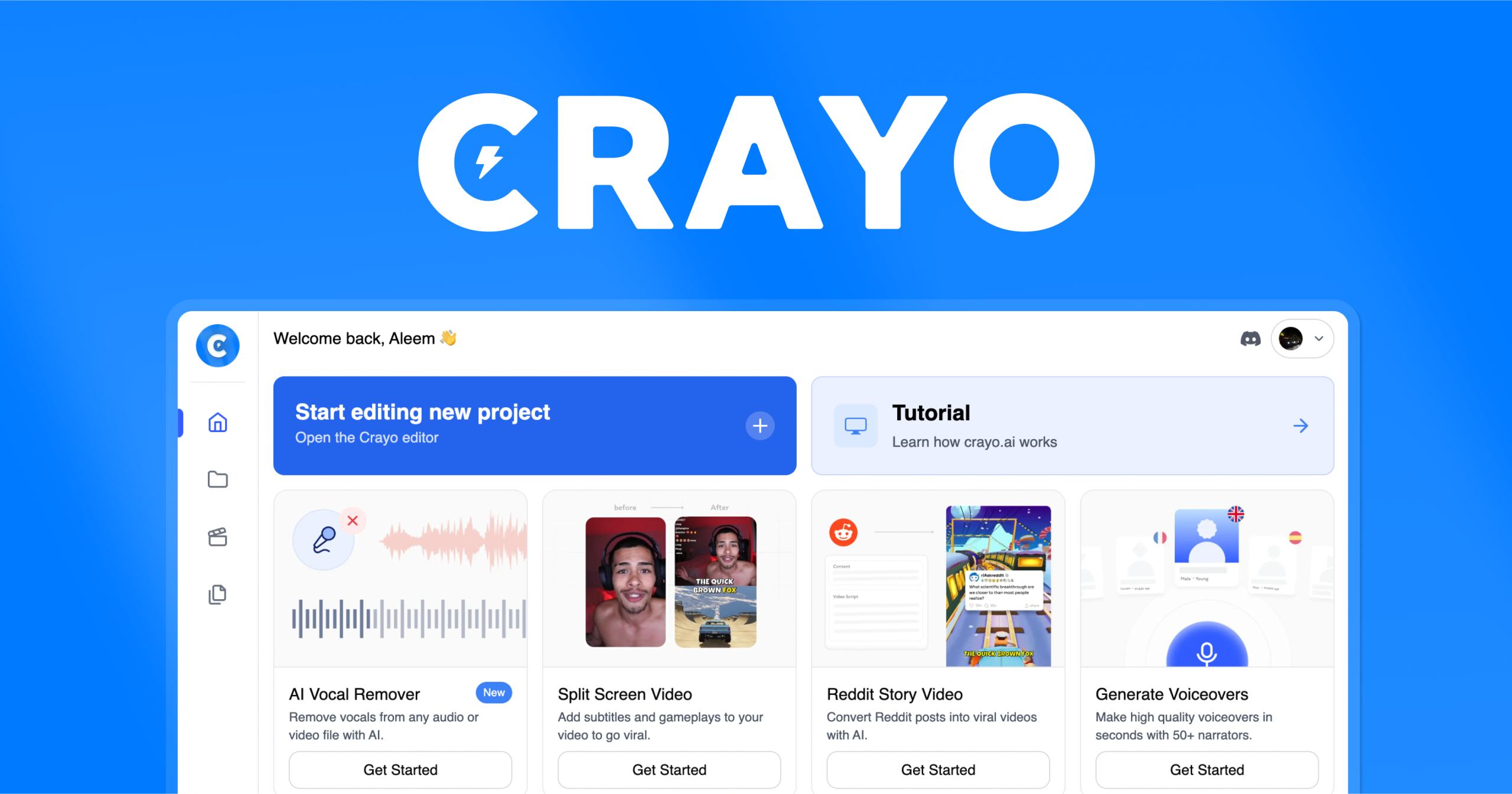
Crayo AI −2.0 7.5 Saves $6.99/mo (−35%) $13/mo $13/mo Yes Rapidly creating short-form viral video clips.
InVideo AI −3.0 6.5 $20 — No Marketing teams scaling video production.

Team cost multiplies per-seat plans by your team size; flat plans stay flat. Yearly plans are shown per month. A blank cost means the vendor publishes no price. Prices checked against vendor sites, latest 23 Oct 2026.

Checking these tools on their own sites?Zekai AI TV shows the Zekai score, real price and cheaper alternatives right in your browser. Free.
Add to Chrome — free

Switch or stay?

The honest version: when each alternative is the better pick, and when CapCut Pro still is.

1

Captions.ai vs CapCut Pro

8.9Zekai score
  • Switch to Captions.ai — best for automating short-form video creation. One-click AI editing styles and automatic eye contact correction.
  • Stay with CapCut Pro — if this matters most to you: all-in-one mobile, desktop, and web editor with powerful, free AI tools and no watermarks — it also scores higher (9.5 vs 8.9).
Copy a migration prompt: CapCut Pro → Captions.ai
I'm moving from CapCut Pro to Captions.ai. My current CapCut Pro workflow: [describe your 3-5 main steps]. Map each step to the matching Captions.ai feature, list anything Captions.ai can't do that I'll need a workaround for, and give me a 30-minute setup plan for my first week.
2

InShot vs CapCut Pro

8.7Zekai score
  • Switch to InShot — best for mobile video editing and social media content creation. All-in-one mobile video editor featuring auto captions, AI effects, and a simple UI.
  • Stay with CapCut Pro — if this matters most to you: all-in-one mobile, desktop, and web editor with powerful, free AI tools and no watermarks — it also scores higher (9.5 vs 8.7).
Copy a migration prompt: CapCut Pro → InShot
I'm moving from CapCut Pro to InShot. My current CapCut Pro workflow: [describe your 3-5 main steps]. Map each step to the matching InShot feature, list anything InShot can't do that I'll need a workaround for, and give me a 30-minute setup plan for my first week.
3

Filmora vs CapCut Pro

8.6Zekai score
  • Switch to Filmora — best for fast content creation for social media and marketing. Combines a user-friendly interface with a powerful suite of AI efficiency tools.
  • Stay with CapCut Pro — if this matters most to you: all-in-one mobile, desktop, and web editor with powerful, free AI tools and no watermarks — it also scores higher (9.5 vs 8.6).
Copy a migration prompt: CapCut Pro → Filmora
I'm moving from CapCut Pro to Filmora. My current CapCut Pro workflow: [describe your 3-5 main steps]. Map each step to the matching Filmora feature, list anything Filmora can't do that I'll need a workaround for, and give me a 30-minute setup plan for my first week.
4

KineMaster vs CapCut Pro

8.0Zekai score
  • Switch to KineMaster — best for mobile video editing and social media content creation. Full-featured mobile NLE timeline with integrated AI tools and cloud project saving.
  • Stay with CapCut Pro — if this matters most to you: all-in-one mobile, desktop, and web editor with powerful, free AI tools and no watermarks — it also scores higher (9.5 vs 8.0).
5

Crayo AI vs CapCut Pro

7.5Zekai score
  • Switch to Crayo AI — best for rapidly creating short-form viral video clips. All-in-one platform combining AI clipping, subtitles, voiceovers, and social media templates. Saves $6.99/mo (−35%).
  • Stay with CapCut Pro — if this matters most to you: all-in-one mobile, desktop, and web editor with powerful, free AI tools and no watermarks — it also scores higher (9.5 vs 7.5).
6

InVideo AI vs CapCut Pro

6.5Zekai score
  • Switch to InVideo AI — best for marketing teams scaling video production. AI agents with long-term memory for project consistency.
  • Stay with CapCut Pro — if this matters most to you: all-in-one mobile, desktop, and web editor with powerful, free AI tools and no watermarks — it also scores higher (9.5 vs 6.5).

Comparing more than one tool?

See every scored tool for Video Editing & Production, or open the full table of all alternatives pages.

best AI tools for video editing & production →

Frequently asked

What is the best alternative to CapCut Pro?

Captions.ai is the highest-scoring alternative at 8.9 out of 10, ahead of the other 5 video editing & production tools we compared against CapCut Pro. Its edge: One-click AI editing styles and automatic eye contact correction. Pricing: $24.99/mo · free tier. Every score is Zekai's own, based on ease of use, accuracy, time saved and value for money.

Are there free CapCut Pro alternatives?

Yes. 3 of the 6 alternatives offer a free tier, including Captions.ai, InShot and KineMaster. Captions.ai is the highest-scoring of them at 8.9 out of 10, so it is the one to try first if budget is the deciding factor. Free tiers usually limit usage rather than features.

What is the cheapest paid alternative to CapCut Pro?

Crayo AI is the lowest published paid price at $ 13/month, and it scores 7.5 out of 10. It is aimed at rapidly creating short-form viral video clips. Cheapest is not automatically best value: our value-for-money sub-score weighs price against what the tool actually delivers, and that is already folded into the score shown.

Is CapCut Pro still worth using?

CapCut Pro scores 9.5 out of 10 in our index. It is best for rapidly creating social media and marketing videos. CapCut Pro excels at accelerating social-first video production with its intuitive AI tools and vast template library. Switching only makes sense if one of the alternatives above matches your specific use case more closely.

How does Zekai score these tools?

Every tool is scored out of 10 on four criteria: ease of use, accuracy, time saved and value for money. Scores are editorial and independent, they are never sold or influenced by vendors, and affiliate links do not affect them. The full method is published on our scoring page.

Scores are Zekai's own. Prices come from each vendor's public pricing page and are re-checked on a rolling basis; plans change, so confirm on the vendor's site. Links marked ↗ may earn Zekai a commission; that never affects a score. How we score

Get paid to train AI →

See Zekai first in Google