


You came from an AI answer. These are today's NotebookLM alternative prices and free limits. See the table →Get price alerts
AI tools, scored for your job
Get paid to train AI
Updated 11 Nov 2026 · prices read on vendor pages

8 best NotebookLM alternatives in 2027

Mehmet ElmicenniReviewed by Mehmet Elmicenni, founder of Zekai•Prices checked •How we check

The short answer

The best NotebookLM alternatives in 2027 are Humata (best overall, $49/user/mo), AskYourPDF (best free plan: 50 questions a day) and Kotaemon (best open source, Apache-2.0). NotebookLM itself starts at $19.99/mo. Zekai checked these prices on vendor pages on 11 Nov 2026; 5 more are compared below, including 2 with a free plan and 3 open source.

8alternatives compared
4with a free plan
4open source
$11.99/mo billed yearlycheapest paid · AskYourPDF
$19.99/moNotebookLM starts at
01 · Zekai Price Ledger

Which NotebookLM alternatives are worth it in 2027?

The strongest NotebookLM alternatives for chatting with your own documents are Humata for page-metered team use, AskYourPDF for low-cost PDF chat, ChatPDF and PDF.ai for quick uploads, and self-hosted options such as Kotaemon, Open WebUI, Open Notebook and AnythingLLM. Google now brands the product Gemini Notebook.

ToolTypeStarting priceFree plan limitBest forCost for your teamChecked
NotebookLM logo
NotebookLMThe tool you are replacing
You are here
$19.99/moGoogle AI Pro, monthly (bundle; Plus and Ultra prices not shown)
100 notebooks, 50 sources each Source-grounded research notebooks from your own files — 11 Nov 2026 Pricing ↗
Humata logo
Humata Zekai score 8.6Best overall
Free plan + paid
$49/user/moTeam, monthly (Expert is $99/mo for up to 3 people)
60 free pages, 1 user Page-metered document Q&A for small teams — 11 Nov 2026 Pricing ↗
AskYourPDF logo
AskYourPDF Zekai score 7.4Best free planCheapest paid
Free plan + paid
$11.99/mo billed yearlyPremium, billed yearly
1 document a day, 50 questions a day Cheap PDF chat with a model choice — 11 Nov 2026 Pricing ↗
ChatPDF logo
ChatPDF Zekai score 8.1
Free
Free plan; paid price not published
Quick chat with a PDF, no setup $0 11 Nov 2026 Pricing ↗
PDF.ai logo
PDF.ai Zekai score 6.7
Free
Free plan; paid price not published
PDF chat with a parsing API $0 11 Nov 2026 Pricing ↗
Kotaemon logo
Kotaemon Zekai score 7.3Best open source
Open source
Free (self-hosted)
No limit, self-hosted (Apache-2.0) Self-hosted RAG chat UI for documents $0 11 Nov 2026 Code ↗
Open WebUI logo
Open WebUI Zekai score 9.0
Open source
Free (self-hosted)
No limit, self-hosted (Open WebUI License (branding clause, not OSI-approved)) Self-hosted chat UI with document RAG $0 11 Nov 2026 Code ↗
Open Notebook logo
Open Notebook Zekai score 7.9
Open source
Free (self-hosted)
No limit, self-hosted (MIT) Self-hosted notebook with any model provider $0 11 Nov 2026 Code ↗
AnythingLLM logo
AnythingLLM Zekai score 8.6
Open source
Free (self-hosted)
No limit, self-hosted (MIT) Private document chat on your desktop $0 11 Nov 2026 Code ↗

Every price was read on the vendor's own pricing page on the date shown. The Cost Finder assumes one entry plan per person, so it multiplies by your team size; yearly prices are shown per month, and team or business plans can cost more per seat. "Not checked" means we could not confirm a public price.

Price alert

Know first when NotebookLM or an alternative changes price

One email when a price or free plan on this page changes, plus The AI Briefing. Unsubscribe any time.

Alternatives Spotlight

Your tool here

One labelled card beside this table, outside the ranking.

Advertise here
For vendors

Is one of these tools yours?

Claim your listing to correct prices and free-plan limits.

Claim your tool
02 · Free plan

Is there a free version of NotebookLM?

Yes. Google's plans page lists a free tier with 100 notebooks per user and 50 sources per notebook, and Plus, Pro and Ultra raise those caps. Usage limits are compute-based and reset every five hours, with Plus at twice, Pro at four times and Ultra at five or twenty times the standard allowance.

Source: NotebookLM pricing page, read 11 Nov 2026.

Free$0

100 notebooks, 50 sources each

Paid from$19.99/mo

Google AI Pro, monthly (bundle; Plus and Ultra prices not shown)

03 · Free alternatives

What are the best free NotebookLM alternatives?

AskYourPDF has the clearest free plan among the alternatives: one document a day, 100 pages per document and 50 questions a day. Humata's free plan covers 60 pages. Self-hosted Kotaemon, Open WebUI, Open Notebook and AnythingLLM cost nothing to install, though you pay for any model API you connect.

Humata logo

Humata

Best overallFree plan + paid
60 free pages, 1 user
Paid from $49/user/mo
AskYourPDF logo

AskYourPDF

Best free planCheapest paidFree plan + paid
1 document a day, 50 questions a day
Paid from $11.99/mo billed yearly
04 · Open source

What are the best open-source NotebookLM alternatives?

The open-source options are Kotaemon (Apache-2.0), Open Notebook (MIT), AnythingLLM (MIT) and Open WebUI, which uses its own licence with a branding clause. Open Notebook is the closest to a notebook workflow, with 20-plus model providers and podcast generation. All four need Docker or a desktop install.

Kotaemon logo

Kotaemon

Apache-2.0★ 25.8k GitHub stars · Jul 2026
To self-host: Docker image ghcr.io/cinnamon/kotaemon (lite, full or bundled Ollama), or Python 3.10; needs an OpenAI or Azure key, or a local GGUF model with spare RAM.
Open WebUI logo

Open WebUI

Open WebUI License (branding clause, not OSI-approved)
To self-host: pip install open-webui or the ghcr.io/open-webui/open-webui Docker image; add an OpenAI key or Ollama server, plus a GPU build for local models.
Open Notebook logo

Open Notebook

MIT★ 41.9k GitHub stars · Nov 2026
To self-host: Docker Compose stack with a UI on port 8502 and API on 5055; set an encryption key, then add provider keys or an Ollama base URL in the web interface.
AnythingLLM logo

AnythingLLM

MIT★ 68.2k GitHub stars · Nov 2026
To self-host: Desktop installers for Mac, Windows and Linux, or Docker; uses LanceDB by default and needs a local model or a cloud LLM key.
05 · Side by side

How does NotebookLM compare with each alternative?

NotebookLM is a notebook of up to 50 sources on the free plan, while most alternatives meter by document or page. Humata bills per page, AskYourPDF limits documents and questions per day, ChatPDF and PDF.ai focus on single-file chat, and the open-source tools trade convenience for control over models and data.

01
Humata logo

NotebookLM vs Humata

Best overallFree plan + paid$49/user/mo · checked 11 Nov 20268.6
The differenceBills by pages processed: Free covers 60 pages, Expert includes 500 pages a month and charges $0.02 per extra page, Team includes 5,000 at $0.01.
Switch to Humata ifyou want per-page billing and team seats for document Q&A rather than a flat notebook allowance
Stay with NotebookLM ifyou would rather work inside one notebook with up to 50 sources than count pages
Pros
  • Provides citations for every AI-generated answer, ensuring academic integrity.
  • Free tier available for light use (up to 60 pages per month).
Cons
  • Free plan is limited to 60 pages, which is insufficient for most major research projects.
  • Pay-per-page model on paid plans can lead to unpredictable monthly costs.

Pros and cons from the Zekai review of Humata · Verdict: AI Research Assistant for PDFs

02
AskYourPDF logo

NotebookLM vs AskYourPDF

Best free planCheapest paidFree plan + paid$11.99/mo billed yearly · checked 11 Nov 20267.4
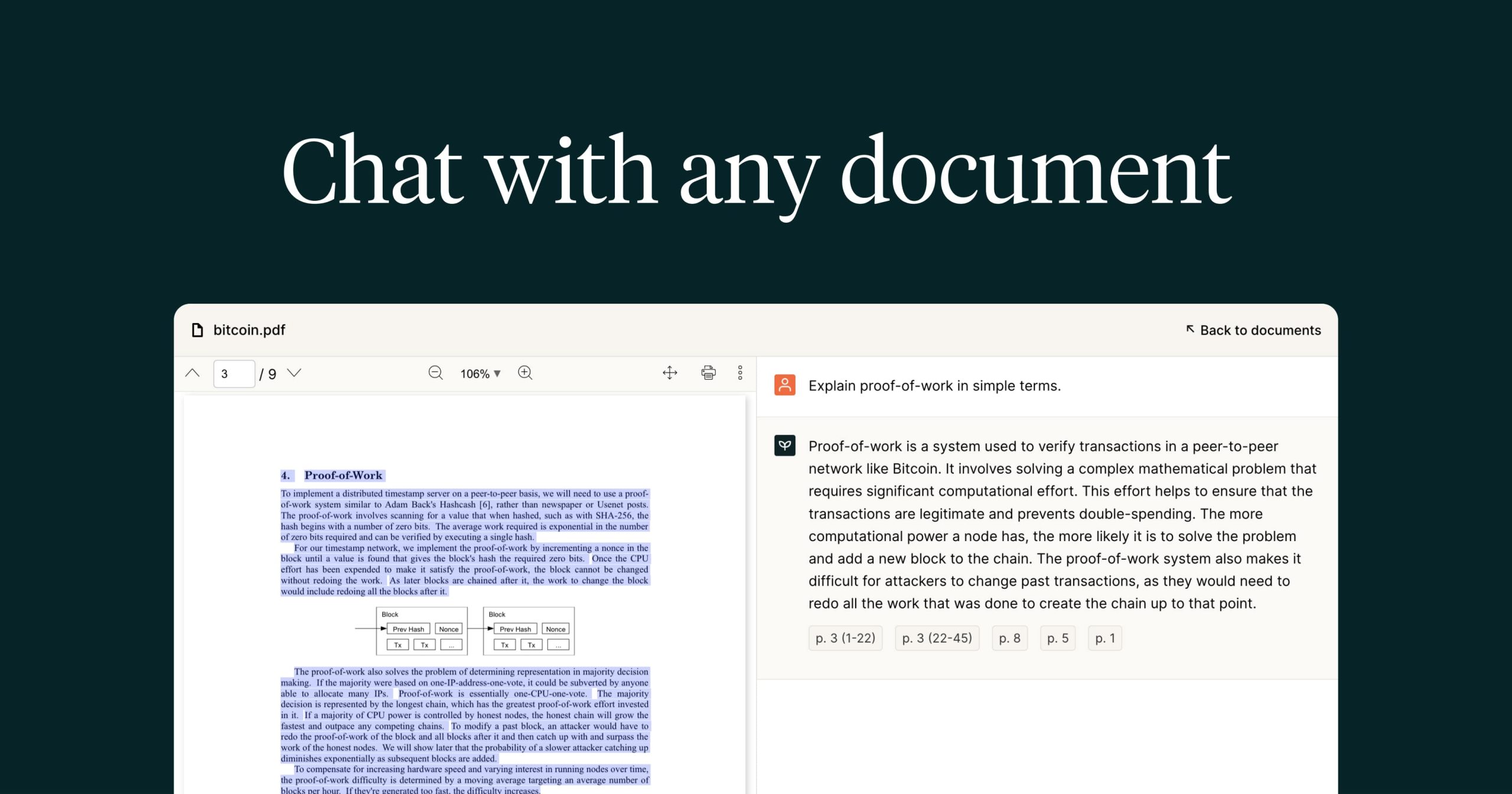
The differencePremium lets you pick between GPT-5, Claude 4.5 and Gemini 2.5 models, handles 2,500 pages per document and adds a Chrome extension and OCR.
Switch to AskYourPDF ifyou mainly ask questions of single large PDFs and want to choose the underlying model yourself
Stay with NotebookLM ifyou want one notebook holding dozens of mixed sources instead of one upload per day
Pros
  • Chat with multiple documents at once to synthesize information.
  • Saves significant time reviewing long reports, contracts, and books.
Cons
  • Free plan is limited to 1 document upload and 50 questions per day.
  • Access to the most advanced AI models requires credits, even on paid tiers.

Pros and cons from the Zekai review of AskYourPDF · Verdict: Your Document Co-Pilot

03
ChatPDF logo

NotebookLM vs ChatPDF

FreeFree plan; paid price not published8.1
The differenceGroups files into folders for multi-file chats, cites page references in answers and adds an AI Writer, flashcards and slides tools next to the chat.
Switch to ChatPDF ifyou want citation-anchored chat with a PDF plus flashcard and slide tools without learning a notebook workflow
Stay with NotebookLM ifyou want source-grounded notebooks that you can keep adding sources to across sessions
Pros
  • No account required to start using the tool.
  • Supports multiple file types including PDF, DOCX, and PPTX.
Cons
  • Free plan is limited to 2 documents per day.
  • Answer quality is dependent on the underlying GPT-4o models.

Pros and cons from the Zekai review of ChatPDF · Verdict: Rapid Document Intelligence

04
PDF.ai logo

NotebookLM vs PDF.ai

FreeFree plan; paid price not published6.7
The differenceAlso sells an API to parse documents, extract data and split PDFs, so the same service can feed an app as well as answer questions.
Switch to PDF.ai ifyou need programmatic PDF parsing, extraction or splitting alongside chat, not only an interactive reader
Stay with NotebookLM ifyou only need to read and question documents by hand with no developer integration
Pros
  • Dramatically reduces time spent reading long documents.
  • Finds specific information quickly with natural language questions.
Cons
  • Accuracy can be limited by poorly scanned or formatted PDFs.
  • Free plan is very restrictive (1 PDF, 10 questions).

Pros and cons from the Zekai review of PDF.ai · Verdict: Instant PDF Answers

05
Kotaemon logo

NotebookLM vs Kotaemon

Best open sourceOpen sourceFree (self-hosted)7.3
The differenceRuns on your own machine with the model you choose, from OpenAI or Azure keys to local GGUF models, and keeps documents out of Google's cloud.
Switch to Kotaemon ifdocuments must stay on hardware you control or you want to plug in your own language model
Stay with NotebookLM ifyou do not want to run Docker, manage API keys or maintain a server yourself
06
Open WebUI logo

NotebookLM vs Open WebUI

Open sourceFree (self-hosted)9.0
The differenceRetrieval supports nine vector databases, hybrid BM25 plus vector search with reranking, and imports files from Google Drive and OneDrive into a chat.
Switch to Open WebUI ifyou want a general self-hosted chat interface where document retrieval is one feature among many models
Stay with NotebookLM ifyou want a dedicated research notebook with source panels instead of a chat interface
Pros
  • Complete data ownership and privacy on your own hardware
  • Unified interface for multiple local and cloud LLM providers
Cons
  • Requires managing your own self-hosted infrastructure
  • No built-in cloud hosting tier provided directly by the core open source project

Pros and cons from the Zekai review of Open WebUI · Verdict: Self-hosted AI workspace

07
Open Notebook logo

NotebookLM vs Open Notebook

Open sourceFree (self-hosted)7.9
The differenceWorks with 20-plus AI providers including Ollama, produces podcasts with one to four speakers, and exposes a full REST API, per its own comparison page.
Switch to Open Notebook ifyou want a notebook-style workflow but with your own models, more podcast speakers and an API
Stay with NotebookLM ifyou prefer Google-hosted notebooks with no containers, keys or encryption secrets to look after
08
AnythingLLM logo

NotebookLM vs AnythingLLM

Open sourceFree (self-hosted)8.6
The differenceShips as a desktop app as well as Docker, with a built-in embedder and LanceDB vector store so documents can be chatted with offline.
Switch to AnythingLLM ifyou want a one-click desktop install that chats with your files locally using your own model
Stay with NotebookLM ifyou collaborate in Google accounts and would rather not host anything on your own computer
06 · What changed

Why do people leave NotebookLM?

  • Google moved Gemini Notebook to compute-based usage limits that refresh on a five-hour cycle instead of a daily one, rolling out to consumer accounts from September 2. (source)

  • Google's help pages now name the product Gemini Notebook and describe usage as multiples of a standard allowance (Plus 2x, Pro 4x), with no fixed numbers for chat or Audio Overviews. Date shown is the day the page was read. (source)

08 · FAQ

Questions people ask about NotebookLM alternatives

What is the best alternative to NotebookLM in 2027?

Humata is the best overall NotebookLM alternative on this page ($49/user/mo). For no cost, AskYourPDF has a free plan (1 document a day, 50 questions a day). To self-host, Kotaemon is open source (Apache-2.0).

Is there a free version of NotebookLM?

Yes. NotebookLM has a free plan: 100 notebooks, 50 sources each. Paid plans start at $19.99/mo, checked on 11 Nov 2026.

Is there a 100% free alternative to NotebookLM?

Yes. Kotaemon, Open WebUI, Open Notebook, AnythingLLM are open source and free to self-host. Humata, AskYourPDF, ChatPDF, PDF.ai have a free plan with limits, shown in the table.

What is cheaper than NotebookLM?

AskYourPDF starts at $11.99/mo billed yearly, against $19.99/mo for NotebookLM, as listed on each vendor's pricing page on 11 Nov 2026.

How much do NotebookLM alternatives cost for a team of 5?

If each of 5 people buys the entry paid plan, at the prices Zekai checked on 11 Nov 2026, the monthly cost is AskYourPDF $59.95/mo, Humata $245/mo, against NotebookLM $99.95/mo for NotebookLM. Team and business plans can cost more per seat. The Zekai Cost Finder on this page recalculates for any team size.

Which is better, Humata or NotebookLM?

Bills by pages processed: Free covers 60 pages, Expert includes 500 pages a month and charges $0.02 per extra page, Team includes 5,000 at $0.01. Choose Humata if you want per-page billing and team seats for document Q&A rather than a flat notebook allowance. Stay with NotebookLM if you would rather work inside one notebook with up to 50 sources than count pages.

Why are people leaving NotebookLM?

The documented reasons are: Google moved Gemini Notebook to compute-based usage limits that refresh on a five-hour cycle instead of a daily one, rolling out to consumer accounts from September 2 (28 Aug 2026); Google's help pages now name the product Gemini Notebook and describe usage as multiples of a standard allowance (Plus 2x, Pro 4x), with no fixed numbers for chat or Audio Overviews. Date shown is the day the page was read (11 Nov 2026). Each is sourced in the section above.

What is better than NotebookLM?

It depends on the job. Humata and AskYourPDF suit single-document question answering, while Kotaemon and Open Notebook suit people who want to run their own models.

09 · Method

How did Zekai check this page?

Zekai independently reviews AI tools. For this page we read each vendor's own pricing and product pages and recorded the starting price, the free-plan limit and the date of the check. Only tools that do the same job as NotebookLM are listed, and sponsors never change the order or the scores.

1 · Same job onlyEvery alternative does the same task as NotebookLM; tools for other jobs are left out.
2 · Vendor pages onlyPrices and free limits come from each vendor's own pricing page, never from blogs.
Zekai score0–10, from four published weights: ease 25%, output quality 30%, value 20%, time saved 25%. How we score
3 · Re-checkedA price older than 35 days is re-read or the page falls back to an older version.
Change log
  • Page rebuilt on v6; all prices re-read on vendor pages.

Get paid to train AI →

See Zekai first in Google