AI tools, scored for your job
Get paid to train AI

Compared & scored by Zekai

7 Plus AI alternatives (2026)

Free, cheaper and specialist options that do the same job as Plus AI. Every tool is scored by Zekai on ease of use, accuracy, time saved and value for money; prices are re-checked against each vendor's own site.

Plus AI starts at
$10/user/mo · Zekai score 8.2/10
Why people look for an alternative
  1. If you prefer a standalone, web-based tool with a more novel, card-based format, consider Tome.
  2. If your primary need is creating quick, visually-driven web pages or 'one-pagers' instead of traditional slide decks, Gamma is a strong choice.
  3. For users deeply embedded in the Microsoft ecosystem who need advanced data integration, Microsoft's own Copilot for PowerPoint may be a better fit.
Top-scored alternative
Gamma — 8.8/10, and it has a free plan. Best for: Rapidly drafting presentations and documents.
Prices checked
Against vendor sites, latest 26 Oct 2026

Cost finder: Plus AI vs 7 alternatives

Every row is measured against Plus AI ($10/user/mo). Filter, or set your team size to re-price per-seat plans.

ToolScore vs Plus AIPrice vs Plus AICost for your teamFree planBest for
Plus AI (the tool you're replacing) 8.2/10$10/user/mo—NoCreating and editing presentations inside Google Slides & PowerPoint.
Gamma +0.6 8.8 Free plan $0 on the free plan 400 one-time credits, up to 10 cards Rapidly drafting presentations and documents
Pitch +0.4 8.6 $13/mo $13/mo 100 lifetime AI credits, 5 members, 2 guests Executive Assistants creating and managing high-stakes presentations.
Decktopus −0.7 7.5 $9.99/mo $9.99/mo No Rapidly creating branded presentations from text prompts.
SlidesAI −1.1 7.1 Same price $10/user/mo $10/mo 200 AI credits a month, 2,500 characters Quickly converting text into slide decks inside Google Slides & PowerPoint.
Presenti AI −1.3 6.9 $8/mo $8/mo Free Plan includes generating up to 15 slides per file with access to… Converting existing documents (PDF, Word) into presentation drafts quickly.
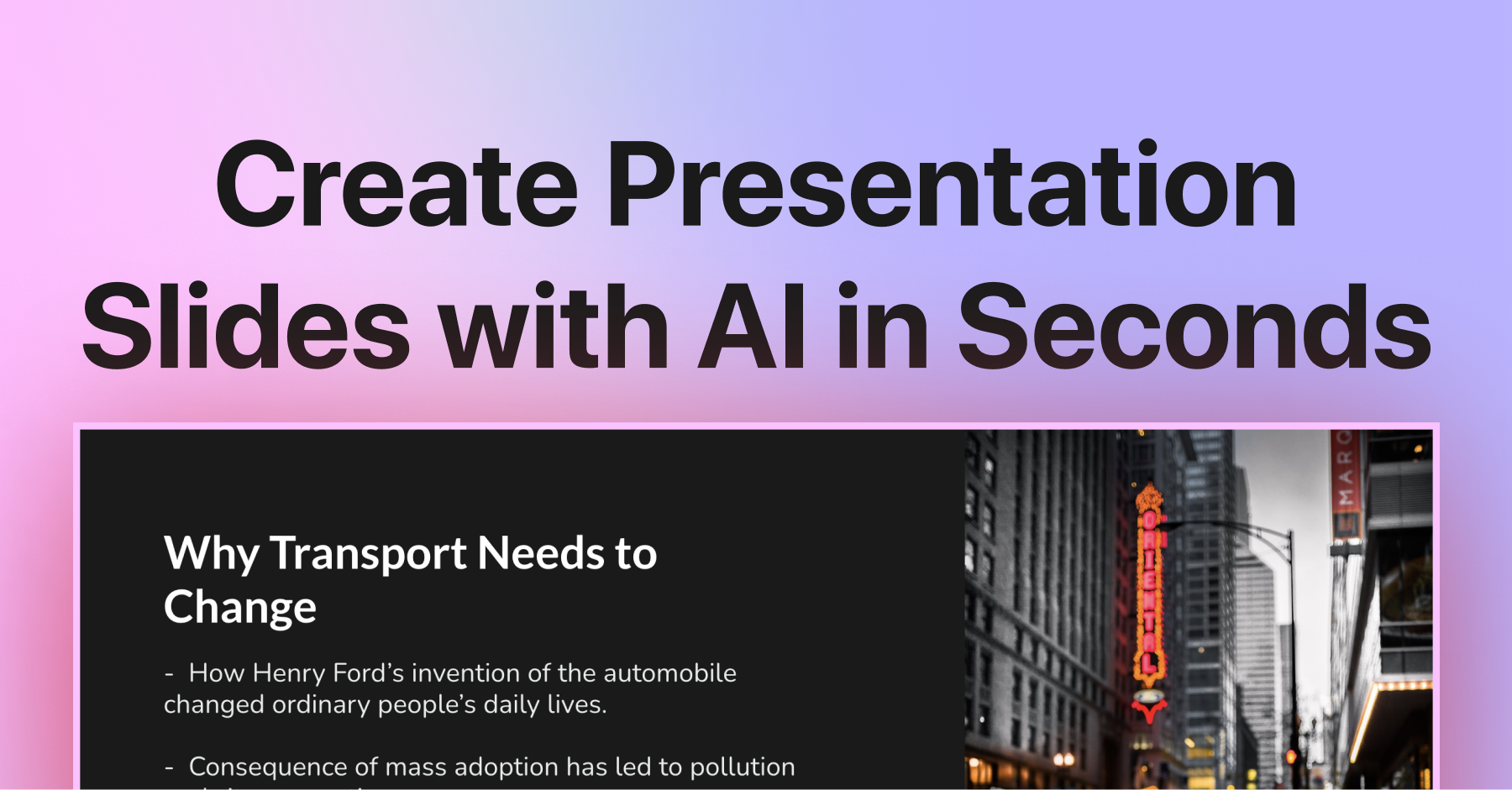
PPT AI −1.5 6.7 $9.9/mo $9.90/mo Free users can generate 3 presentations per month, access 50+… Rapidly converting documents, data, and videos into presentations.
MagicSlides −1.9 6.3 Free plan $0 on the free plan Yes Rapidly drafting presentations from text, docs, or videos.

Team cost multiplies per-seat plans by your team size; flat plans stay flat. Yearly plans are shown per month. A blank cost means the vendor publishes no price. Prices checked against vendor sites, latest 26 Oct 2026.

Checking these tools on their own sites?Zekai AI TV shows the Zekai score, real price and cheaper alternatives right in your browser. Free.
Add to Chrome — free

Switch or stay?

The honest version: when each alternative is the better pick, and when Plus AI still is.

1

Gamma vs Plus AI

8.8Zekai score
  • Switch to Gamma — best for rapidly drafting presentations and documents. Generates entire presentations from a single prompt.
  • Stay with Plus AI — if this matters most to you: native add-on for PowerPoint and Google Slides; no new app to learn.
Copy a migration prompt: Plus AI → Gamma
I'm moving from Plus AI to Gamma. My current Plus AI workflow: [describe your 3-5 main steps]. Map each step to the matching Gamma feature, list anything Gamma can't do that I'll need a workaround for, and give me a 30-minute setup plan for my first week.
2

Pitch vs Plus AI

8.6Zekai score
  • Switch to Pitch — best for Executive Assistants creating and managing high-stakes presentations. Combines AI generation with deep collaboration tools and viewer analytics.
  • Stay with Plus AI — if this matters most to you: native add-on for PowerPoint and Google Slides; no new app to learn.
Copy a migration prompt: Plus AI → Pitch
I'm moving from Plus AI to Pitch. My current Plus AI workflow: [describe your 3-5 main steps]. Map each step to the matching Pitch feature, list anything Pitch can't do that I'll need a workaround for, and give me a 30-minute setup plan for my first week.
3

Decktopus vs Plus AI

7.5Zekai score
  • Switch to Decktopus — best for rapidly creating branded presentations from text prompts. Generates a complete, editable deck with copy and images from a single prompt.
  • Stay with Plus AI — if this matters most to you: native add-on for PowerPoint and Google Slides; no new app to learn — it also scores higher (8.2 vs 7.5).
Copy a migration prompt: Plus AI → Decktopus
I'm moving from Plus AI to Decktopus. My current Plus AI workflow: [describe your 3-5 main steps]. Map each step to the matching Decktopus feature, list anything Decktopus can't do that I'll need a workaround for, and give me a 30-minute setup plan for my first week.
4

SlidesAI vs Plus AI

7.1Zekai score
  • Switch to SlidesAI — best for quickly converting text into slide decks inside Google Slides & PowerPoint. Native integration as an add-in for PowerPoint and Google Slides.
  • Stay with Plus AI — if this matters most to you: native add-on for PowerPoint and Google Slides; no new app to learn — it also scores higher (8.2 vs 7.1).
5

Presenti AI vs Plus AI

6.9Zekai score
  • Switch to Presenti AI — best for converting existing documents (PDF, Word) into presentation drafts quickly. Wide range of input formats including PDF, Word, and Mindmaps.
  • Stay with Plus AI — if this matters most to you: native add-on for PowerPoint and Google Slides; no new app to learn — it also scores higher (8.2 vs 6.9).
6

PPT AI vs Plus AI

6.7Zekai score
  • Switch to PPT AI — best for rapidly converting documents, data, and videos into presentations. Extensive input file support (DOC, DOCX, PDF, PPT, PPTX, TXT, MD, XLS, XLSX, CSV, HTML, EPUB, MOBI, XMIND, MM, video) and direct PPTX export.
  • Stay with Plus AI — if this matters most to you: native add-on for PowerPoint and Google Slides; no new app to learn — it also scores higher (8.2 vs 6.7).
7

MagicSlides vs Plus AI

6.3Zekai score
  • Switch to MagicSlides — best for rapidly drafting presentations from text, docs, or videos. Generates presentations from diverse inputs like PDFs and YouTube links.
  • Stay with Plus AI — if this matters most to you: native add-on for PowerPoint and Google Slides; no new app to learn — it also scores higher (8.2 vs 6.3).

Comparing more than one tool?

See every scored tool for Personal Productivity & Executive Assistants, or open the full table of all alternatives pages.

best AI tools for personal productivity & executive assistants →

Frequently asked

What is the best alternative to Plus AI?

Gamma is the highest-scoring alternative at 8.8 out of 10, ahead of the other 6 personal productivity & executive assistants tools we compared against Plus AI. Its edge: Generates entire presentations from a single prompt. Pricing: $20/mo · free tier. Every score is Zekai's own, based on ease of use, accuracy, time saved and value for money.

Are there free Plus AI alternatives?

Yes. 7 of the 7 alternatives offer a free tier, including Gamma, Pitch and Decktopus. Gamma is the highest-scoring of them at 8.8 out of 10, so it is the one to try first if budget is the deciding factor. Free tiers usually limit usage rather than features.

What is the cheapest paid alternative to Plus AI?

MagicSlides is the lowest published paid price at $ 6. 67/month, and it scores 6.3 out of 10. It is aimed at rapidly drafting presentations from text, docs, or videos. Cheapest is not automatically best value: our value-for-money sub-score weighs price against what the tool actually delivers, and that is already folded into the score shown.

Is Plus AI still worth using?

Plus AI scores 8.2 out of 10 in our index. It is best for creating and editing presentations inside google slides & powerpoint. Plus AI is a significant time-saver for anyone building presentations. Its native integration into Google Slides and PowerPoint is its killer feature, eliminating… Switching only makes sense if one of the alternatives above matches your specific use case more closely.

How does Zekai score these tools?

Every tool is scored out of 10 on four criteria: ease of use, accuracy, time saved and value for money. Scores are editorial and independent, they are never sold or influenced by vendors, and affiliate links do not affect them. The full method is published on our scoring page.

Scores are Zekai's own. Prices come from each vendor's public pricing page and are re-checked on a rolling basis; plans change, so confirm on the vendor's site. Links marked ↗ may earn Zekai a commission; that never affects a score. How we score

Get paid to train AI →

See Zekai first in Google

Get paid to train AI →