Browse
AI Directory Open Source AI News AI Statistics
Browse by profession
Accounting, Bookkeeping & TaxCompliance, Audit & GRCConstructionCustomer SupportData ScienceMedical All 30 professions →
Company
About Advertise Submit a tool Get the free Productivity AI guide
Overview How It Works Before & After Reviews Integrations Why This Tool FAQ Pricing Top 10 Get Alerts News
SlidesAI

For Executive Assistants and busy professionals, SlidesAI eliminates the tedious process of building presentations from scratch. It integrates directly into Google Slides...

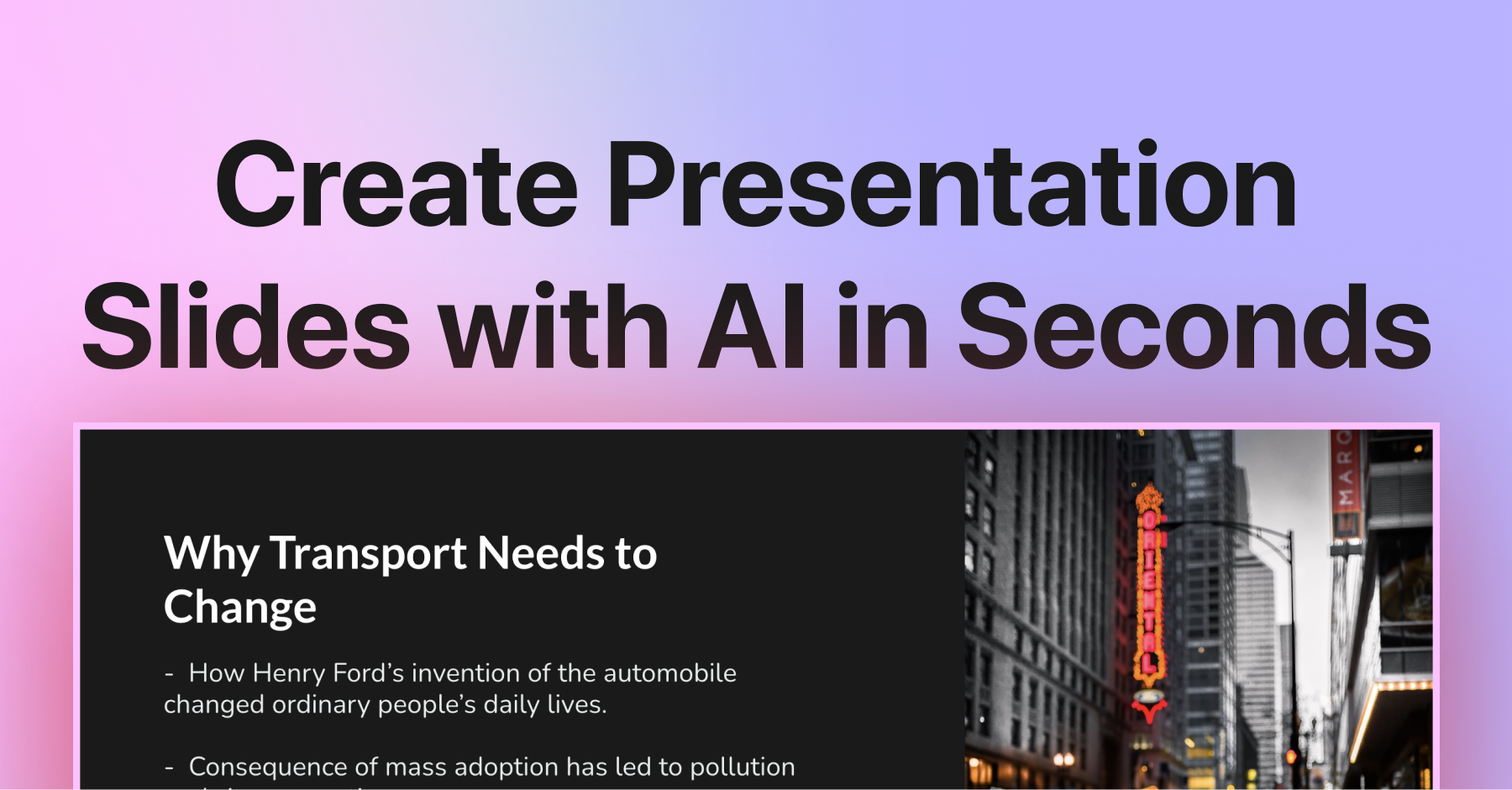
Instantly convert text, notes, or topics into professional presentations directly within Google Slides and PowerPoint, saving hours of manual work.

This AI presentation maker automates slide creation, content writing, and design, letting you focus on the message, not the formatting.

Try SlidesAI Free
Free Plan Pro from$10/mo
Text-to-SlidesPowerPoint Add-inGoogle Slides Add-onAI Content Generation100+ Languages
9 Zekai
Fast-track Presentation Creation
AI for Personal Productivity & Executive Assistants
Ease of Use
9.5
Accuracy
7.8
Value
8.9
Time Saving
9.6
14M+Users
9/10Zekai Score
🏷 Is this your tool? Claim this listing →
⚡ Quick answer

For Personal Productivity & Executive Assistants, SlidesAI is a top choice for creating presentations quickly. It's not a standalone app, but an add-in for Google Slides and PowerPoint, meaning there's no new software to learn. You can paste meeting notes or a simple topic and generate a full deck in seconds, a massive time-saver for busy assistants supporting executives.

CategoryAI Presentation Maker
Best ForQuickly converting text into slide decks inside Google Slides & PowerPoint.
Price From$0
FreeYes, free plan available
DifferentiatorNative integration as an add-in for PowerPoint and Google Slides.
Proof14M+ installs.
Rating4.5
📖 About SlidesAI
How It Works

Your workflow, automated

1
Install & Launch
Add SlidesAI from the Google Slides or PowerPoint add-in store and open it within a presentation.
2
Enter Your Content
Paste your full text, notes, or just a topic prompt into the SlidesAI panel.
3
Generate & Refine
Let the AI build your slides, then customize layouts, images, and text directly in the editor before presenting.
Ready to automate your workflow with SlidesAI?
Try SlidesAI Free →
Real Impact

Before & After

❌ Before

Spending hours manually creating, formatting, and sourcing images for presentations from scratch, often under tight deadlines.

2-4 hours per deck
✅ After

Generating a complete, well-designed first draft of any presentation in minutes, freeing up time for strategic review and other tasks.

<15 minutes for first draft
Social Proof

Trusted by 14M+

14M+ professionals using this tool
Ease of Use
9.5
Accuracy
7.8
Value
8.9
Time Saving
9.6

"This app exceeded my expectations. It is very useful and convenient, saves time and eliminates the stress of manually creating PowerPoints . I highly recommend it!"

Oghale A., Professional · June 2026

"Great! In a few seconds you can get a structured presentation with a photo, it saves me a lot of time! Great tool!"

Maria V., Assistant · May 2026

"It's a great product that integrates seamlessly into PowerPoint. The function of summarising slide content into easily digestible information is very useful. It makes formatting slides much easier than doing it manually."

Jackie W., Professional · April 2026

"Working fantastic and very helpful. Saving me so much time by automatically generate sub-titles on each pages and analyze my paragraph to points form! highly recommend!"

hassanain a., User · March 2026
14M++ professionals are already using this tool.
Start Free Today →
Connects With

Works with your existing stack

Google Slides PowerPoint ChatGPT
Setup complexity: Beginner-friendly
For Executive Assistants and busy professionals, SlidesAI eliminates the tedious process of building presentations from scratch. It integrates directly into Google Slides and PowerPoint, allowing you to generate complete, well-structured decks from text prompts or existing documents in seconds. This saves significant time on urgent requests and last-minute updates.
Who It's For

Why Personal Productivity & Executive Assistants choose this tool

🎯
Built for
Best for quickly generating first-draft presentations from raw text, meeting notes, or simple topics, directly inside your existing workflow.
In-Depth Overview
As an Executive Assistant, your time is your most valuable asset. SlidesAI directly addresses the time-consuming task of presentation creation by automating it within the tools you already use. Instead of starting from a blank slide, you can provide a text prompt, meeting notes, or a long document and generate a full, structured presentation in under a minute. Its key differentiator is its native integration as an add-in for Google Slides and PowerPoint, which eliminates any learning curve associated with a new application. With over 14 million installs, it's a proven solution for professionals. The AI handles the content summarization, layout, and even finds images, turning what used to be a multi-hour task into a quick review and refinement process. This allows you to respond to urgent requests from your executive with incredible speed and efficiency, delivering polished first drafts almost instantly.

Key Use Cases

👩‍💼
Transform Meeting Notes into a C-Suite Presentation in Minutes
Executive Assistant
Your executive hands you a page of raw meeting notes and asks for a summary deck for the board by EOD. Instead of hours of formatting, you paste the text into SlidesAI, which generates a structured, professionally designed presentation in under two minutes.
From 3 hours to 10 minutes
✓ Pros
Integrates seamlessly into existing Google Slides and PowerPoint workflows.
Drastically reduces time spent on creating first drafts of presentations.
Generous free tier for light or occasional use.
No new software to learn; operates as an add-in.
Ability to generate a full deck from a simple topic or long-form text.
· Cons
Generated content requires manual review and refinement for nuance and accuracy.
Free plan has significant limits on presentation length and frequency.
Design customization may not match strict corporate branding without manual tweaks.
The quality of output is directly tied to the quality and detail of the input prompt.
⚡ Editorial Verdict

SlidesAI is a powerful time-saver for any assistant who regularly builds slide decks. Its direct integration with Google Slides and PowerPoint is its killer feature, eliminating the need to learn a new app. While the AI-generated content is a solid starting point, it will always require a human touch for final polish and strategic messaging.

Questions & Answers

Frequently asked questions

How can an AI help me create presentations faster for my executive? +
SlidesAI allows you to generate a complete presentation from a simple text prompt, document, or topic. It automatically handles the structure, content writing, and design, reducing the creation time for a first draft from hours to minutes.
What's the best AI presentation tool that works with Google Slides? +
SlidesAI is a strong contender as it's not a separate program but a direct add-in for Google Slides. This seamless integration allows you to generate and edit AI presentations within the familiar Google Workspace environment.
Can I turn a block of text or meeting notes into a PowerPoint deck automatically? +
Yes, this is a core function of SlidesAI. You can paste your text directly into the tool, and it will analyze the content, break it into logical slides, add titles, and format it into a presentation deck, which works in both PowerPoint and Google Slides.
Is there an AI tool to generate presentation slides from a simple prompt? +
Yes, SlidesAI can create a full presentation from a single prompt. You can enter a topic, and the AI will organize sections, write the content, and build professional slides instantly.
How to make a professional-looking presentation without design skills? +
SlidesAI automates the design process. It provides over 150 professional templates and automatically applies themes, layouts, and even sources images, giving you a polished result without needing any manual design work.
Does SlidesAI work with Microsoft PowerPoint or only Google Slides? +
SlidesAI works seamlessly with both Microsoft PowerPoint and Google Slides. It is available as an add-in for both platforms, allowing you to work in your preferred application.

Last reviewed: Reviewed June 2026 — Pricing, features, and user interface were assessed based on the public website.

Plans & Pricing

Start today

Personal Productivity & Executive Assistants

Top 10 AI tools in this category

Get SlidesAI deal alerts

Be the first to know when SlidesAI drops a new discount, adds features, or changes pricing.

Exclusive SlidesAI discount codes
New feature announcements
Best alternative picks when pricing changes
Zero spam — unsubscribe anytime
🎉
You're subscribed!
We'll notify you when SlidesAI has a new deal.
Zekai Blog

Latest AI news

AI Directory

About SlidesAI

Full Description

For Executive Assistants and busy professionals, SlidesAI eliminates the tedious process of building presentations from scratch. It integrates directly into Google Slides and PowerPoint, allowing you to generate complete, well-structured decks from text prompts or existing documents in seconds. This saves significant time on urgent requests and last-minute updates.

Editorial Verdict

SlidesAI is a powerful time-saver for any assistant who regularly builds slide decks. Its direct integration with Google Slides and PowerPoint is its killer feature, eliminating the need to learn a new app. While the AI-generated content is a solid starting point, it will always require a human touch for final polish and strategic messaging.

Last reviewed: Reviewed June 2026 — Pricing, features, and user interface were assessed based on the public website.
Previous Tool Pitch Next Tool SlidesAI
All AI Tools A–Z →
This site is registered on wpml.org as a development site. Switch to a production site key to remove this banner.