
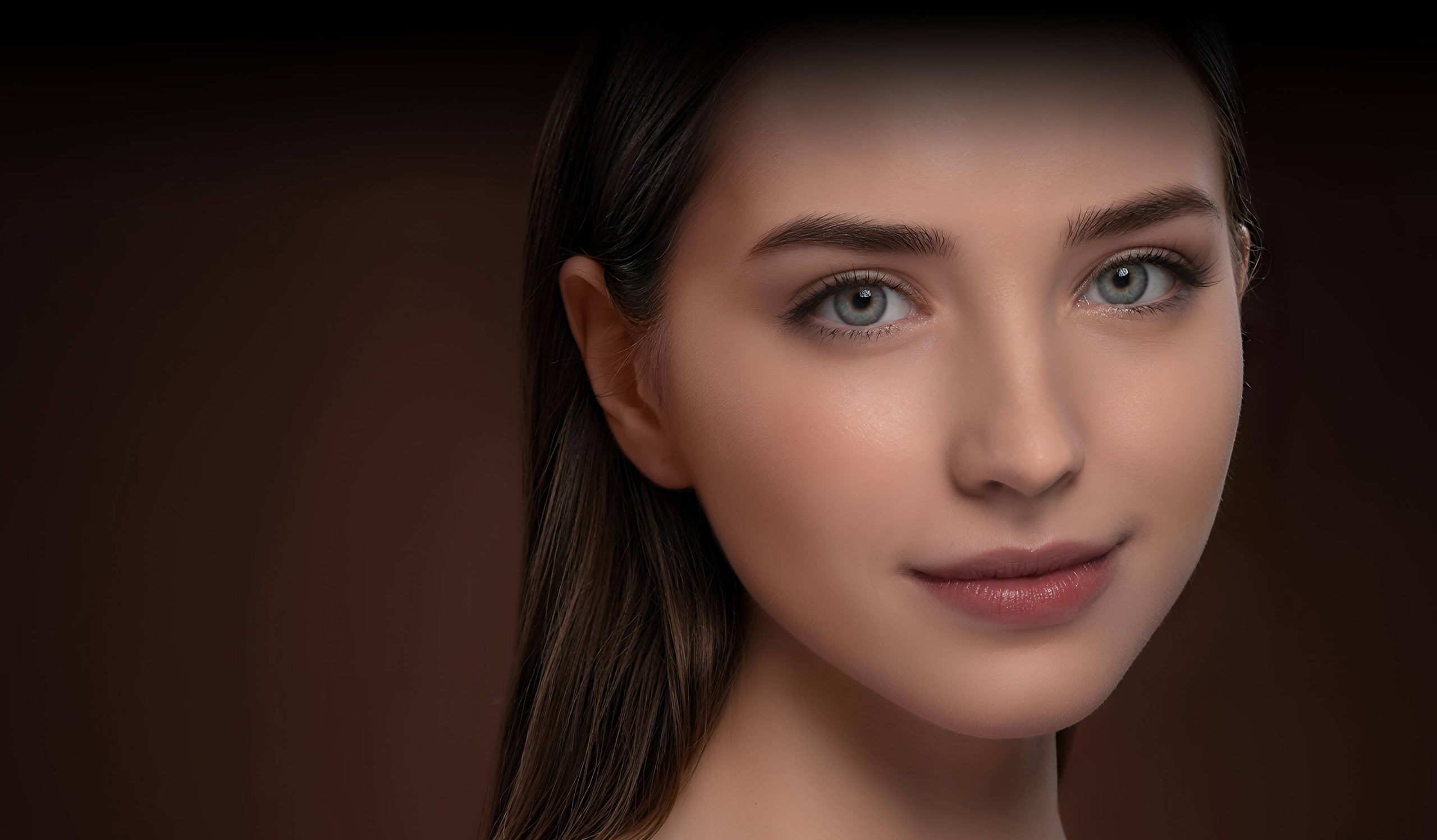
Enhance, upscale, and restore your photos with desktop AI. Achieve natural results without the artificial 'AI' look, perfect for low-light shots.
Process images locally for speed and privacy, from sharpening fine details in wildlife shots to upscaling images for print up to 32K resolution.
What is Aiarty Image Enhancer?
Aiarty Image Enhancer: Enhance, upscale, and restore your photos with desktop AI. Achieve natural results without the artificial 'AI' look, perfect for low-light shots. It has a free plan. Zekai scores it 7.9 out of 10 after independent testing. Best for photographers needing natural detail restoration and upscaling.
Zekai Verdict
- What is it?
- Aiarty Image Enhancer is a desktop AI tool for photographers to enhance image quality, restore details, and upscale images up to 32K.
- Best for
- Best for photographers needing to rescue noisy or blurry shots and upscale images for large prints while maintaining…
- Not ideal for
- Desktop-only software; no cloud or mobile version available.
- Price
- Free plan
- Zekai Score
- 7.9/10
 DxO PureRAW
 Upscayl
 Capture One Pro
 Pixellu SmartAlbums
 Topaz Photo AI
For photographers seeking natural-looking enhancements with full data privacy, Aiarty Image Enhancer is a leading choice. It runs 100% locally on your desktop to upscale, denoise, and restore images, excelling at preserving fine details like skin, hair, and fur without the artificial 'AI look' common in other tools.
Before & After
Clients rejecting photos due to noise or softness
High image rejection rateConfidently delivering sharp, clean images from any shoot
Zero technical rejectionsTry it with these prompts
Copy any prompt and paste it directly into the tool.
Upscale and restore old, low-quality images up to 32K resolution. Generate realistic details in skin, hair, and textures, and erase unwanted objects.
Enhance image quality for e-commerce by reducing noise and sharpening details. Erase unwanted objects to showcase products with natural clarity and HDR-quality visuals.
Recover realistic skin textures and fine hair details with stunning clarity. Restore faces with natural clarity and enhance color accuracy for professional photography.
Prompts for Photographers
Paid remote AI jobs for people who use tools like Aiarty Image Enhancer
AI companies pay experts by the hour to test and improve AI. Remote and flexible. These roles are open now.
12 open roles · updated today
Get new roles like these by email
One short email each morning with new roles open in your country. Free. Unsubscribe any time.
Trusted by professionals
Best Aiarty Image Enhancer alternatives
Choose Aiarty Image Enhancer over Topaz Photo AI if your top priorities are 100% offline processing for maximum privacy and achieving the most natural-looking results without any 'AI gloss'. Aiarty is praised for keeping a photo's original character intact. However, select Topaz Photo AI if you prefer a more mature ecosystem with extensive community support and seamless integration with Lightroom and Photoshop via plugins, which can streamline an existing professional workflow.
Is Aiarty Image Enhancer worth it?
Why Photographers choose this tool
Key Use Cases
Aiarty Image Enhancer is a powerful local-first solution for photographers who prioritize natural results and data privacy. Its ability to denoise high-ISO images and restore fine detail is impressive for a new tool. The main trade-off is its lack of cloud features, requiring an extra step in the workflow.
Frequently asked questions
What is the best AI image enhancer for professional photographers?
Can AI improve blurry photos for professional use?
Is Aiarty Image Enhancer safe to use with client photos?
Can it fix photos taken with a high ISO?
How large can I upscale my images for printing?
Is there an offline AI photo enhancer for privacy?
Last reviewed:
Aiarty Image Enhancer pricing and plans
Prices and features are updated regularly but can change at any time — always confirm on the official website. Some links on this page are affiliate links.
Top 10 AI tools in this category

Take it with you
- Master Noise Reduction: Learn to clean up high-ISO shots from events or wildlife photography.
- Upscale for Print: Turn a standard photo into a large-format, print-ready file.
- Restore Vintage Photos: Bring clarity and life back to old, faded family portraits.
- Enhance Natural Textures: See how to sharpen fine details like hair, fur, and fabric.
- Use the AI Eraser: Cleanly remove distracting objects from your compositions.
Get Aiarty Image Enhancer deal alerts
Be the first to know when Aiarty Image Enhancer drops a new discount, adds features, or changes pricing.
More on AI for Photographers
- The Best AI Photo Editors in 2026: Ranked & Reviewed
- 25 AI Prompts Every Photographer Should Save (For All Workflows)
- AI Photo Editor GeoImageTagger Streamlines Metadata for Photographers
- New AI Photo Editor for Real Estate: PropertyAdvice.ai Launches Virtual Staging
- ChatGPT for Photo Editing: Can It Edit Your Photos in 2026?

About Aiarty Image Enhancer
Full Description
Aiarty Image Enhancer is a desktop AI tool for photographers to enhance image quality, restore details, and upscale images up to 32K. It specializes in reducing noise from high-ISO shots, sharpening fine textures like hair and fur, and restoring old photos with natural facial clarity. The software runs 100% locally, ensuring privacy and fast processing.
Editorial Verdict
Aiarty Image Enhancer is a powerful local-first solution for photographers who prioritize natural results and data privacy. Its ability to denoise high-ISO images and restore fine detail is impressive for a new tool. The main trade-off is its lack of cloud features, requiring an extra step in the workflow.


