

Automate flawless portrait retouching for photographers. Get professional, natural-looking results in a single click with AI face detection.
Uses machine learning to automatically smooth skin, enhance eyes, and whiten teeth, while giving you full manual control.
What is ON1 Portrait AI?
ON1 Portrait AI: Automate flawless portrait retouching for photographers. Get professional, natural-looking results in a single click with AI face detection. It has a free plan; paid plans start at $29.99. Zekai scores it 7.9 out of 10 after independent testing. Best for batch retouching for portrait & wedding photographers.
Zekai Verdict
- What is it?
- ON1 Portrait AI is an intelligent retouching tool for photographers that uses machine learning to automate portrait enhancements.
- Best for
- It's best for photographers seeking to dramatically speed up their portrait retouching workflow without sacrificing…
- Not ideal for
- Standalone app is focused; most powerful when part of the full ON1 Photo RAW suite.
- Price
- Free plan · paid from $29.99
- Zekai Score
- 7.9/10
 DxO PureRAW
 Upscayl
 Capture One Pro
 Pixellu SmartAlbums
 Topaz Photo AI
For photographers needing to accelerate their portrait workflow, ON1 Portrait AI is a top contender. It uses AI to automatically detect and retouch faces with natural-looking results, saving hours on tasks like skin smoothing and eye enhancement. Its ability to batch process entire shoots and function as a plugin for Lightroom and Photoshop makes it a practical, efficient tool for professionals.
See ON1 Portrait AI in action
Your workflow, automated
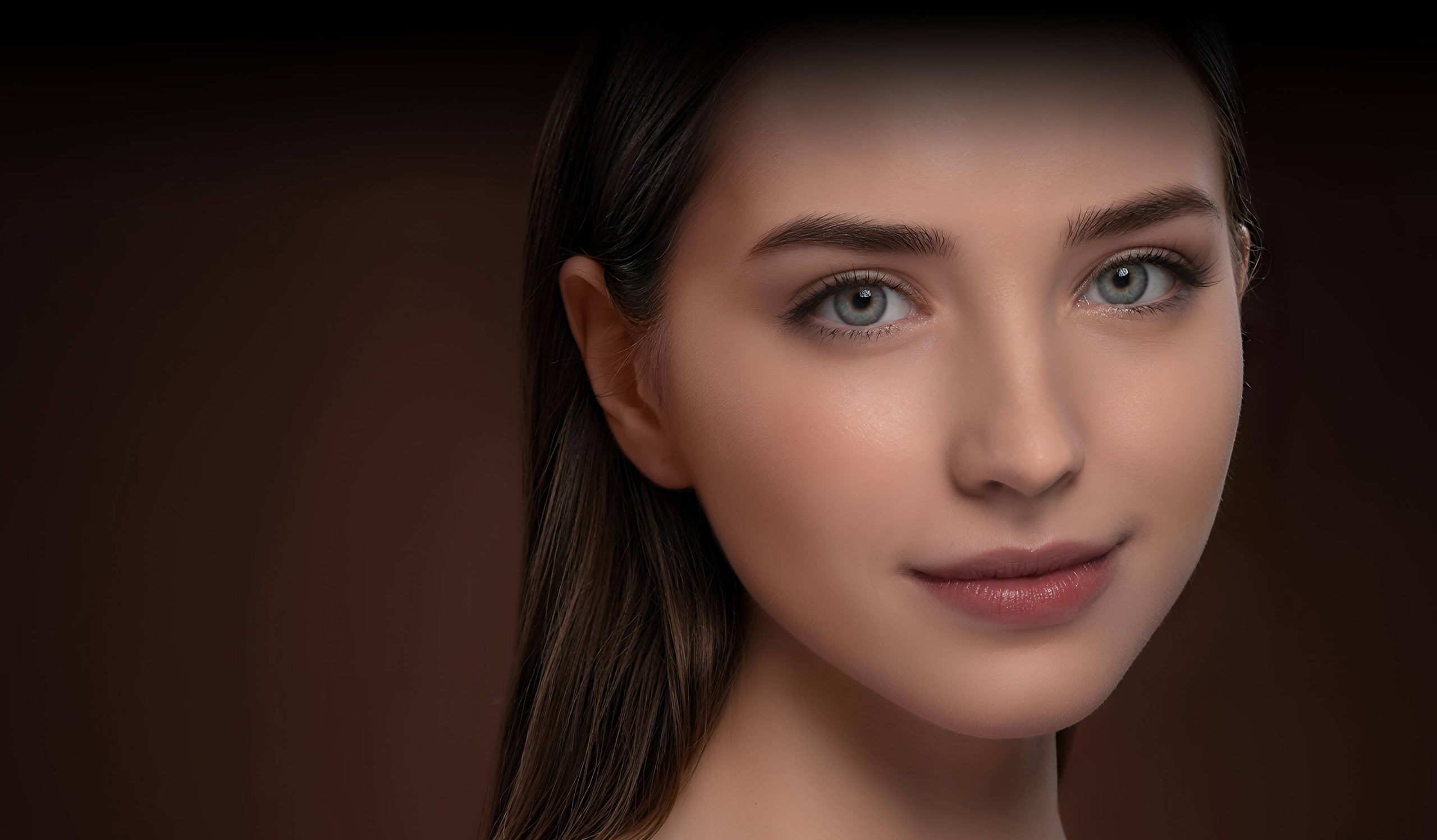
Before & After
Spending hours manually retouching each portrait in a large shoot.
5-15 mins per photoRetouching entire photo sets in minutes with consistent, high-quality results.
<1 min per photoTry it with these prompts
Copy any prompt and paste it directly into the tool.
Apply automatic retouching to all faces in this photo. Enhance skin smoothing, eye details, and mouth appearance. Ensure natural-looking results without manual masking.
Batch process this folder of portraits for retouching. Automatically detect and apply appropriate retouching settings for each individual face to speed up proofing.
Adjust each face in this wedding photo independently. Apply specific retouching settings for the bride and groom to ensure customized enhancements for both subjects.
Prompts for Photographers
Trusted by professionals
ON1 Portrait AI integrations
Best ON1 Portrait AI alternatives
ON1 Portrait AI's primary competitor is Skylum's Luminar Neo with its Portrait AI tools. Choose ON1 Portrait AI if your main goal is speed and efficiency for high-volume portrait work, especially with its superior batch processing and focus on natural skin texture via frequency separation. Its perpetual license is a major draw for those avoiding subscriptions. Opt for Luminar Neo if you want a more comprehensive, all-in-one editor with a wider range of creative AI tools beyond just portraits, such as sky replacement, relighting, and object removal, and you prefer a more stylized, guided editing experience.
Is ON1 Portrait AI worth it?
Why Photographers choose this tool
Key Use Cases
ON1 Portrait AI is a powerful time-saver for any photographer dealing with portraits, especially in volume. Its AI-driven face detection and one-click presets deliver impressive, natural-looking results instantly. The main trade-off is that while it integrates well as a plugin, its full potential is best realized within the broader ON1 Photo RAW ecosystem, which may be a consideration for those heavily invested elsewhere.
Frequently asked questions
What makes ON1 Portrait AI different from other portrait retouching software?
Does ON1 Portrait AI have a free trial?
What retouching tools are available in ON1 Portrait AI?
Can I use ON1 Portrait AI with my existing software like Lightroom or Photoshop?
Is ON1 Portrait AI a one-time purchase or a subscription?
Does ON1 Portrait AI work on both Mac and Windows?
Last reviewed:
ON1 Portrait AI pricing and plans
Prices and features are updated regularly but can change at any time — always confirm on the official website. Some links on this page are affiliate links.
Top 10 AI tools in this category
Take it with you
- Understanding the Interface: Standalone vs. Plugin Mode
- The Power of One-Click: Applying Smart AI Presets
- Individual Control: Adjusting Settings for Each Face
- Beyond Skin: Enhancing Eyes, Mouth, and Face Shape
- Mastering Batch Processing: Retouch an Entire Shoot at Once
Get ON1 Portrait AI deal alerts
Be the first to know when ON1 Portrait AI drops a new discount, adds features, or changes pricing.
More on AI for Photographers



About ON1 Portrait AI
Full Description
ON1 Portrait AI is an intelligent retouching tool for photographers that uses machine learning to automate portrait enhancements. It instantly finds every face in a photo, applies natural-looking adjustments like skin smoothing and eye sharpening, and works as a standalone app or a plugin for major editing software. This streamlines high-volume work like wedding and event photography without sacrificing quality.
Editorial Verdict
ON1 Portrait AI is a powerful time-saver for any photographer dealing with portraits, especially in volume. Its AI-driven face detection and one-click presets deliver impressive, natural-looking results instantly. The main trade-off is that while it integrates well as a plugin, its full potential is best realized within the broader ON1 Photo RAW ecosystem, which may be a consideration for those heavily invested elsewhere.


