AI tools, scored for your job
Get paid to train AI
Overview How It Works Before & After Reviews Integrations Why This Tool FAQ Pricing Top 10 Get Alerts News

Fotor — AI for Graphic Designers & Creative Arts
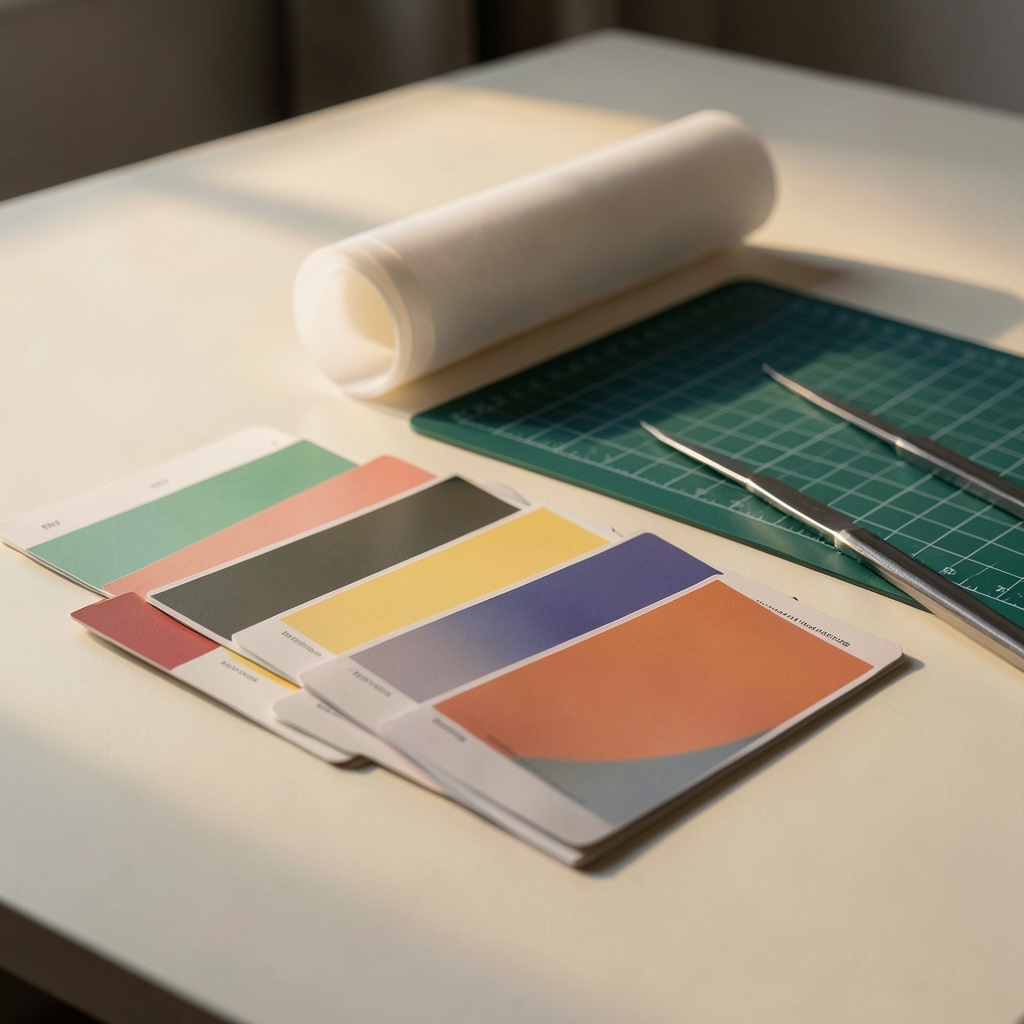
Online photo editor and AI image generator with background removal, object removal and 4x upscaling.

What is Fotor?

Fotor: Online photo editor and AI image generator with background removal, object removal and 4x upscaling. It has a free plan. Zekai's independent review scores it 7.8 out of 10. Best for quick photo edits and AI images.

Facts checked 10 Nov 2026.

DifferentiatorPhoto editing and AI generation in one app
Try Fotor
Free Plan
7.8 Zekai
All-in-one photo and AI
Generative AI for Graphic Designers & Creative Arts

Ease of Use
9.0
Accuracy
7.0
Value
7.0
Time Saving
8.0
Photo editorAI generatorObject removerUpscalerBackground remover
🏷 Is this your tool? Claim this listing →

Zekai Verdict

What is it?
Fotor is an online photo editor from Everimaging with AI tools for enhancing photos, removing backgrounds and objects, expanding images and generating images from…
Best for
Social media creators, e-commerce sellers and freelance designers who edit and generate images online.
Not ideal for
Free plan has limited credits and one concurrent generation
Price
Free plan
Zekai Score
7.8/10
Hand-scored by Zekai

Top Generative AI for Graphic Designers & Creative Arts picks
See all 118 AI tools for Graphic Designers →
⚡ Quick answer

Fotor is an online photo editor and AI image generator from Everimaging. It offers AI enhancement, background and object removal, AI Expand, 4x upscaling and text-to-image generation. It runs on web, Windows, Mac, iOS and Android.

CategoryOnline photo editor and AI image generator
Best forQuick photo edits and AI images
Free planyes
DifferentiatorPhoto editing and AI generation in one app
Rating4
📖 About Fotor

Fotor is an online photo editor from Everimaging with AI tools for enhancing photos, removing backgrounds and objects, expanding images and generating images from text. It runs on web, Windows, Mac, iOS and Android.

How It Works

Your workflow, automated

1
Upload or prompt
Open a photo or type a prompt to generate an image.
2
Edit with AI
Remove objects, swap backgrounds, expand or upscale the image.
3
Export
Export as JPG, PNG or PDF or share to social media.
Ready to automate your workflow with Fotor?
Try Fotor →
Real Impact

Before & After

❌ Before

Retouching a photo, removing an object and producing a variation each needs a different tool.

Several tools
✅ After

Enhance, remove, expand and generate images in one browser editor.

One editor
AI Prompts

Prompts for Graphic Designers

Prompt 01 Concepting an Image to Vectorize
Minimalist line art logo of a stylized eagle head, single continuous line, geometric, sharp angles, vector art, black on white background --style raw
Prompt 02 Minimalist Geometric Logo
Logo for a sustainable tech company named 'Terraform'. A minimalist, geometric logo combining a leaf and a circuit board. Flat 2D vector style, single continuous line, sage green on an off-white background.
Prompt 03 Modern Wordmark with a Twist
Wordmark logo for 'Flowstate', a productivity app. The letter 'o' is replaced by a subtle, abstract representation of a clock face. Modern, sans-serif typography, clean and balanced. Negative space design, black and white.
See all 30 AI prompts for Graphic Designers →
Social Proof

Trusted by professionals

Ease of Use
9.0
Accuracy
7.0
Value
7.0
Time Saving
8.0
Connects With

Fotor integrations

API Plans MCP
Setup complexity: Beginner friendly
Fotor is an online photo editor from Everimaging with AI tools for enhancing photos, removing backgrounds and objects, expanding images and generating images from text. It runs on web, Windows, Mac, iOS and Android.
The decision

Is Fotor worth it?

Built for
Small business owners, social media creators and designers who want quick photo edits and AI image generation without desktop software.
Effort to adopt
Beginner friendly
Who It's For

Why Graphic Designers & Creative Arts choose this tool

🎯
Built for
Social media creators, e-commerce sellers and freelance designers who edit and generate images online.
In-Depth Overview
Fotor combines everyday photo editing with a growing set of AI tools, so you can fix, restyle and create images in one place. The basic editor covers brightness, contrast, cropping, resizing, portrait retouching, filters, text, stickers, frames, collages and batch editing. The AI side includes a photo enhancer, background remover and replacer, object remover for people, text and watermarks, AI Replace driven by a text prompt, AI Expand for outpainting, colorization, photo restoration and 4x upscaling. The AI image generator accepts text prompts and reference images, offers style presets, and lists models such as Nano Banana Pro, GPT Image 2, FLUX and Seedream. You can generate without signing up and receive free daily credits, and the page states generated images can be used in commercial projects. The pricing page lists Basic (free), Pro, Pro+ and Max plans, but the prices and monthly credit amounts did not display, so you cannot judge cost from what we read. The free plan has limited credits, one concurrent generation, cloud storage and normal-quality JPG, PNG or PDF export. Unused paid credits roll over for up to 5 months.

Key Use Cases

🛍️
Cleaner product photos
E-commerce seller
Remove the background, replace it and upscale the image before listing.
4x upscaling
📣
Fast image variations
Social media creator
Generate images from a prompt, then edit them with text instructions and filters.
style presets
🖼️
Retouch client photos
Freelance designer
Remove unwanted objects or watermarks and expand an image to fit a new layout.
Object removal and Expand
✓ Pros
Image generation works with top models
Many editing and AI tools in one browser app
Available on web, Windows, Mac, iOS and Android
Unused paid credits roll over for up to 5 months
Page states generated images can be used
· Cons
Free plan has limited credits and one concurrent generation
Plan prices and paid credit amounts did not display on the pricing page
Free cloud storage is 512MB and message history lasts 7 days
Free export is normal quality only
⚡ Editorial Verdict

Fotor covers photo editing, object removal, upscaling and image generation in one browser tool, with a usable free tier. The limitation is that free credits are limited and the pricing page did not show plan prices or paid credit amounts, so you must check cost before relying on it.

Questions & Answers

Frequently asked questions

Is Fotor free?

+
Yes, there is a free Basic plan with limited free credits.

Can I use Fotor images commercially?

+
Fotor's image generator page states generated images can be used for commercial projects.

Which AI models does Fotor list?

+
Its image generator page lists Flux AI, GPT Image 2, Gemini AI, Nano Banana Pro, Nano Banana and Seedream.

Does Fotor have an API?

+
The homepage lists a developer API, an SDK service and an MCP option.

Last reviewed:

Plans & Pricing

Fotor pricing and plans

Prices and features are updated regularly but can change at any time — always confirm on the official website. Some links on this page are affiliate links.

See all 118 AI tools for Graphic Designers →

Get Fotor deal alerts

Be the first to know when Fotor drops a new discount, adds features, or changes pricing.

Exclusive Fotor discount codes
New feature announcements
Best alternative picks when pricing changes
Zero spam — unsubscribe anytime
🎉
You're subscribed!
We'll notify you when Fotor has a new deal.
AI Directory

About Fotor

Full Description

Fotor is an online photo editor from Everimaging with AI tools for enhancing photos, removing backgrounds and objects, expanding images and generating images from text. It runs on web, Windows, Mac, iOS and Android.

Editorial Verdict

Fotor covers photo editing, object removal, upscaling and image generation in one browser tool, with a usable free tier. The limitation is that free credits are limited and the pricing page did not show plan prices or paid credit amounts, so you must check cost before relying on it.

Last reviewed:
Disclaimer
Zekai is an independent AI tools directory. We are not affiliated with, endorsed by, or officially connected to Fotor unless clearly stated. All product names, logos, and brands are the property of their respective owners and are used for identification purposes only. The information on this page — including pricing, features, and availability — is general information, may have changed since our last review, and is not professional advice. Zekai Scores and verdicts are our editorial opinion. Some outbound links are affiliate links that may earn us a commission at no extra cost to you. Spotted outdated or incorrect information? Request a correction →
Get paid to train AI →
‹ Previous Tool SparkMyName › Next Tool AmiPhotos ‹ ›
All AI Tools A–Z →
Visit website ↗
Fotor7.8Try Fotor ↗Next tool →

See Zekai first in Google