Browse
AI Directory Open Source AI News AI Statistics
Browse by profession
Accounting, Bookkeeping & TaxCompliance, Audit & GRCConstructionCustomer SupportData ScienceMedical All 30 professions →
Company
About Advertise Submit a tool Get the free Graphic Design AI guide
Overview How It Works Before & After Reviews Why This Tool FAQ Pricing Top 10 Get Alerts News
OpenArt

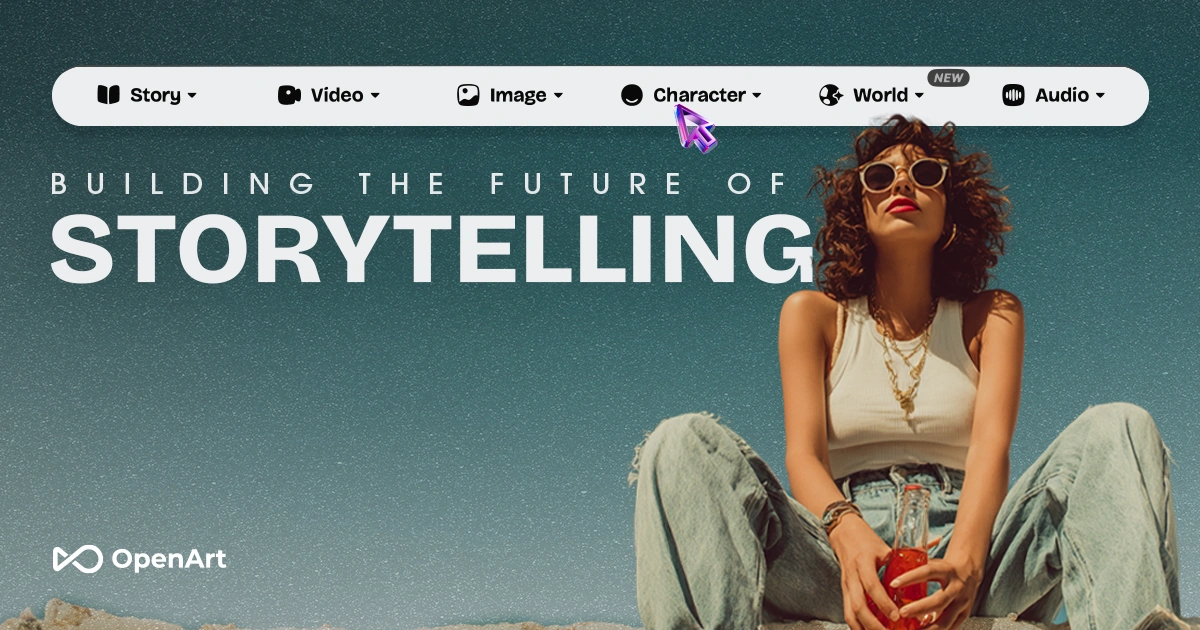
OpenArt is an all-in-one AI content creation platform for graphic designers and creative professionals. It integrates a wide range of leading image...

Generate images, videos, and consistent characters using top AI models like Sora 2 and GPT Image 2, all in one unified platform.

Access a suite of premier generative models without juggling multiple, expensive subscriptions.

Try OpenArt Free
Free Plan Pro from$56/mo
Consistent CharactersMulti-Model AccessAI Video SuiteAdvanced EditingAudio Generation
8.6 Zekai
Versatile AI Content Hub
Generative AI for Graphic Designers & Creative Arts
Ease of Use
7.5
Accuracy
8.5
Value
9.5
Time Saving
9.0
🏷 Is this your tool? Claim this listing →
⚡ Quick answer

For graphic designers needing an all-in-one AI solution, OpenArt is a top contender. It consolidates access to leading AI models like Sora 2 for video and GPT Image 2 for images into a single subscription, eliminating the need to pay for multiple specialized tools. Its key advantage is versatility, with strong features for creating consistent characters, editing video, and generating audio, all within one unified platform.

CategoryAI Content Generation Platform
Best ForConsolidating multiple AI models for image, video, and audio into one workflow.
Price From$12/mo
FreeFree plan with daily credits
DifferentiatorAccess to premier models like Sora 2, Kling 3.0, and GPT Image 2 under one subscription.
ProofIntegrates over 10 leading AI models for video, image, and audio.
Rating4.3/5
📖 About OpenArt
How It Works

Your workflow, automated

1
Choose Your Tool & Model
Select from the suite of tools (Image, Video, Character) and pick a source AI model like Sora 2 or GPT Image 2 that best fits your project's style.
2
Generate with a Prompt
Write a text prompt describing your desired output. For video, use features like Smart Shot to get multiple cinematic cuts automatically.
3
Refine & Export
Use built-in editors to relight scenes, change backgrounds, or upscale resolution. Export the final asset in the correct aspect ratio for your target platform.
Ready to automate your workflow with OpenArt?
Try OpenArt Free →
Real Impact

Before & After

❌ Before

Juggling multiple AI subscriptions for images, video, and audio.

3+ AI tool subscriptions
✅ After

One platform and subscription for all generative AI needs.

1 AI tool subscription
Social Proof

Trusted by professionals

Ease of Use
7.5
Accuracy
8.5
Value
9.5
Time Saving
9.0

"The variety of models is unmatched. I can switch from a photorealistic still for a print ad to an anime-style video for social media in the same session. A game-changer."

Leo M., Creative Director · June 2026

"Finally, one place for everything. Image gen, video, consistent characters... it's replaced three other tools in my stack and the customer support is top-notch."

Samantha P., Freelance Designer · May 2026

"It's incredibly powerful, but there's a learning curve. The output quality varies a lot between the models, so you have to experiment to find what works best for high-end projects."

David R., Motion Designer · June 2026

"The character consistency feature is the best I've used. I can create a brand mascot and reliably use it across all our marketing materials, from web graphics to video ads."

Anya K., Brand Manager · April 2026
OpenArt+ professionals are already using this tool.
Start Free Today →
Who It's For

Why Graphic Designers & Creative Arts choose this tool

🎯
Built for
Consolidating AI image, video, and audio generation into a single workflow with access to a wide array of top-tier models.
In-Depth Overview
For graphic designers, managing separate AI tools for images, video, and audio is inefficient and costly. OpenArt solves this by consolidating the industry's best models—like Seedream 5.0 for photoreal stills, GPT Image 2 for typography, and Sora 2 for cinematic video—into a single, unified interface. Instead of paying for multiple subscriptions, you get access to everything in one place. This isn't just a simple generator; it provides professional-grade controls crucial for design work. You can maintain character consistency across different images and videos, a vital feature for branding and narrative projects. Tools like 'Camera Angle Control,' 'Relight Video,' and 'Replace Background' offer granular editing capabilities that go far beyond basic text-to-image. For video projects, 'Smart Shot' automatically creates multiple cinematic cuts from a single prompt, dramatically speeding up storyboarding and concepting. By bringing all these functions together, OpenArt streamlines your workflow, reduces costs, and expands your creative capabilities from static designs into motion and audio.

Key Use Cases

🎨
Create consistent brand mascots for campaigns
Social Media Manager
Use the Character Builder to design a unique brand mascot. Generate a library of images and short video clips of the mascot for use across TikTok, Instagram, and YouTube, ensuring brand consistency.
Consistent character visuals
🎬
Rapidly prototype video ad concepts
Creative Director
Use Smart Shot and multiple AI video models to generate several distinct cinematic cuts from a single prompt. Quickly visualize and iterate on concepts for client presentations without a full production team.
Faster concept approval
📈
Expand service offerings to include AI video
Freelance Designer
Leverage the integrated video and audio tools to produce animated explainers, music videos, or product ads for clients. Add value by offering services beyond static graphic design.
New revenue streams
✓ Pros
All-in-one platform for images, video, audio, and characters.
Access to a wide variety of leading AI models under one subscription.
Advanced, granular controls for video like Motion Sync and Relight.
Maintains character consistency across different scenes and media.
Generous free plan with daily credits, no credit card required.
· Cons
The abundance of models and features can be overwhelming for new users.
Output quality and style can vary significantly between the different integrated models.
Relies on third-party models, so access is dependent on external providers.
No dedicated desktop or mobile application is mentioned.
⚡ Editorial Verdict

OpenArt is a powerful aggregator, giving designers access to an impressive roster of premier AI models without the cost and complexity of multiple subscriptions. Its strength is its versatility and advanced controls for video, but the sheer number of models and features can present a learning curve for beginners.

Questions & Answers

Frequently asked questions

Can I use what I create on OpenArt for my business or brand? +
Yes. According to OpenArt, you fully own the content you create and can use it for any commercial purpose, including ads, social media, client work, and merchandise, with no royalties or attribution required.
Can I create the same character across different scenes and videos? +
Yes, this is a core feature. You can create a character once and then place them in any outfit, scene, or video while maintaining the same face and look, which is ideal for creating AI influencers or brand mascots.
Will my videos fit TikTok, Reels, and YouTube? +
Yes, OpenArt can export assets in various aspect ratios, including vertical for TikTok and Reels, widescreen for YouTube, and square for Instagram feeds, ensuring your content is ready to post.
How is OpenArt different from tools like Midjourney or Runway? +
While tools like Midjourney focus on images and Runway specializes in video, OpenArt integrates images, video, characters, music, and editing into a single platform with access to many leading AI models, aiming to replace the need for multiple separate subscriptions.
Is OpenArt the best AI tool for a graphic designer wanting to do video? +
OpenArt is a strong candidate for designers expanding into video, as it provides access to top-tier video models like Sora 2 and Kling 3.0 alongside professional image tools. Its all-in-one approach allows you to manage a project from static asset to full video ad within a single environment.
Which AI models does OpenArt use for generating images and video? +
OpenArt integrates a wide array of premier AI models, including Seedream 5.0, Seedance 2.0, Google Veo 3, GPT Image 2, Nano Banana Pro, Sora 2, Kling 3.0, and Grok Imagine, among others. This gives you the flexibility to choose the best model for your specific creative task.

Last reviewed: Reviewed June 2026 — Assessed range of AI models, video/image editing tools, and character consistency features.

Plans & Pricing

Start today

Graphic Designers & Creative Arts

Top 10 AI tools in this category

Get OpenArt deal alerts

Be the first to know when OpenArt drops a new discount, adds features, or changes pricing.

Exclusive OpenArt discount codes
New feature announcements
Best alternative picks when pricing changes
Zero spam — unsubscribe anytime
🎉
You're subscribed!
We'll notify you when OpenArt has a new deal.
Zekai Blog

Latest AI news

AI Directory

About OpenArt

Full Description

OpenArt is an all-in-one AI content creation platform for graphic designers and creative professionals. It integrates a wide range of leading image and video models, allowing you to generate assets, create consistent characters, and produce studio-grade results without needing multiple specialized tools.

Editorial Verdict

OpenArt is a powerful aggregator, giving designers access to an impressive roster of premier AI models without the cost and complexity of multiple subscriptions. Its strength is its versatility and advanced controls for video, but the sheer number of models and features can present a learning curve for beginners.

Last reviewed: Reviewed June 2026 — Assessed range of AI models, video/image editing tools, and character consistency features.
Previous Tool Ideogram Next Tool OpenArt
All AI Tools A–Z →
This site is registered on wpml.org as a development site. Switch to a production site key to remove this banner.