AI tools, scored for your job
Get paid to train AI
Overview How It Works Before & After Reviews Why This Tool FAQ Pricing Top 10 Get Alerts News

Create Image — AI for Graphic Designers & Creative Arts
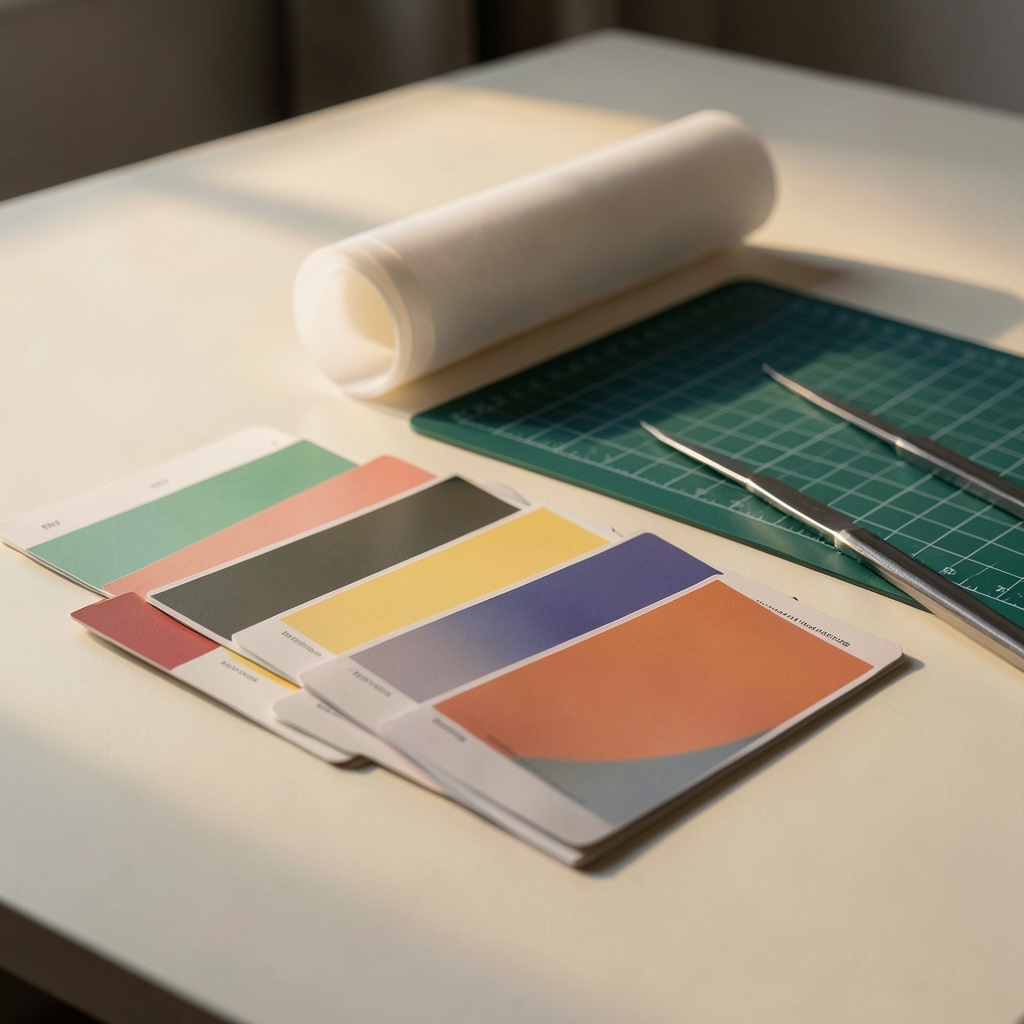
Create lifelike images and cinematic videos from text prompts and reference photos.

What is Create Image?

Create Image: Create lifelike images and cinematic videos from text prompts and reference photos. Paid, from $9.99/month. Zekai's independent review scores it 7 out of 10. Best for creators and small businesses working on product visuals, portraits, illustrations and social content.

Facts checked 7 Nov 2026.

DifferentiatorBrowser-based AI image and video workspace with reference photo editing
Proof100 credits
Explore Create Image
Pro from$9.99/month
7 Zekai
Browser AI Media Workspace
Generative AI for Graphic Designers & Creative Arts
Ease of Use
8.0
Accuracy
6.0
Value
6.0
Time Saving
8.0
Text-to-ImageImage-to-VideoAI Video GeneratorReference EditingWorkspace Library
🏷 Is this your tool? Claim this listing →

Zekai Verdict

What is it?
Create Image is a browser-based AI image and video workspace built for generating portraits, product visuals, and motion scenes.
Best for
Graphic Designer
Not ideal for
Requires paid credits for continued generation after starter allocation
Price
$9.99/month
Zekai Score
7/10
Hand-scored by Zekai

Top Generative AI for Graphic Designers & Creative Arts picks
See all 118 AI tools for Graphic Designers →
⚡ Quick answer

Create Image is a browser-based AI workspace that enables you to generate lifelike images and cinematic videos from text prompts and reference photos. It caters to creators and small businesses producing product visuals, portraits, and social media content.

CategoryGenerative AI for Graphic Designers & Creative Arts
Best forCreators and small businesses working on product visuals, portraits, illustrations and social content
Price from$9.99/month
Free planno
DifferentiatorBrowser-based AI image and video workspace with reference photo editing
Proof100 credits
Rating3.5
📖 About Create Image
How It Works

Your workflow, automated

1
Find your visual direction
Start with a character, product, or style reference by reviewing subject, lighting, and composition.
2
Make the idea specific
Describe your subject and setting, or upload a permitted reference image and choose a compatible model.
3
Review, then generate
Check your model, inputs, and displayed credit cost before submitting tasks to My Library.
Ready to automate your workflow with Create Image?
Explore Create Image →
Real Impact

Before & After

❌ Before

Spending hours manually drafting concepts or juggling separate tools for static images and video motion.

Multiple apps
✅ After

Generating lifelike images and cinematic motion clips from a single browser workspace using prompts and references.

1 workspace
AI Prompts

Prompts for Graphic Designers

Prompt 01 Concepting an Image to Vectorize
Minimalist line art logo of a stylized eagle head, single continuous line, geometric, sharp angles, vector art, black on white background --style raw
Prompt 02 Minimalist Geometric Logo
Logo for a sustainable tech company named 'Terraform'. A minimalist, geometric logo combining a leaf and a circuit board. Flat 2D vector style, single continuous line, sage green on an off-white background.
Prompt 03 Modern Wordmark with a Twist
Wordmark logo for 'Flowstate', a productivity app. The letter 'o' is replaced by a subtle, abstract representation of a clock face. Modern, sans-serif typography, clean and balanced. Negative space design, black and white.
See all 30 AI prompts for Graphic Designers →
Social Proof

Trusted by professionals

Ease of Use
8.0
Accuracy
6.0
Value
6.0
Time Saving
8.0
The decision

Is Create Image worth it?

Built for
Creators and small businesses working on product visuals, portraits, illustrations, and social content.
Effort to adopt
Moderate
Who It's For

Why Graphic Designers & Creative Arts choose this tool

🎯
Built for
Graphic Designer
In-Depth Overview
When you work on graphic design or creative arts, moving from a static concept to a finished visual or motion piece often requires switching between multiple platforms. Create Image addresses this by housing both AI image generation and image-to-video tools inside a single browser workspace. You can start with a text description detailing your subject, color, material, and lighting, or upload a permitted reference photo to guide the output. The platform organizes your creation process into distinct steps: finding a visual direction, refining your prompt and model settings, and checking your credit cost before submitting tasks to your library. For professionals generating product shots, character concepts, or social media clips, this setup keeps reference management and execution in one place. However, you must carefully monitor your credit consumption, as plans limit you to specific allocations per billing period, such as 100 credits on the Starter plan, 300 on Creator, and 1,000 on Pro. Furthermore, different models support varying inputs and settings, meaning you have to verify compatibility before attempting to generate.

Key Use Cases

🎨
Generate product visuals and mockups
Graphic Designer
Produce focused single frames for product designs, packaging concepts, and marketing assets.
1 workspace
🎬
Animate still images into motion scenes
Content Creator
Upload a permitted reference image and add movement, camera direction, and atmosphere for social content.
Image-to-video
✓ Pros
Combines image and video creation in one workspace
Supports reference image uploads for guided generation
Displays credit costs prior to final submission
Flexible monthly subscription tiers available
Simple browser-based interface without complex installation
· Cons
Requires paid credits for continued generation after starter allocation
Example library clips do not guarantee matching output results
Inputs and settings depend entirely on the selected model
Limited customer support options primarily through email
⚡ Editorial Verdict

Create Image provides a straightforward browser environment for producing AI images and turning still references into motion clips. A notable limitation is that existing library clips and inspiration links are for illustration only and do not guarantee matching results for your chosen prompts.

Questions & Answers

Frequently asked questions

Can I create both images and videos?

+
Yes. You can choose either image or video generation in the creative workspace. Available models, options, and generation costs are shown before you submit.

Can I start with a reference image?

+
Yes. You can upload an image you have permission to use, select a compatible model, and describe the result you want to achieve.

Where can I find my completed creations?

+
You can sign in to view your generation history in My Library, where you can review and download finished images and videos.

Do all models support the same inputs and settings?

+
No. Text support, reference images, aspect ratios, and video duration depend entirely on the selected model. Unsupported combinations cannot be submitted.

Last reviewed:

Plans & Pricing

Create Image pricing and plans

Prices and features are updated regularly but can change at any time — always confirm on the official website. Some links on this page are affiliate links.

See all 118 AI tools for Graphic Designers →

Get Create Image deal alerts

Be the first to know when Create Image drops a new discount, adds features, or changes pricing.

Exclusive Create Image discount codes
New feature announcements
Best alternative picks when pricing changes
Zero spam — unsubscribe anytime
🎉
You're subscribed!
We'll notify you when Create Image has a new deal.
AI Directory

About Create Image

Full Description

Create Image is a browser-based AI image and video workspace built for generating portraits, product visuals, and motion scenes. You can use text prompts or upload reference images to direct composition, texture, and light before running generations. It operates on a credit-based subscription model with tiered plans for varying output needs.

Editorial Verdict

Create Image provides a straightforward browser environment for producing AI images and turning still references into motion clips. A notable limitation is that existing library clips and inspiration links are for illustration only and do not guarantee matching results for your chosen prompts.

Last reviewed:
Disclaimer
Zekai is an independent AI tools directory. We are not affiliated with, endorsed by, or officially connected to Create Image unless clearly stated. All product names, logos, and brands are the property of their respective owners and are used for identification purposes only. The information on this page — including pricing, features, and availability — is general information, may have changed since our last review, and is not professional advice. Zekai Scores and verdicts are our editorial opinion. Some outbound links are affiliate links that may earn us a commission at no extra cost to you. Spotted outdated or incorrect information? Request a correction →
Get paid to train AI →
‹ Previous Tool Tripo AI › Next Tool Raphael AI ‹ ›
All AI Tools A–Z →
Visit website ↗
Create Image7.0Try Create Image ↗Next tool →

See Zekai first in Google