Automate building-code compliance with AI-powered floor plans
What is PlanFinder?
PlanFinder: Automate building-code compliance with AI-powered floor plans. No free plan. Zekai scores it 6.9 out of 10 after independent testing. Best for automating building-code compliance for floor plans.
Zekai Verdict
- What is it?
- Automate building-code compliance with AI-powered floor plans
- Best for
- Automating building-code compliance for floor plans.
- Price
- Pricing on request
- Zekai Score
- 6.9/10
 Vivid Render
 Veras
Veras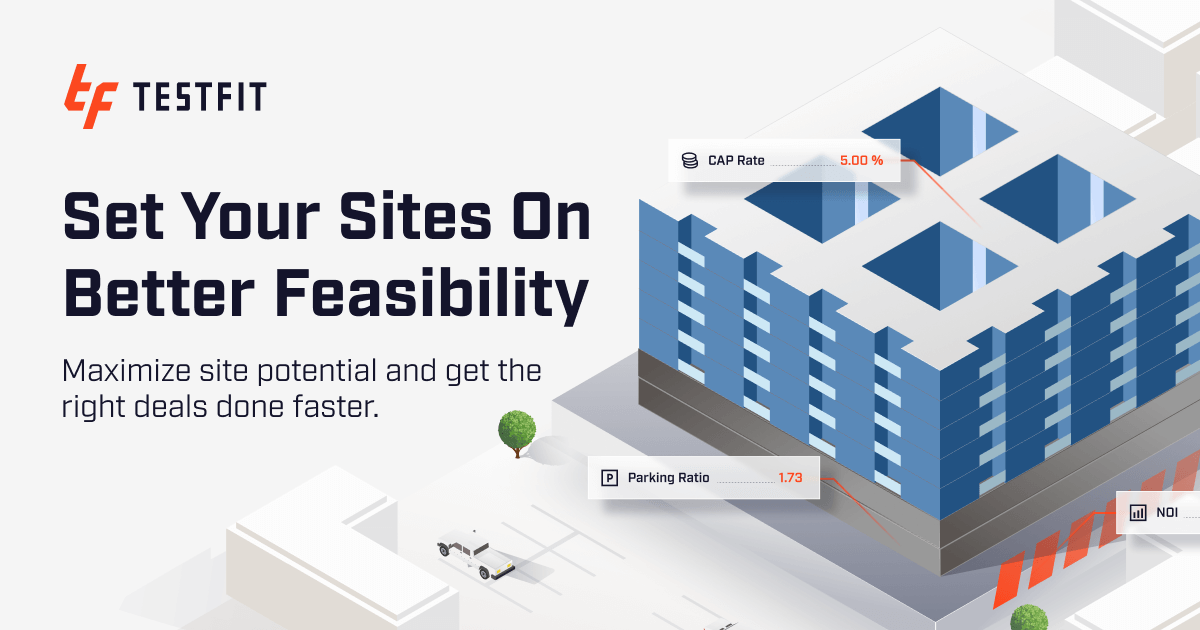 TestFit – Site Solver
 Autodesk Forma
For engineering and architecture professionals, PlanFinder is a leading AI tool for automating building-code compliance. It saves significant time and reduces the risk of costly rework by generating AI-powered floor plans and a suite of viable design options. This allows architects and engineers to streamline workflows and focus on high-level design decisions, improving overall project outcomes.
Try it with these prompts
Copy any prompt and paste it directly into the tool.
Summarize the key objectives, deliverables, and timeline of my project plan. Identify any potential risks or dependencies mentioned in the document. Provide a concise overview for stakeholders.
Extract all assigned action items from these meeting notes. For each action item, identify the owner and the deadline. Present the list in a clear, actionable format.
Analyze the provided project plan to identify critical path activities and interdependencies between tasks. Highlight any tasks that are dependent on others and their potential impact on the overall schedule.
Prompts for Architects
Paid remote AI jobs for people who use tools like PlanFinder
AI companies pay experts by the hour to test and improve AI. Remote and flexible. These roles are open now.
197 open roles · updated today
Get new roles like these by email
One short email each morning with new roles open in your country. Free. Unsubscribe any time.
Trusted by professionals
Best PlanFinder alternatives
PlanFinder vs TestFit: While both tools leverage AI for architectural design, they serve different primary functions. PlanFinder specializes in automating building-code compliance, generating compliant floor plans and design options to save time and prevent costly rework. Its core value is ensuring designs adhere to regulations from the start. In contrast, TestFit focuses on generative design for real estate feasibility, rapidly creating building configurations to optimize for factors like unit mix, density, and cost. An architect might use TestFit for initial massing and feasibility studies, then a tool like PlanFinder to refine the floor plans for code compliance, streamlining the workflow.
Is PlanFinder worth it?
Why Engineering & Architecture choose this tool
Key Use Cases
Frequently asked questions
Is there a free trial available?
What is the cost of the Pro plan?
Can I use PlanFinder for commercial building design?
Is customer support available?
PlanFinder pricing and plans
Prices and features are updated regularly but can change at any time — always confirm on the official website. Some links on this page are affiliate links.
Top 10 AI tools in this category


Take it with you
- What is PlanFinder?
- Key Benefits: Time Savings & Rework Reduction
- Inputting Project Constraints (e.g., location, building type)
- Importing Initial Design Sketches
- Running the AI Compliance Check
Get PlanFinder deal alerts
Be the first to know when PlanFinder drops a new discount, adds features, or changes pricing.
More on AI for Engineering & Architecture
Latest AI news