
Describe a part in plain language and get printable CAD, STEP files, and manufacturable designs built by an engineering agent.
What is LexiCAD?
LexiCAD: Describe a part in plain language and get printable CAD, STEP files, and manufacturable designs built by an engineering agent. No free plan. Zekai's independent review scores it 6.4 out of 10. Best for mechanical parts, enclosures, and functional assemblies.
Zekai Verdict
- What is it?
- LexiCAD is an AI-powered CAD tool that translates plain-language descriptions into printable 3D models, laser-cut layouts, and technical drawings.
- Best for
- Engineering & Architecture
- Not ideal for
- Not suitable for creating characters or artistic figurines
- Price
- Free plan
- Zekai Score
- 6.4/10
 Vivid Render
 Veras
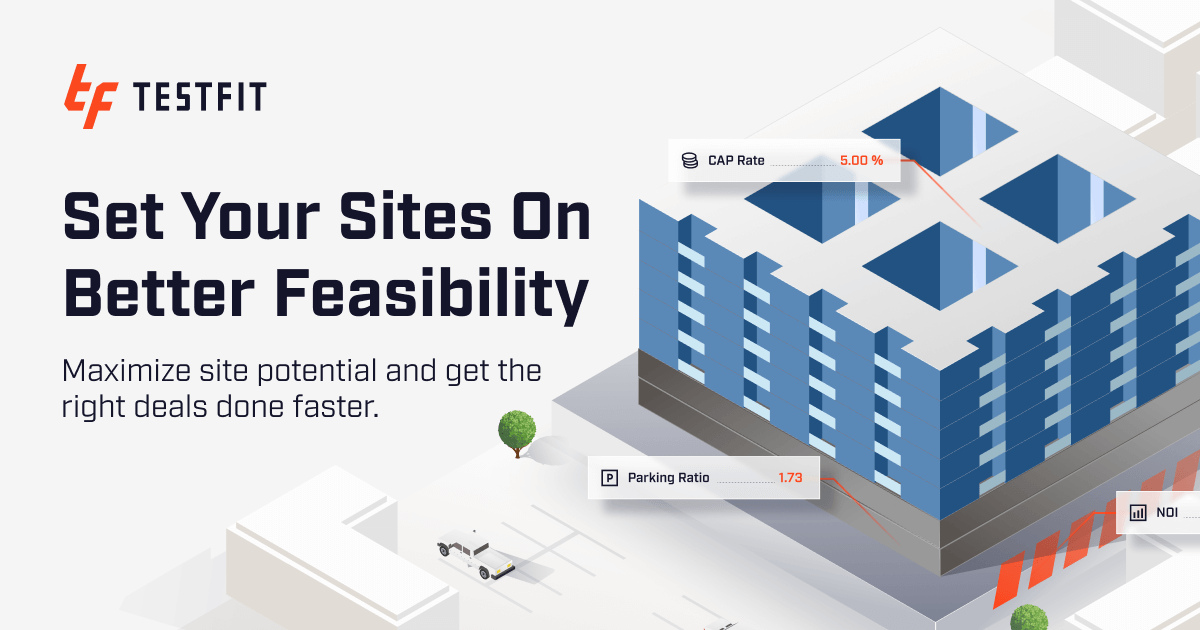 TestFit – Site Solver
LexiCAD is an AI-powered CAD platform that translates natural language descriptions into printable 3D models, laser-cut layouts, and editable STEP files. It features an automated engineering agent that verifies dimensions, wall thickness, and load paths to ensure manufacturability.
Before & After
Manually drafting basic brackets and enclosures from scratch, dealing with failed 3D prints due to thin walls, and writing code for general AI models that lack manufacturability checks.
HoursDescribing parts in plain language, obtaining verified geometry with correct wall thickness and load paths, and exporting ready-to-make STEP and STL files.
MinutesPrompts for Architects
Paid remote AI jobs for people who use tools like LexiCAD
AI companies pay experts by the hour to test and improve AI. Remote and flexible. These roles are open now.
203 open roles · updated today
Get new roles like these by email
One short email each morning with new roles open in your country. Free. Unsubscribe any time.
Trusted by professionals
LexiCAD integrations
Is LexiCAD worth it?
Why Engineering & Architecture choose this tool
Key Use Cases
LexiCAD offers a reliable bridge from textual prompt to functional, manufacturable CAD geometry with built-in engineering validation. However, it is fundamentally tailored for mechanical parts, enclosures, and functional assemblies rather than organic character modeling or artistic sculpting.
Frequently asked questions
What file formats can I export from LexiCAD?
Can I edit the generated models after creation?
How is LexiCAD different from using ChatGPT?
Last reviewed:
Top 10 AI tools in this category
Get LexiCAD deal alerts
Be the first to know when LexiCAD drops a new discount, adds features, or changes pricing.
More on AI for Engineering & Architecture
Latest AI news



About LexiCAD
Full Description
LexiCAD is an AI-powered CAD tool that translates plain-language descriptions into printable 3D models, laser-cut layouts, and technical drawings. The integrated agent handles engineering checks like wall thickness, load paths, and orientations, outputting standard file formats including STEP, STL, and DXF.
Editorial Verdict
LexiCAD offers a reliable bridge from textual prompt to functional, manufacturable CAD geometry with built-in engineering validation. However, it is fundamentally tailored for mechanical parts, enclosures, and functional assemblies rather than organic character modeling or artistic sculpting.


