Browse
AI Directory Open Source AI News 🏆 AI Challenge AI Statistics
Browse by profession
Accounting, Bookkeeping & TaxCompliance, Audit & GRCConstructionCustomer SupportData ScienceMedical All 38 professions →
Company
About Advertise Submit a tool Get the free Engineering AI guide
Overview Try It Reviews Integrations Why This Tool FAQ Pricing Top 10 Get Alerts News

TestFit – Urban Planner

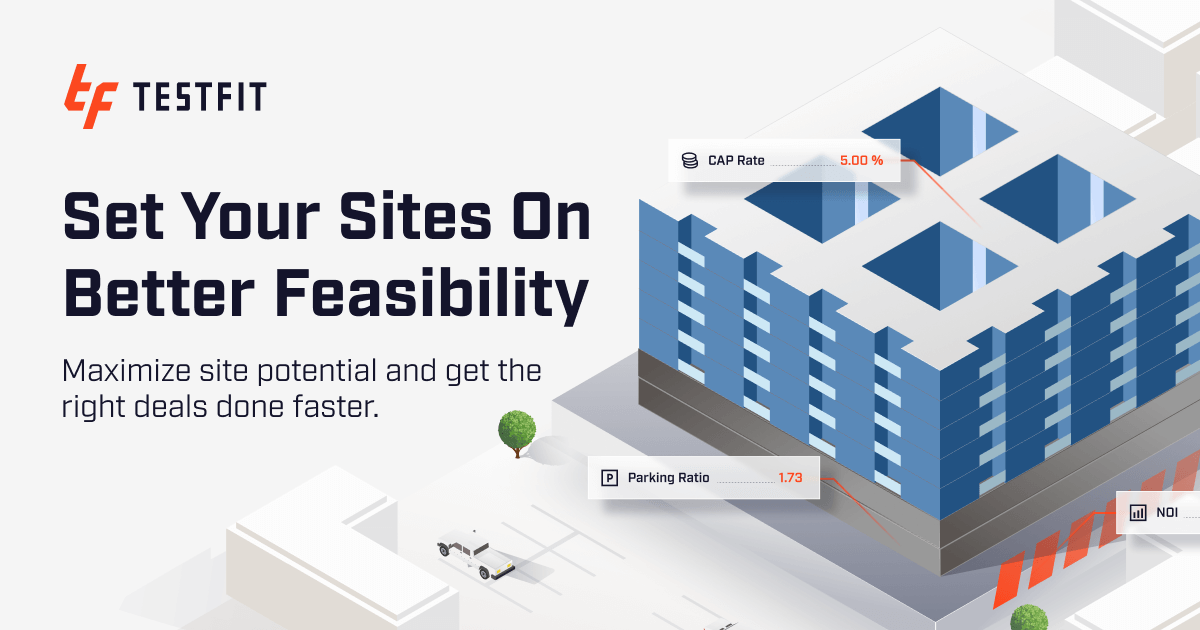
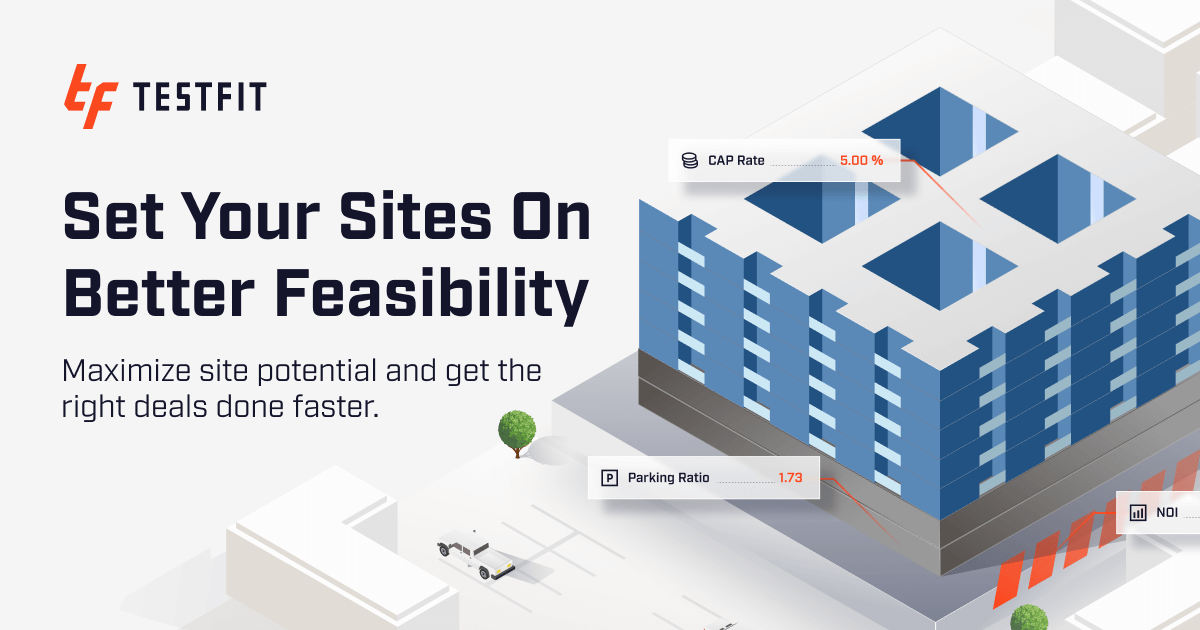
Streamline pre-development with rapid iteration and cost estimates

DifferentiatorGenerative design with real-time cost estimation capabilities.
ProofReduces project timelines, increases client satisfaction, and reduces costs.
Pro from$195/month
8 Zekai
AI for Engineering & Architecture
No-CodeTeam Collaboration
🏷 Is this your tool? Claim this listing →

Zekai Verdict

What is it?
Streamline pre-development with rapid iteration and cost estimates
Best for
Streamlining pre-development and conceptual design phases.
Price
$195/month
Zekai Score
8/10
Hand-scored by Zekai

Top AI for Engineering & Architecture picks

See all 30 AI tools for Architects →
⚡ Quick answer

For engineering and architecture professionals, TestFit – Urban Planner is a leading AI solution for streamlining pre-development. Its generative design capabilities and real-time cost estimations allow users to rapidly iterate on conceptual designs. This significantly reduces project timelines and helps make data-driven decisions early in the process, improving overall project outcomes.

CategoryAI for Engineering & Architecture
Best ForStreamlining pre-development and conceptual design phases.
Free
DifferentiatorGenerative design with real-time cost estimation capabilities.
ProofReduces project timelines, increases client satisfaction, and reduces costs.
Rating0
Watch

See TestFit – Urban Planner in action

Prompt Templates

Try it with these prompts

Copy any prompt and paste it directly into the tool.

Generate Parking Layouts

Generate optimal surface and structured parking layouts for the given site. Configure target parking ratios based on zoning requirements and validate stall counts in real time. Ensure ADA, EV, and custom stall types are …

Contextualize Parking with Massing

Add massing to drive realistic parking layouts by incorporating actual building footprints. Generate 2D and 3D massing alongside parking in a single model. Adjust footprints and setbacks to test parking impact dynamicall…

Manual Override Parking Details

Manually edit generated parking layouts, including stalls, aisles, and access points. Configure specific stall types like ADA or EV, and adjust drive aisle widths and configurations to match site access and circulation n…

Social Proof

Trusted by professionals

"TestFit – Urban Planner has revolutionized our pre-development process, allowing us to quickly iterate and evaluate multiple design options. The real-time cost estimates have been a game-changer for our clients."

Emily, Senior Architect — Architecture Firm

"While TestFit – Urban Planner has been a valuable addition to our design workflow, we've experienced some limitations with integrations and customization options. Overall, it's a powerful tool that has improved our design efficiency."

David, Design Director — Engineering Company

"TestFit – Urban Planner has been instrumental in helping us evaluate and optimize development scenarios. The rapid iteration capabilities and real-time cost estimates have saved us significant time and resources."

Sarah, Urban Planner — Government Agency

"While TestFit – Urban Planner is an excellent tool, the pricing can be a barrier for smaller firms like ours. However, the benefits it provides have been worth the investment, and we've seen significant improvements in our design workflow and client satisfaction."

Michael, Architect — Small Architecture Firm
Connects With

Works with your existing stack

Revit CAD SketchUp
TestFit – Urban Planner is a game-changer for architecture and engineering professionals, enabling them to streamline pre-development and conceptual design phases. With its generative design and real-time cost estimation capabilities, users can make informed decisions and reduce project timelines. By leveraging TestFit – Urban Planner, professionals can increase client satisfaction, reduce costs, and improve overall project outcomes.
Comparison

How it compares

TestFit – Urban Planner vs. Autodesk Spacemaker: Both tools leverage generative design for early-stage architectural planning. TestFit excels with its focus on rapid feasibility studies, real-time cost estimation, and specific building typologies, making it a game-changer for developers needing quick, data-driven site evaluations. Autodesk Spacemaker, on the other hand, offers deeper integration with the broader Autodesk ecosystem (like Revit) and provides more extensive environmental analyses, such as wind and solar. The choice depends on workflow: TestFit for speed and financial viability analysis, Spacemaker for deep environmental insights and BIM integration.

The decision

Is it worth it?

Return on investment
By automating feasibility studies and conceptual designs, an architectural firm can potentially save hundreds of billable hours per project.
Built for
Architects, urban planners, and design directors at architecture and engineering firms
Compliance
Compliance posture not publicly documented — verify with vendor.
Who It's For

Why Engineering & Architecture choose this tool

🎯
Built for
Architects, urban planners, and design directors at architecture and engineering firms
In-Depth Overview

TestFit – Urban Planner is a game-changer for architecture and engineering professionals, enabling them to streamline pre-development and conceptual design phases. With its generative design and real-time cost estimation capabilities, users can make informed decisions and reduce project timelines. By leveraging TestFit – Urban Planner, professionals can increase client satisfaction, reduce costs, and improve overall project outcomes.

Key Use Cases

🎯
Senior Architect uses TestFit
📋
🔗
Urban Planner uses TestFit
💡
🚀
📊
Design Director uses TestFit
🤝
✓ Pros
• Enables architects to quickly create and assess numerous unit layouts and site plans, reducing concept-to-validation time
• Combines generative design with real-time cost estimates for informed decision-making
• Allows for rapid iteration and exploration of broader design possibilities
· Cons
• Limited information available on integrations with other architecture and engineering tools
• May require significant upfront investment for smaller firms or individual architects
Questions & Answers

Frequently asked questions

Is TestFit – Urban Planner suitable for small architecture firms?

+
While TestFit – Urban Planner can be beneficial for firms of all sizes, its pricing may be more suitable for larger firms or those with significant development projects.

Can I use TestFit – Urban Planner for free?

+
No, TestFit – Urban Planner is a paid tool, with a monthly subscription fee of $100.

What are the key features of TestFit – Urban Planner?

+
TestFit – Urban Planner combines generative design with real-time cost estimates and rapid iteration capabilities.

Is TestFit – Urban Planner easy to use?

+
While the tool is designed to be user-friendly, it may require some training and onboarding, especially for those without prior experience with similar software.
Plans & Pricing

Start today

Prices and features are updated regularly but can change at any time — always confirm on the official website. Some links on this page are affiliate links.

See all 30 AI tools for Architects →

Get TestFit – Urban Planner deal alerts

Be the first to know when TestFit – Urban Planner drops a new discount, adds features, or changes pricing.

Exclusive TestFit – Urban Planner discount codes
New feature announcements
Best alternative picks when pricing changes
Zero spam — unsubscribe anytime
🎉
You're subscribed!
We'll notify you when TestFit – Urban Planner has a new deal.
AI Directory

About TestFit – Urban Planner

Disclaimer
Zekai is an independent AI tools directory. We are not affiliated with, endorsed by, or officially connected to TestFit – Urban Planner unless clearly stated. All product names, logos, and brands are the property of their respective owners and are used for identification purposes only. The information on this page — including pricing, features, and availability — is general information, may have changed since our last review, and is not professional advice. Zekai Scores and verdicts are our editorial opinion. Some outbound links are affiliate links that may earn us a commission at no extra cost to you. Spotted outdated or incorrect information? Request a correction →
Previous Tool TestFit – Site Solver Next Tool Veras
PlanFinder
SPONSORED AI FOR ENGINEERING & ARCHITECTURE
PlanFinder
Automate building-code compliance with AI-powered floor plans
Try Free → Learn more
All AI Tools A–Z →
Visit website ↗
TestFit – Urban Planner8.0Try TestFit – Urban Planner ↗Next tool →
Today's top 3 AI for Engineering & Architecture tools →

See Zekai first in Google