Automate building design with AI-powered generation
What is Hypar?
Hypar: Automate building design with AI-powered generation. Zekai scores it 5.7 out of 10 after independent testing. Best for automating building design and exploring design options.
Zekai Verdict
- What is it?
- Automate building design with AI-powered generation
- Best for
- Automating building design and exploring design options.
- Price
- Free plan
- Zekai Score
- 5.7/10
 Vivid Render
 Veras
Veras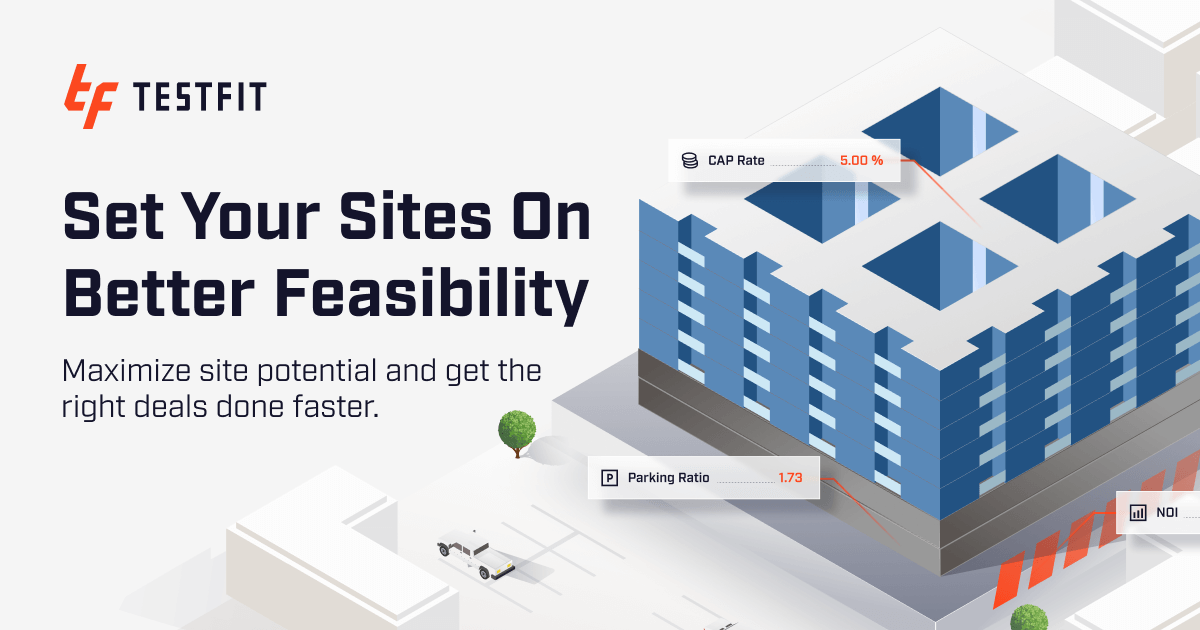 TestFit – Site Solver
 Autodesk Forma
For professionals in engineering and architecture, Hypar stands out as a leading AI platform for automating building design. It serves as a game-changer by providing advanced AI tools and a collaborative framework that significantly enhances efficiency and design quality. By automating tedious manual iterations, Hypar empowers designers to focus on high-level creative work, ultimately reducing errors and improving project outcomes.
Try it with these prompts
Copy any prompt and paste it directly into the tool.
Create detailed architectural drawings for a specific building component. Specify the type of component, the desired scale, and any relevant elevation requirements.
Initiate a data synchronization process for your project. If you encounter issues, the tool will attempt to retry the sync automatically. Provide details about the project or specific files if the sync fails repeatedly.
Sign up for a new Hypar account. You can use your Google account or Single Sign-On for a quick registration. Agree to the Terms of Service and Privacy Policy to complete the signup.
Prompts for Architects
Paid remote AI jobs for people who use tools like Hypar
AI companies pay experts by the hour to test and improve AI. Remote and flexible. These roles are open now.
197 open roles · updated today
Get new roles like these by email
One short email each morning with new roles open in your country. Free. Unsubscribe any time.
Trusted by professionals
Hypar integrations
Best Hypar alternatives
Hypar vs. TestFit: Hypar provides a flexible platform for creating custom, reusable building logic, appealing to firms wanting to develop proprietary design automation workflows. Its collaborative framework and focus on an open ecosystem allow for deep integration and customization. TestFit, in contrast, is often seen as a more out-of-the-box solution, excelling at rapid feasibility studies for specific building types like multifamily housing. While TestFit offers incredible speed for its defined use cases, Hypar offers greater adaptability for architects and engineers aiming to build unique, complex generative design tools tailored to their specific practice needs.
Is Hypar worth it?
Why Engineering & Architecture choose this tool
Key Use Cases
Frequently asked questions
Is there a free plan or trial available?
What is the starting price for Hypar?
What type of modeling does Hypar support?
Can Hypar be used for collaborative design work?
Top 10 AI tools in this category
Take it with you
- What is Generative Building Design?
- Core Concepts: Functions, Workflows, Collaboration
- Navigating the Hypar Interface
- Creating a New Workflow
- Finding and Using Functions from the Library
Get Hypar deal alerts
Be the first to know when Hypar drops a new discount, adds features, or changes pricing.
More on AI for Engineering & Architecture
- The Best AI Interior Design Tools in 2026: Ranked & Reviewed
- The Best AI Floor Plan Generators in 2026: Ranked & Reviewed
- AI Prompts for Architects: 25 to Save (Design, Code, Renders)
- AI for Architects: DeepSeek-V4-Flash Gains Agentic Prowess
- AI for Architects: AI Agents Rewrite Code, Human Oversight Key
Latest AI news