
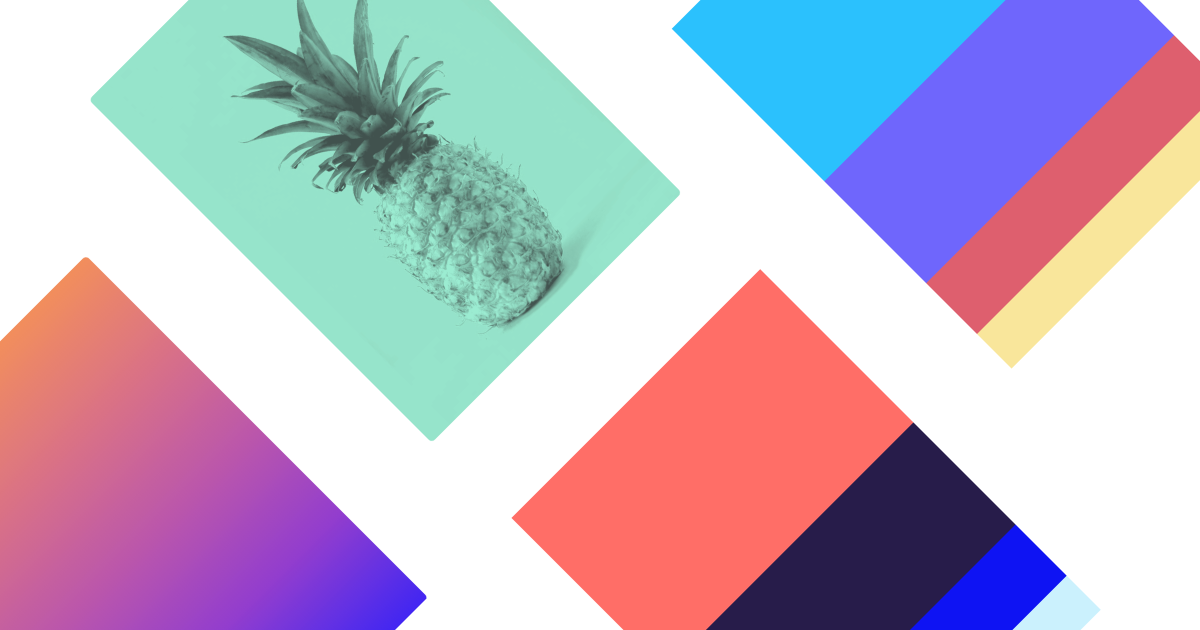
Train a personal AI to generate infinite color palettes based on your unique aesthetic preferences.
Instantly discover, search, and save limitless color combos with WCAG accessibility ratings.
 Vectorizer.ai
 Picsart
 Figma
Figma Mockuuups Studio
 Remini
 Mockey AI
Top Generative AI for Graphic Designers & Creative Arts picks
See all 90 Generative AI for Graphic Designers & Creative Arts tools →For graphic designers, one of the best AI tools for color is Khroma. It uses a personalized neural network that you train with your own preferences to generate an infinite stream of unique color palettes. This is highly effective because it moves beyond generic trends, providing combinations tailored to your specific aesthetic, complete with WCAG accessibility data for digital design.
Your workflow, automated
Before & After
Spending hours on Pinterest and Dribbble searching for color inspiration that still feels generic.
Hours of manual searchingGenerating an endless stream of personalized, unique color palettes in minutes.
Minutes to a custom shortlistTry it with these prompts
Copy any prompt and paste it directly into the tool.
Generate a new color palette based on a specific hue. Input the desired hue (e.g., 'blue' or 'green') and Khroma will create combinations that align with it. You can then refine by tint and value.
Find existing color palettes that contain a specific hex code. Paste the hex code you are looking for, and Khroma will search its database for matching combinations. This helps in finding complementary colors.
Save a generated or discovered color palette to your collection for future reference. You can export the palette with color names, hex codes, RGB values, and CSS code.
Trusted by professionals
How it compares
Khroma vs. Adobe Color: Khroma excels at personalized discovery, using AI to learn your specific taste and generate novel palettes for new projects. It's ideal for the initial brainstorming phase. In contrast, Adobe Color is better for established workflows and brand systems. It offers powerful tools for extracting palettes from images, exploring color harmony rules (triadic, complementary), and integrates seamlessly into the Adobe Creative Cloud ecosystem. Pick Khroma for inspiration; pick Adobe Color for systematic application and integration.
Is it worth it?
Why Graphic Designers & Creative Arts choose this tool
Key Use Cases
Khroma is an exceptionally useful and free tool for overcoming 'color block.' Its AI-driven personalization is brilliant for solo designers or those developing a new brand's visual identity. The main trade-off is that it's a starting point, not a full brand system; it won't replace strategic thinking about color psychology or existing brand guidelines.
Frequently asked questions
How does Khroma's AI work?
Is Khroma free to use?
Can I save the palettes I create?
Does Khroma check for accessibility?
Can I use Khroma for my commercial design projects in the USA?
Is the Khroma AI color tool available for graphic designers in Europe?
Last reviewed:
Start today
Prices and features are updated regularly but can change at any time — always confirm on the official website. Some links on this page are affiliate links.
Top 10 AI tools in this category
Take it with you
- **Train Your Personal AI**: Learn how to effectively teach Khroma your aesthetic.
- **Navigate the Generator**: Understand the different views: typography, gradients, palettes.
- **Master the Search**: Filter your results like a pro by hue, tint, and value.
- **Use Accessibility Data**: See how to use WCAG ratings to create inclusive designs.
- **Build Your Library**: Save and organize your favorite combinations for future projects.
Get Khroma deal alerts
Be the first to know when Khroma drops a new discount, adds features, or changes pricing.
Latest AI news



About Khroma
Full Description
Khroma is an AI color tool for designers that generates endless color palettes tailored to your taste. By selecting a set of colors you like, you train a neural network to produce combinations you can use for typography, gradients, and more, complete with accessibility data.
Editorial Verdict
Khroma is an exceptionally useful and free tool for overcoming 'color block.' Its AI-driven personalization is brilliant for solo designers or those developing a new brand's visual identity. The main trade-off is that it's a starting point, not a full brand system; it won't replace strategic thinking about color psychology or existing brand guidelines.


