
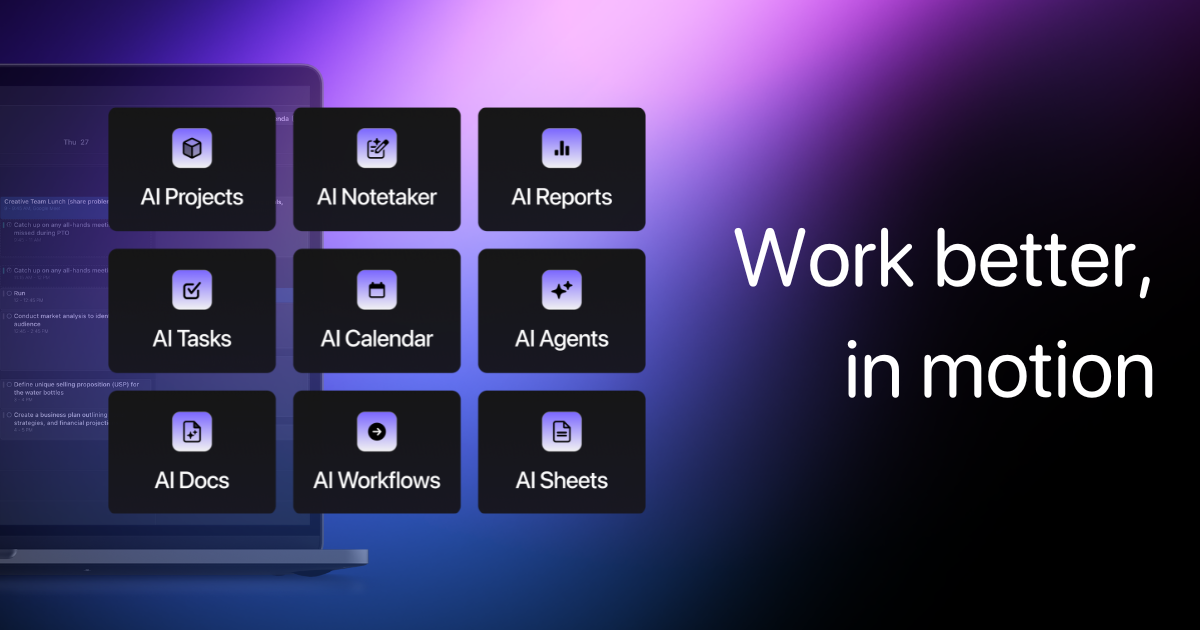
Automate your entire day—from task prioritization and calendar scheduling to meeting notes and project management—with a single AI assistant.
Motion's AI combines your calendar, tasks, projects, and docs to build a dynamic, self-optimizing daily plan.
Zekai Verdict
- What is it?
- Motion is an AI-powered productivity suite designed for executive assistants and professionals to automate daily planning.
- Best for
- Motion is best for Executive Assistants who need to automate the manual, time-consuming work of scheduling, task…
- Not ideal for
- Requires fully committing your workflow to Motion to realize its full potential.
- Price
- $19/seat/mo
- Zekai Score
- 8.9/10
 Scribe
 Superhuman
 Notta
Notta Sorinai
 NudgeForMe
 Descript
 Reclaim AI
Top AI for Personal Productivity & Executive Assistants picks
See all 121 AI for Personal Productivity & Executive Assistants tools →For Personal Productivity & Executive Assistants, Motion is a top contender for the best all-in-one AI tool. It automates the core functions of an EA—scheduling, task management, project tracking, and meeting follow-up—into a single, intelligent platform. By creating a dynamic daily plan and proactively managing deadlines, it frees up significant time previously spent on manual coordination and busywork.
Your workflow, automated
Before & After
Juggling multiple apps for calendar, tasks, projects, and notes, leading to missed deadlines and constant context switching.
Hours spent on manual planningA single, self-optimizing system that automatically plans your day, manages projects, and summarizes meetings.
AI-automated daily scheduleTry it with these prompts
Copy any prompt and paste it directly into the tool.
Create a Standard Operating Procedure (SOP) document for onboarding new employees. Outline the key steps, required documentation, and initial training modules needed for a smooth integration into the company. Ensure the …
Review these meeting notes and extract all action items and decisions. Convert these into specific, actionable tasks with suggested deadlines and assignees. Organize these tasks into a new project within Motion.
Analyze my current task list and calendar for today. Prioritize the most urgent and important tasks and block out time on my calendar to complete them. Ensure meetings are also factored in and the schedule is optimized f…
Trusted by 1 million+
Inside Motion
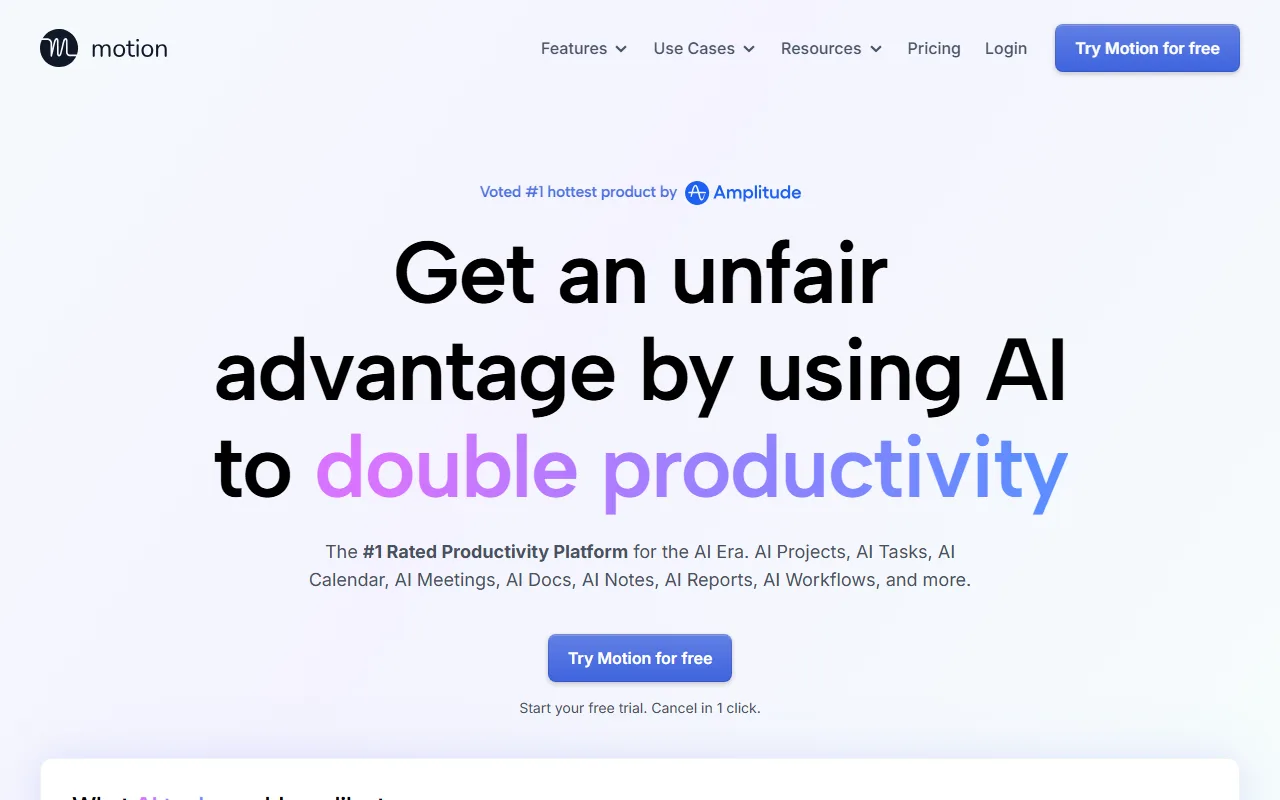
Captured by Zekai from the live Motion interface during review.
Works with your existing stack
How it compares
Motion's primary alternative is a 'stack' of specialized tools, such as Asana for projects, Clockwise for calendar optimization, and Otter.ai for meeting notes. Choose the stack if you require best-in-class depth for one specific function and are willing to manage integrations. Choose Motion if your primary goal is a unified, all-in-one system where the AI has full context of your tasks, projects, and calendar to automate your entire day with minimal friction. Motion is for the EA who wants a single 'do it for me' solution, not a collection of parts.
Is it worth it?
Why Personal Productivity & Executive Assistants choose this tool
Key Use Cases
Motion excels at creating a unified, self-optimizing schedule from disparate tasks, projects, and calendars, making it a powerful force multiplier for any EA. Its 'do it for me' approach is a genuine time-saver. However, its strength lies in its all-in-one ecosystem; users unwilling to fully commit their workflow to Motion may find it less effective than specialized point solutions.
Frequently asked questions
How does Motion handle tasks from different sources?
Can Motion help manage my executive's calendar as well as my own?
Does the AI meeting notetaker work for virtual meetings?
What makes Motion's project management different from other tools?
Is Motion available for use worldwide?
Can I use Motion in a team setting?
Last reviewed:
Start today
Prices and features are updated regularly but can change at any time — always confirm on the official website. Some links on this page are affiliate links.
Top 10 AI tools in this category


Take it with you
- **Unify Your Digital Life:** Connect all your calendars (work, personal) and key apps (Slack, email).
- **Embrace AI Planning:** Let Motion build your schedule instead of manually time-blocking.
- **Automate Meeting Lifecycles:** Use the AI Notetaker for summaries and action items.
- **From Idea to Project:** Turn a simple description into a fully planned project with AI.
- **Master the Global Task List:** Funnel all to-dos into one place for AI prioritization.
Get Motion deal alerts
Be the first to know when Motion drops a new discount, adds features, or changes pricing.
Latest AI news



About Motion
Full Description
Motion is an AI-powered productivity suite designed for executive assistants and professionals to automate daily planning. It intelligently organizes tasks, manages projects, and schedules your calendar to optimize your workday. By integrating meeting notes, documents, and workflows, Motion acts as a central command center to reduce manual coordination and busywork.
Editorial Verdict
Motion excels at creating a unified, self-optimizing schedule from disparate tasks, projects, and calendars, making it a powerful force multiplier for any EA. Its 'do it for me' approach is a genuine time-saver. However, its strength lies in its all-in-one ecosystem; users unwilling to fully commit their workflow to Motion may find it less effective than specialized point solutions.


