
Generate and customize game-ready 3D assets and characters instantly with AI, no advanced modeling skills required.
Streamline your asset pipeline from concept to in-engine with a massive library and powerful AI editing tools.
Zekai Verdict
- What is it?
- Pixcap is an AI-powered 3D design platform for game developers looking to accelerate asset creation.
- Best for
- Best for game developers and artists needing to rapidly generate and iterate on 3D assets without deep modeling…
- Not ideal for
- Generated models may require manual retopology for optimization
- Price
- Free plan
- Zekai Score
- 8.7/10
 Inworld AI
 Cursor
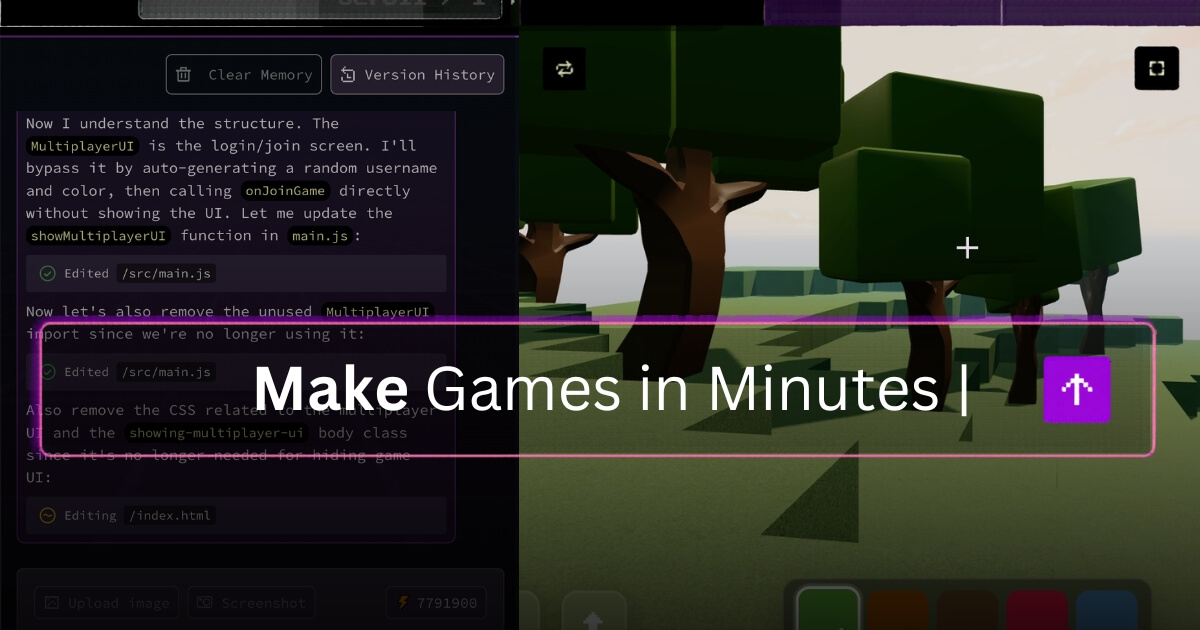 Rosebud AI
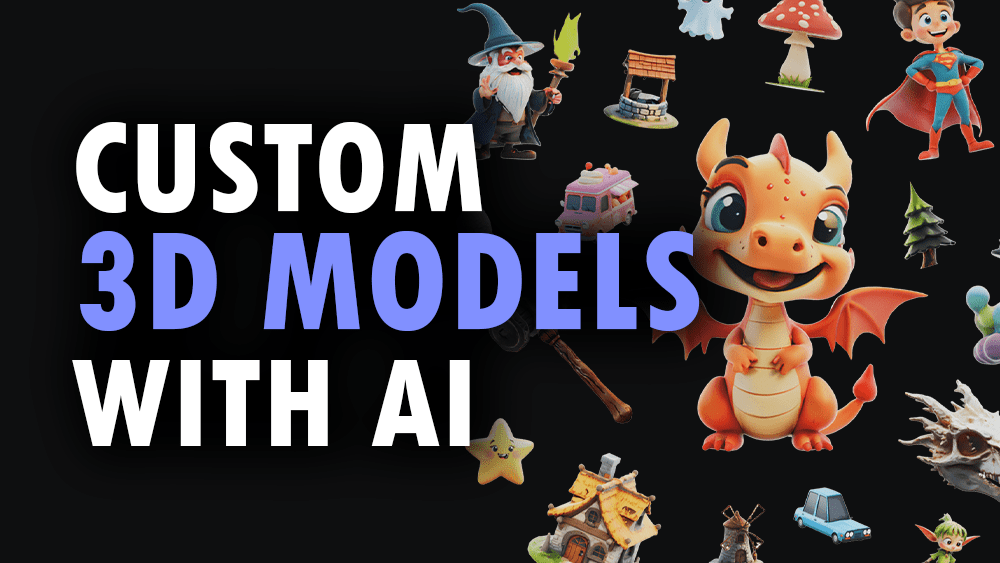 3D AI Studio
 Soundraw
 Makko AI
 Meshy
MeshyTop AI for Gaming & Metaverse Development picks
See all 53 AI for Gaming & Metaverse Development tools →For many game developers, Pixcap is one of the best AI tools for rapidly generating 3D assets. Its strength lies in combining text-to-3D generation with a user-friendly editor and direct export paths to game engines like Unity and Unreal. This makes it ideal for prototyping, creating environmental props, and enabling small teams to build visually rich worlds that would otherwise be too time-consuming.
Your workflow, automated
Before & After
Manually modeling or purchasing every single 3D asset.
Weeks per asset setGenerating hundreds of unique, game-ready assets from simple text prompts.
Hours per asset setTrusted by professionals
Works with your existing stack
How it compares
Pixcap excels at AI-first asset generation from text prompts, making it ideal for developers who need to create a large volume of unique assets (props, environments) quickly. In contrast, a tool like Spline focuses more on collaborative, interactive 3D design for the web, with less emphasis on AI generation for game-specific assets. Choose Pixcap when your primary goal is speed and AI-driven creation for game worlds. Choose Spline when you need to build interactive 3D web experiences or for real-time team collaboration on specific 3D scenes.
Is it worth it?
Why Gaming & Metaverse Development choose this tool
Key Use Cases
Pixcap dramatically lowers the barrier to creating custom 3D assets for games, making it invaluable for rapid prototyping and indie development. The AI-generated topology may require cleanup for performance-critical assets, and it won't replace the nuanced control of a dedicated DCC tool for final production polish.
Frequently asked questions
Can I use assets from Pixcap in a commercial game?
How does Pixcap integrate with game engines like Unity or Unreal?
Is Pixcap good for creating low-poly assets for mobile games?
What is the best AI for generating 3D game assets?
Can AI replace 3D artists in game development?
How can I get game-ready rigged characters with AI?
Last reviewed:
Start today
Prices and features are updated regularly but can change at any time — always confirm on the official website. Some links on this page are affiliate links.
Top 10 AI tools in this category

Take it with you
- **Why AI is a Game-Changer:** Understand how AI reduces asset creation time by 90%.
- **From Text to Texture:** Learn the art of writing effective prompts for the models you need.
- **The Pixcap Workflow:** Master the generate, customize, and export process.
- **Optimizing for Game Engines:** Key tips for ensuring your AI assets are performant.
- **Beyond Props:** Using AI for character concepts and environmental design.
Get Pixcap deal alerts
Be the first to know when Pixcap drops a new discount, adds features, or changes pricing.
Latest AI news

About Pixcap
Full Description
Pixcap is an AI-powered 3D design platform for game developers looking to accelerate asset creation. It enables the generation of custom 3D models, characters, and environments from text prompts, reducing the reliance on manual modeling. This allows studios and solo developers to prototype faster and populate game worlds with unique assets more efficiently.
Editorial Verdict
Pixcap dramatically lowers the barrier to creating custom 3D assets for games, making it invaluable for rapid prototyping and indie development. The AI-generated topology may require cleanup for performance-critical assets, and it won't replace the nuanced control of a dedicated DCC tool for final production polish.


